
Installation
Add Ondai to an Expo or bare React Native app in a few minutes.
Requirements
- React Native 0.76+ with the New Architecture (Expo SDK 54+ recommended; Ondai is built against SDK 58 / RN 0.88).
- A development build (
expo-dev-client), not Expo Go: the providers are native modules. - Node 22.13+.
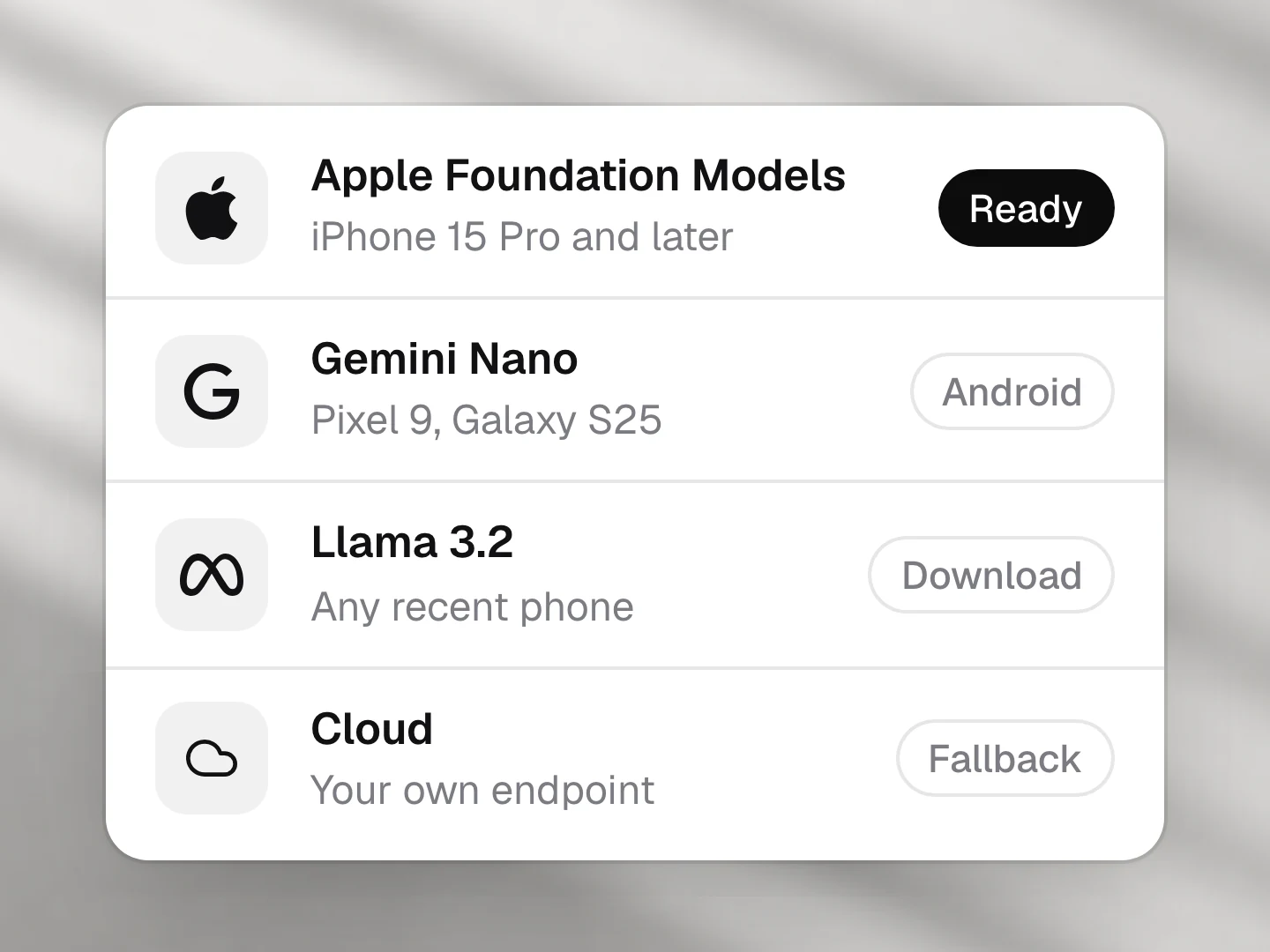
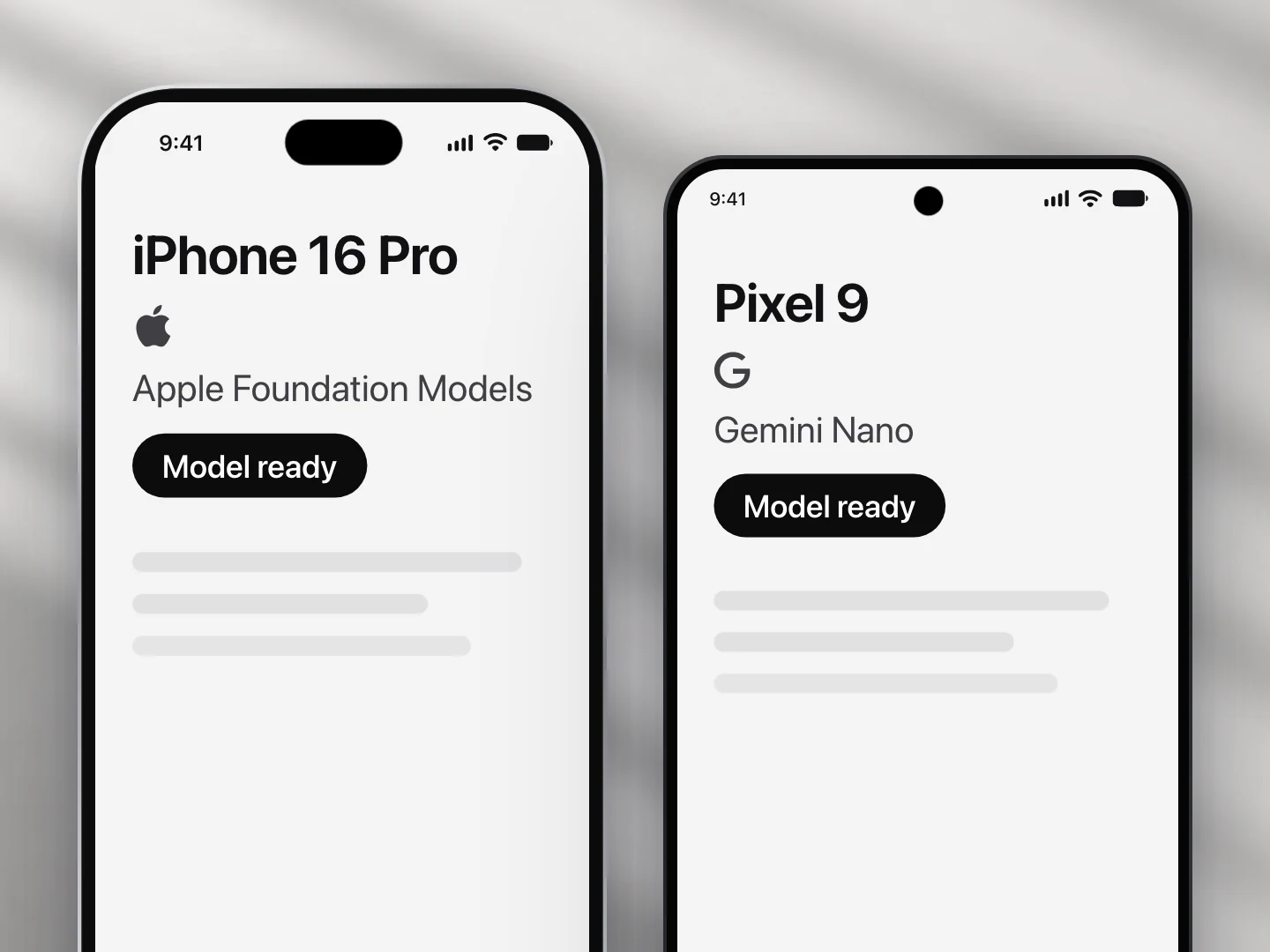
- For real inference: an iPhone with Apple Intelligence (iOS 26+) or an Android 14+ phone with AICore. Everything else works with the scripted mock.
1. Initialize
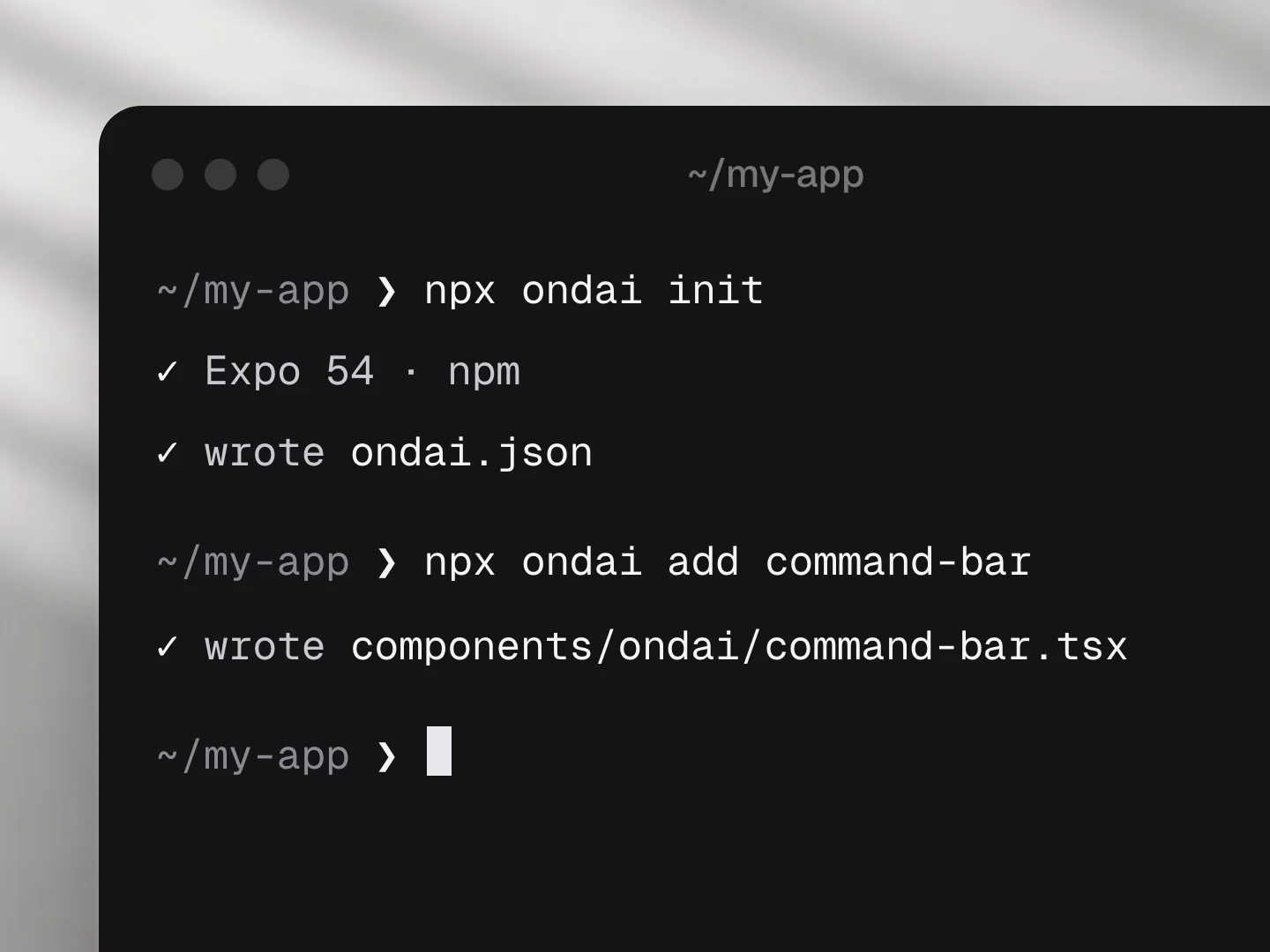
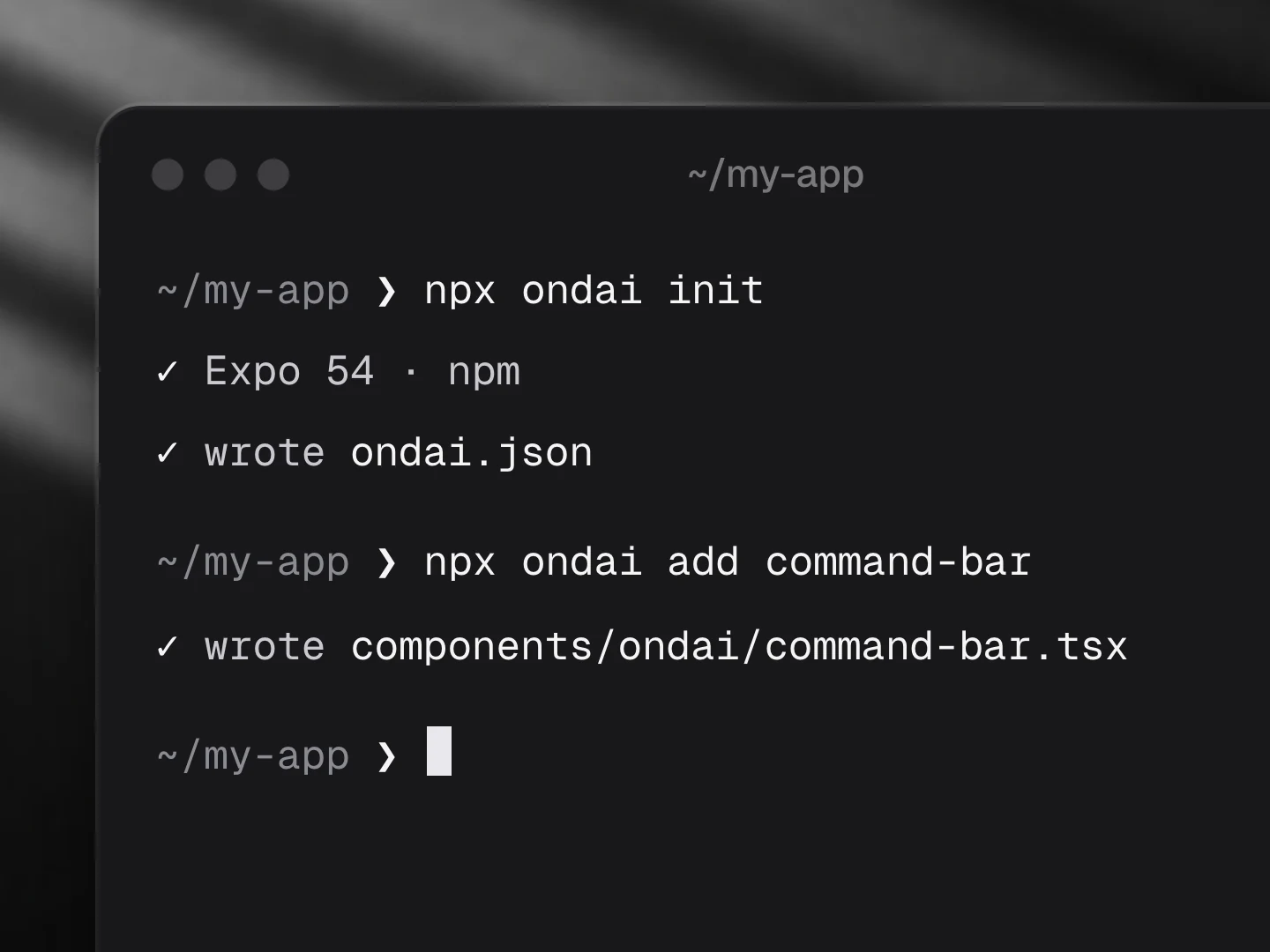
npx ondai initinit detects Expo or bare React Native and your package manager. It installs @ondai/core, @ondai/tokens, ai (v6), zod and the Callstack providers, writes ondai.json, adds components/ondai/provider.tsx and prints the native steps.
It works with npm, pnpm, yarn and bun (pick yours in the tabs). The CLI reads your lockfile, or the manager you ran it with in a new project, and in an Expo app installs through expo install, so native modules match your SDK. With pnpm, Expo works best with node-linker=hoisted in .npmrc.
2. Wrap your app
import { createOndai, OndaiProvider } from '@ondai/core'
import { appleAdapter } from '@ondai/core/apple'
import * as apple from '@react-native-ai/apple'

const ai = createOndai({
  providers: { apple: appleAdapter(apple) },
  policy: { order: ['apple', 'nano', 'cloud'], allowCloud: false, prewarm: 'on-focus' },
})

export default function App() {
  return <OndaiProvider value={ai} theme="void">{/* app */}</OndaiProvider>
}
On Android, add nano: nanoAdapter(adk) from @ondai/core/adk and @react-native-ai/adk. Load providers per platform so the other platform's native module is never required.
3. Polyfills
The AI SDK needs two polyfills on React Native. Create polyfills.ts and import it first in your entry file:
import { Platform } from 'react-native'
if (Platform.OS !== 'web') {
  const g = globalThis as Record<string, unknown>
  if (typeof g.structuredClone !== 'function') g.structuredClone = require('@ungap/structured-clone').default
  if (typeof g.TextEncoderStream !== 'function') {
    const { TextEncoderStream, TextDecoderStream } = require('@stardazed/streams-text-encoding')
    g.TextEncoderStream = TextEncoderStream
    g.TextDecoderStream = TextDecoderStream
  }
}
4. Add components
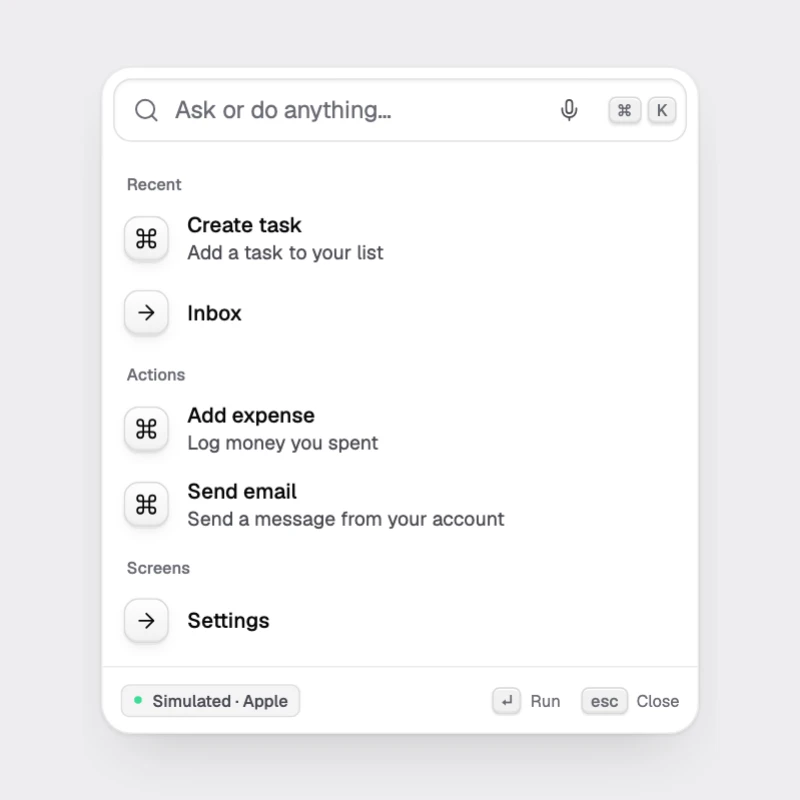
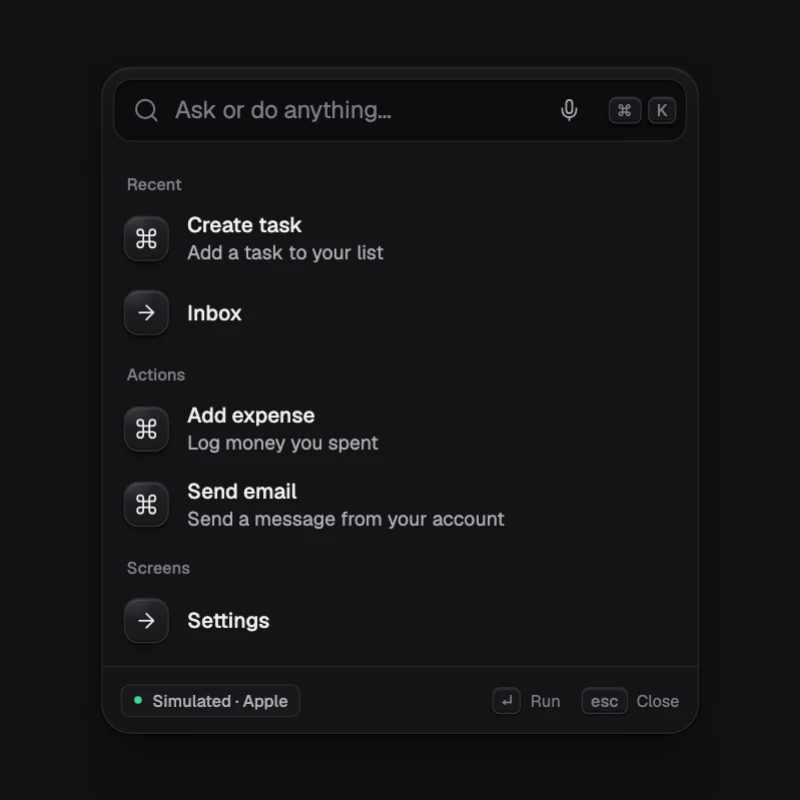
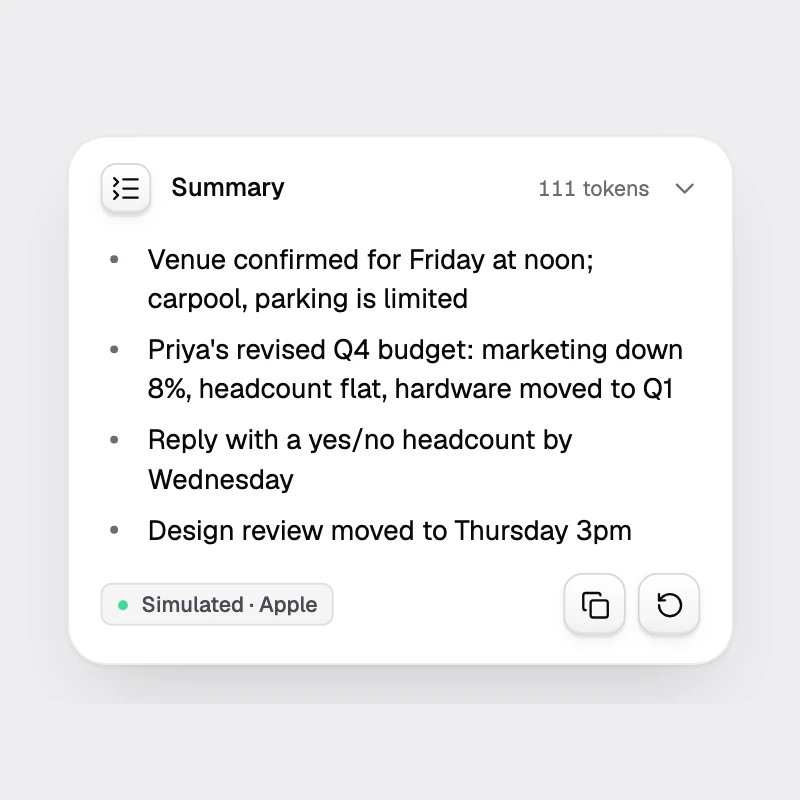
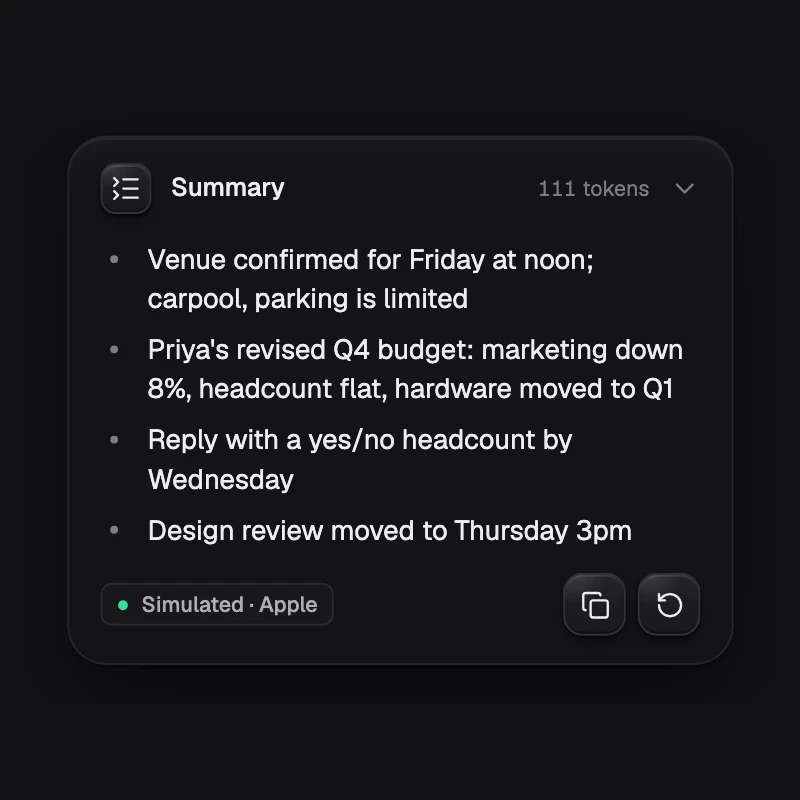
npx ondai add command-bar summarizeFiles land in components/ondai/<name>/. Dependencies, including other registry components, install automatically.
5. Rebuild
npx expo prebuild && npx expo run:iosSomething off? Run npx ondai doctor. It checks Node, React Native, Reanimated, the ai major version, polyfills, the New Architecture flag and the Android minSdkVersion (26 for Gemini Nano).