How it works
From npx ondai add to an answer on the phone: the source, the router, the model, and what happens when there is none.
- Apple Foundation Models: supported
- Gemini Nano: supported
- Llama (not yet supported): not supported
- A cloud model: not supported
Pure UI. No model needed, so it runs everywhere.
The source is yours
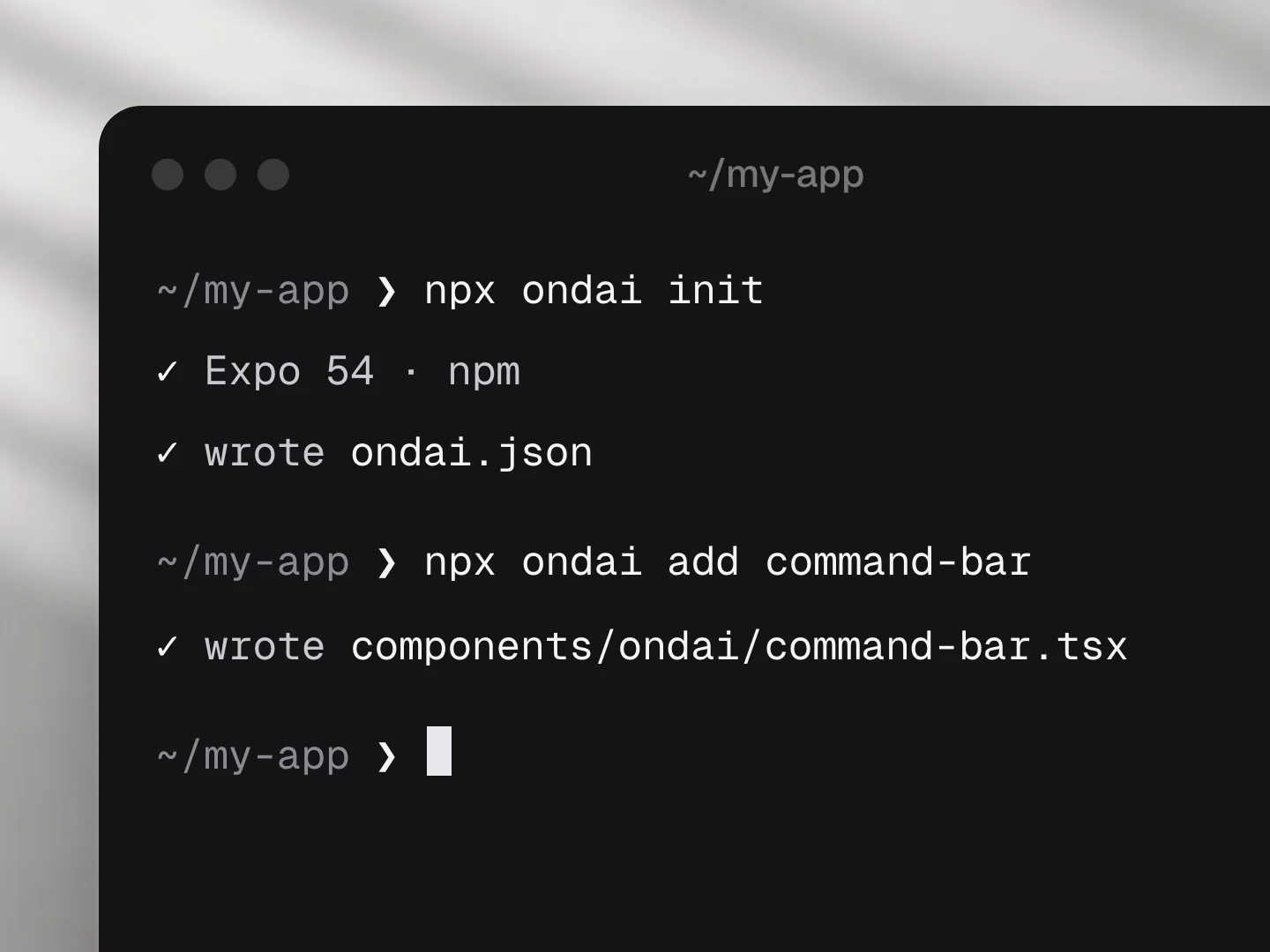
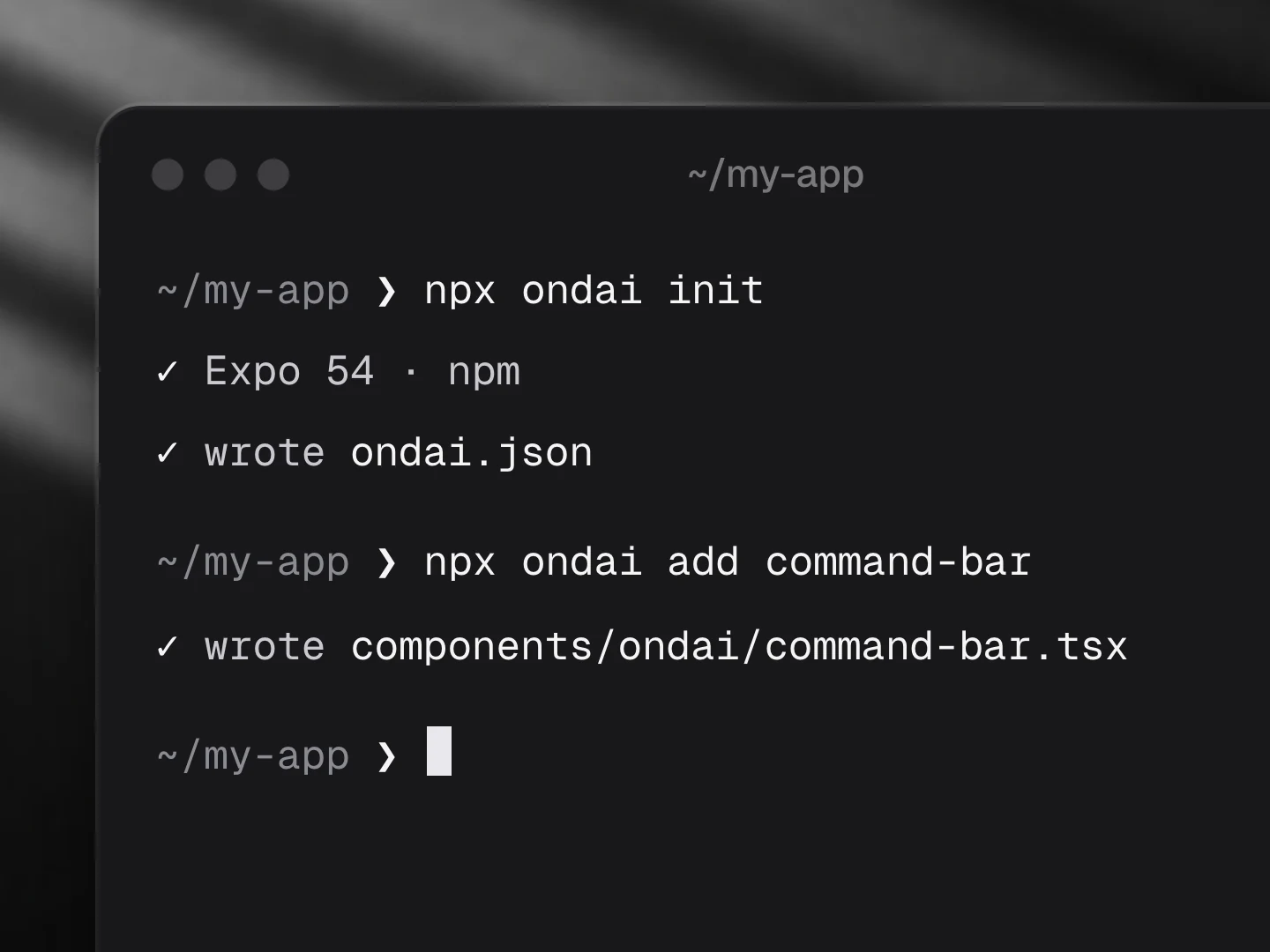
npx ondai add command-bar copies the component's source into your repo, with its prompts, its schema and its states. There is no runtime package to update and no service to sign up for. Change any line.
The router picks a model
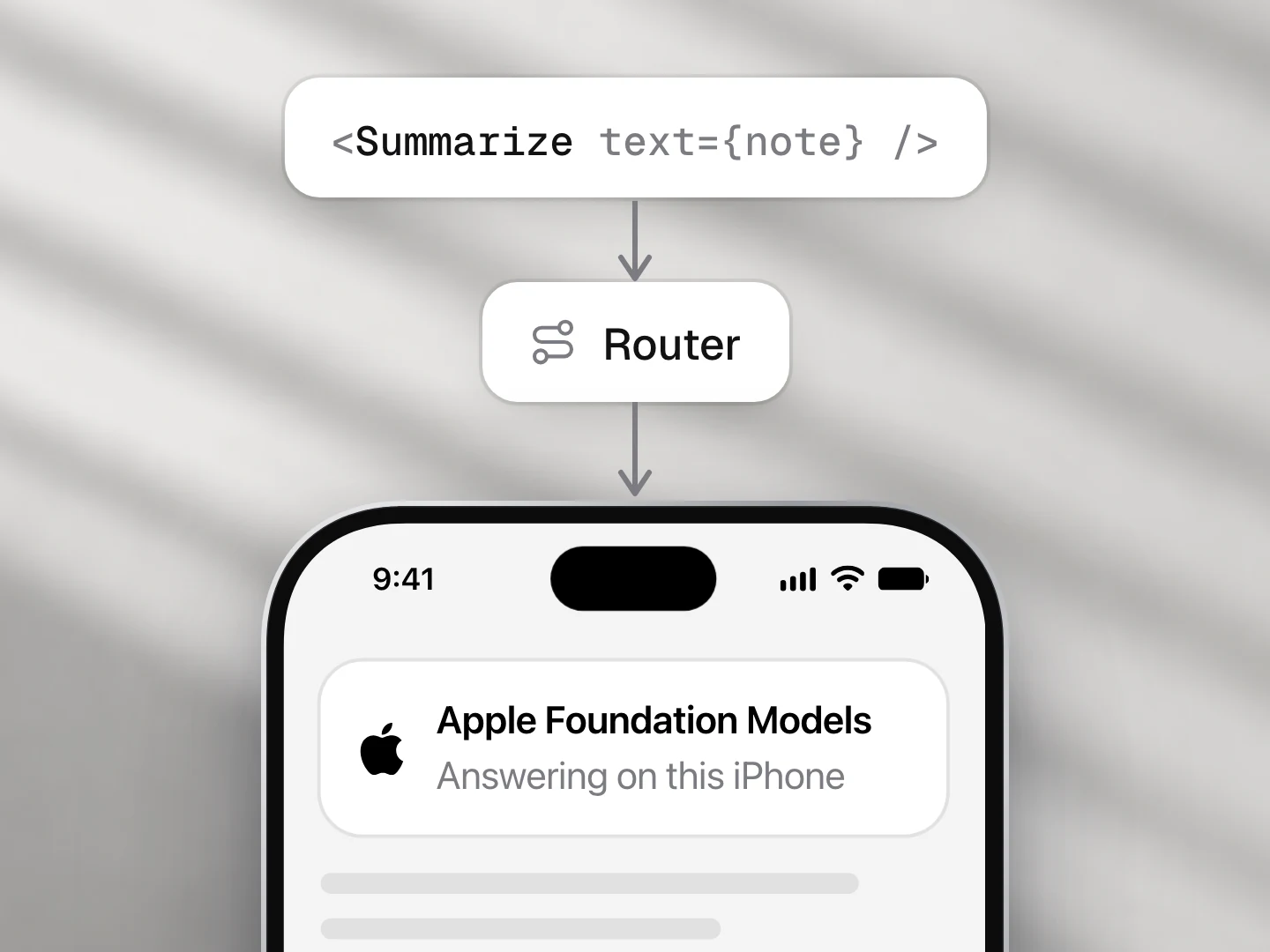
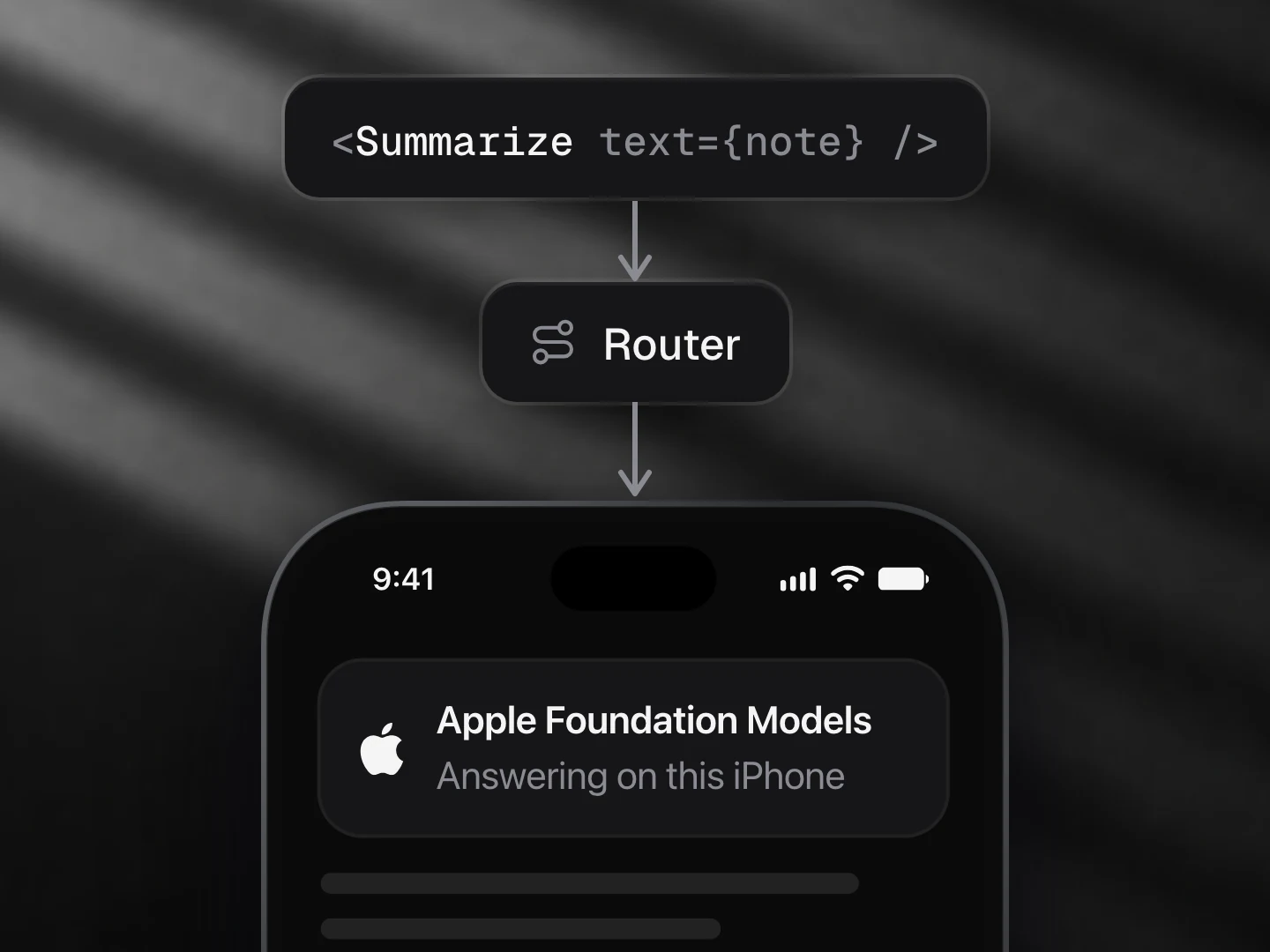
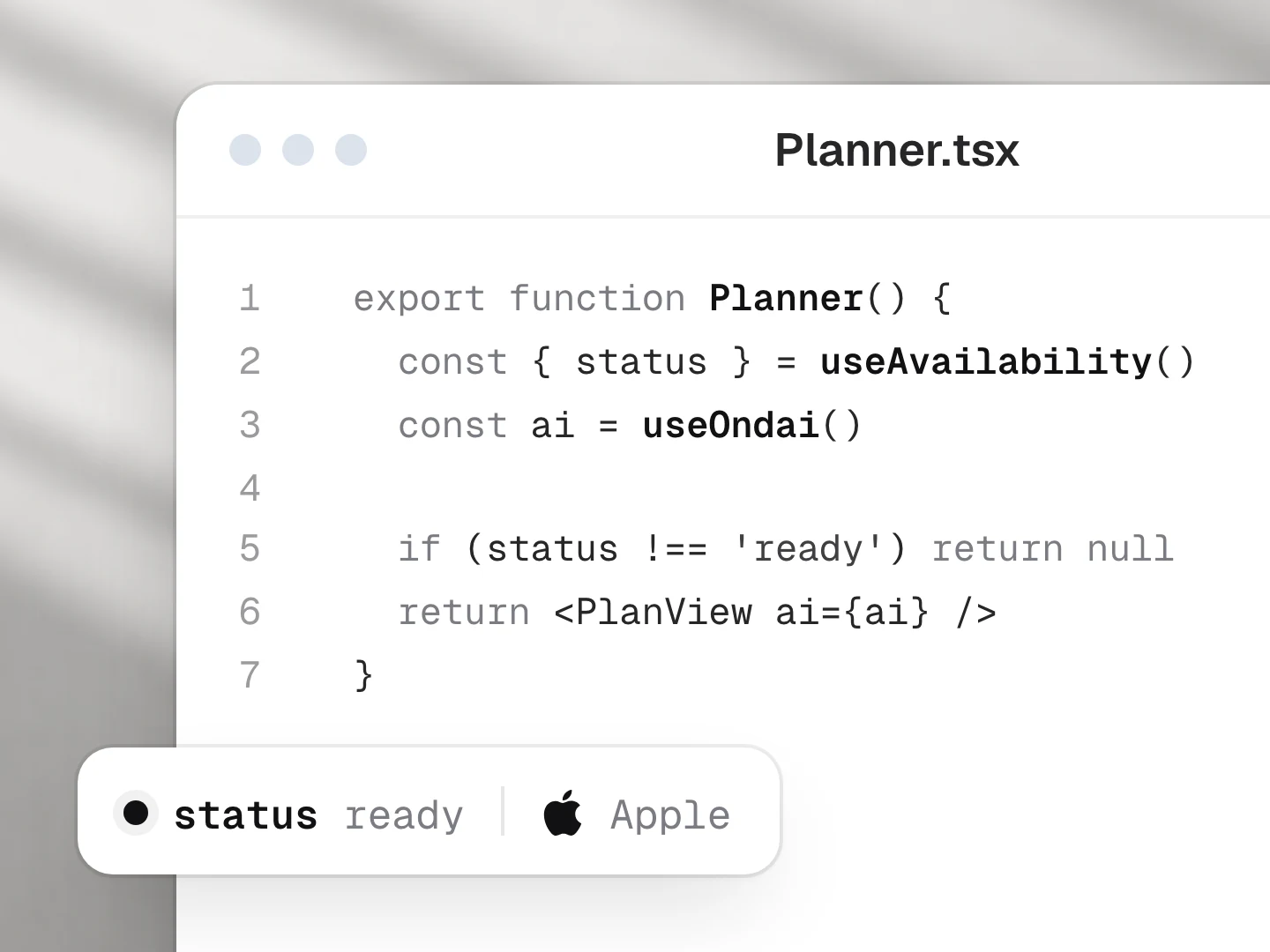
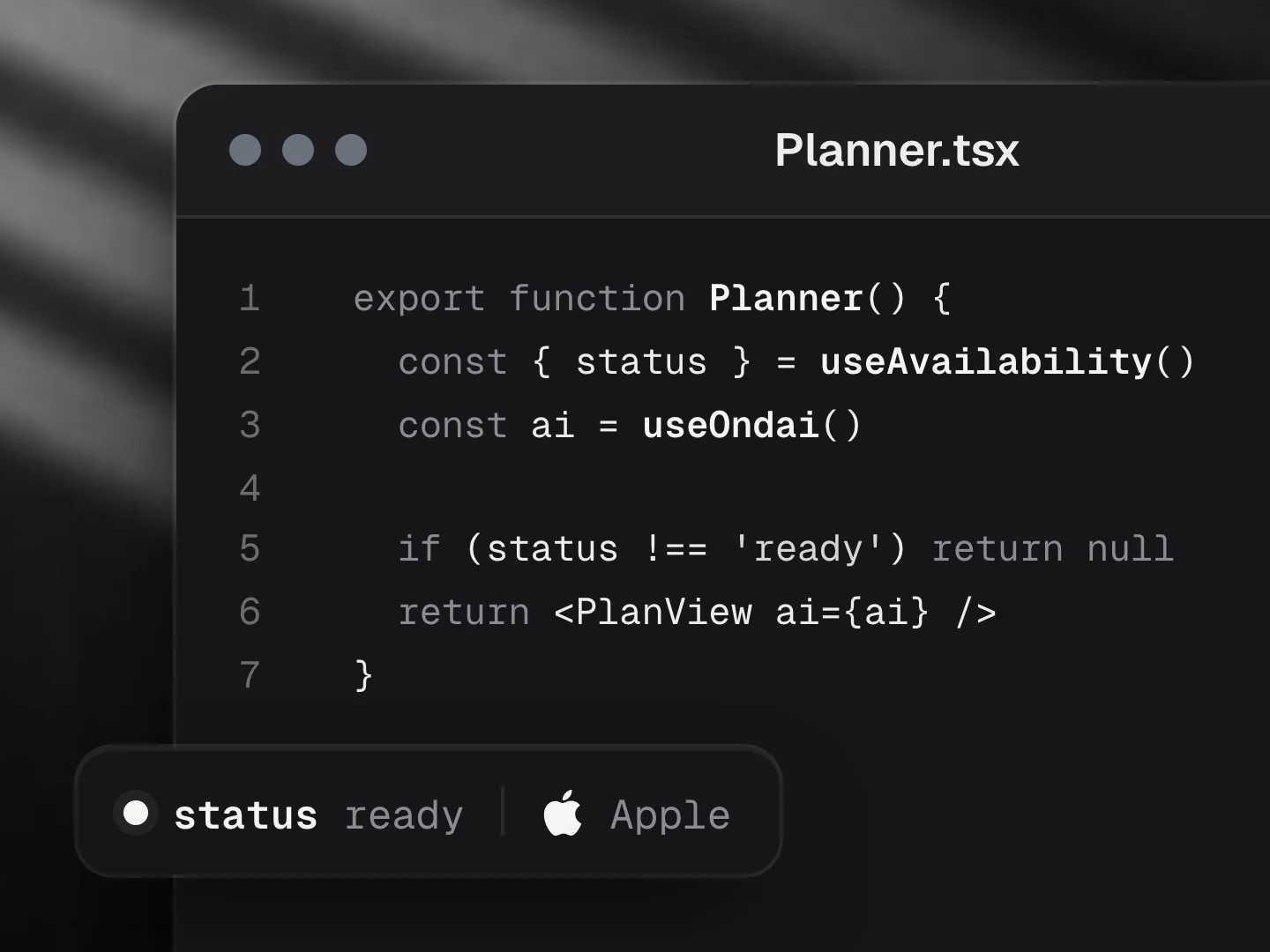
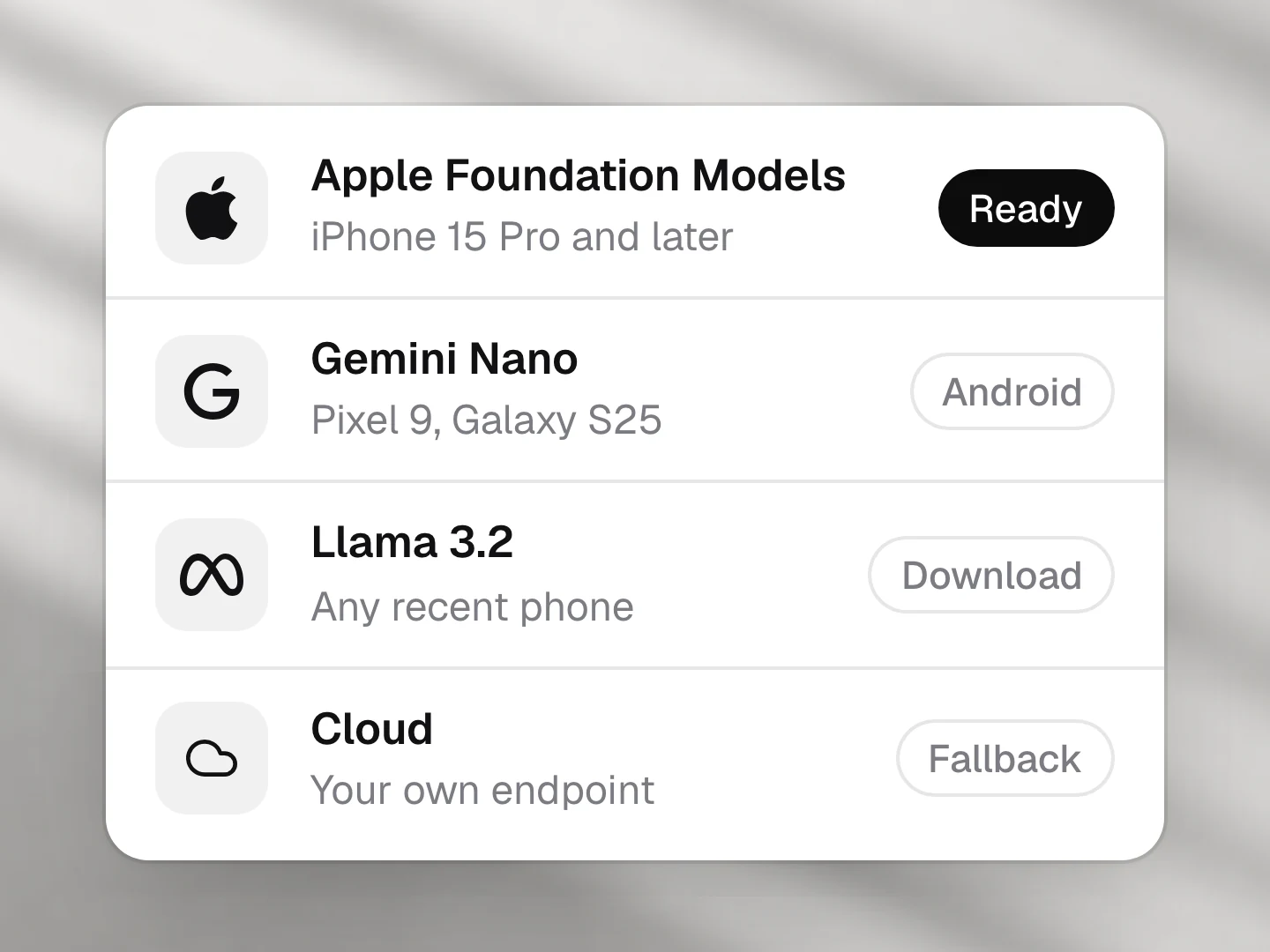
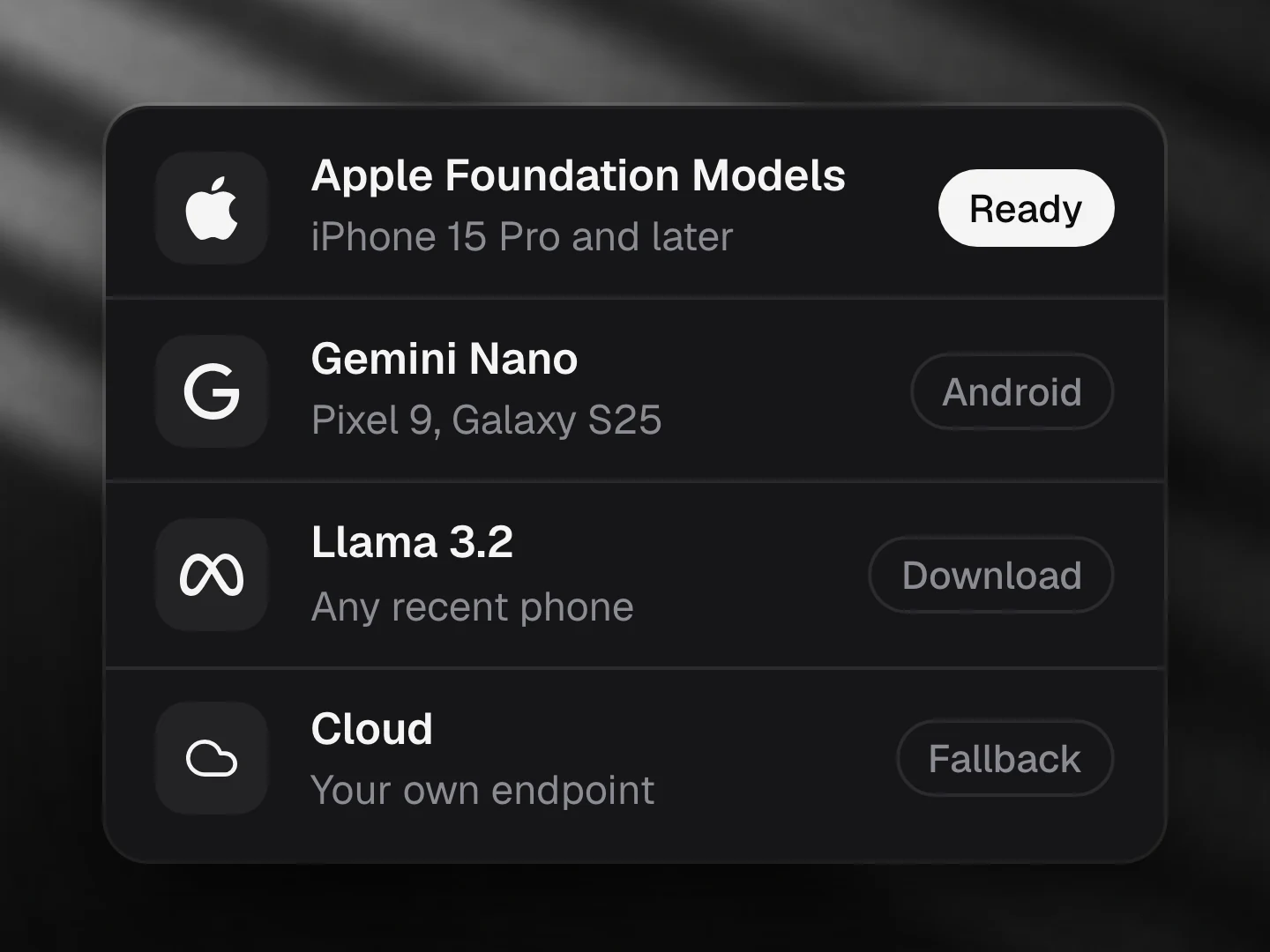
At runtime, @ondai/core asks each provider whether it is ready on this phone, in order:
| Order | Model | Where it runs |
|---|---|---|
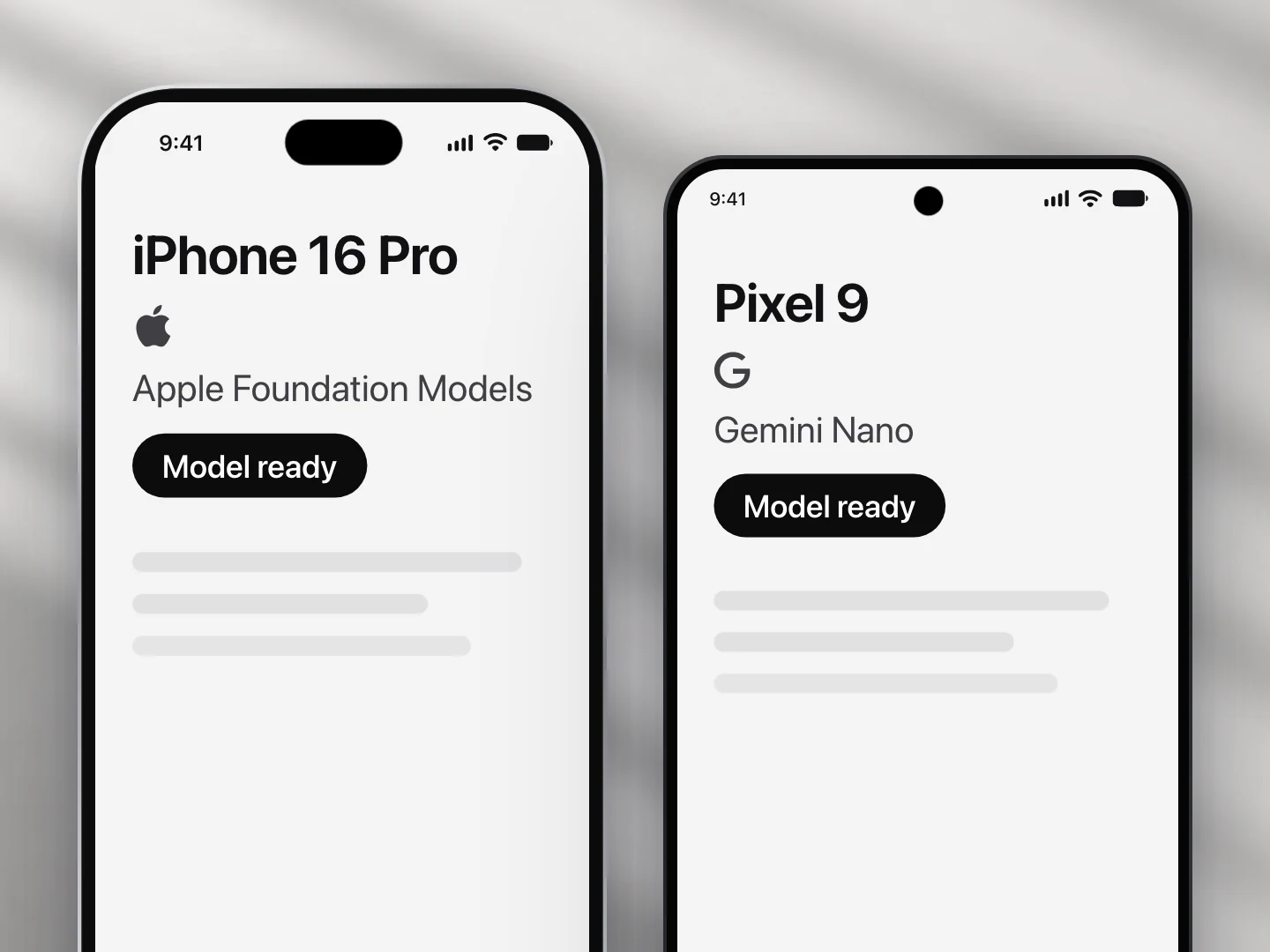
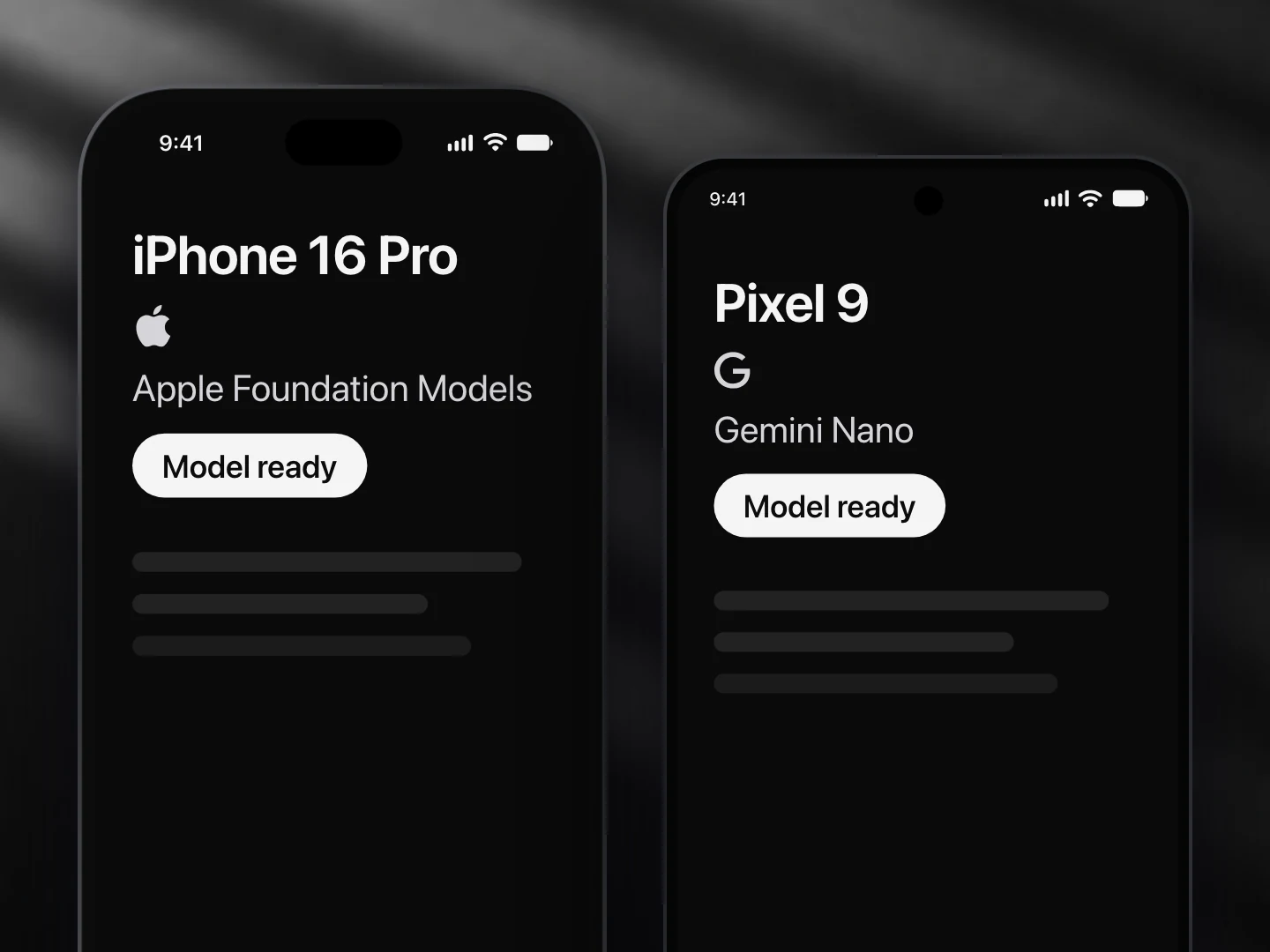
| First | Apple Foundation Models | iPhone 15 Pro and newer, iOS 26, Apple Intelligence on |
| Then | Gemini Nano | Pixel 9 and newer, recent Galaxy and others, Android 14 with AICore |
| Not yet | Llama, through llama.rn | The adapter exists, but llama.rn does not support the React Native version Ondai targets yet |
| Last | A cloud model | Only if you set allowCloud: true |
The component never names a provider. It asks for what it needs (text, structured output, tools) and the router hands it the first model that can do it. See Providers and Device support for the details.
The model runs on the phone
The prompt, the answer and the user's data stay on the device. No API key, no token bill, and it works in airplane mode. Each component budgets its prompt for a 4,096-token context, so it stays fast on a 3B model. See Small-model guidelines.
Every state is designed
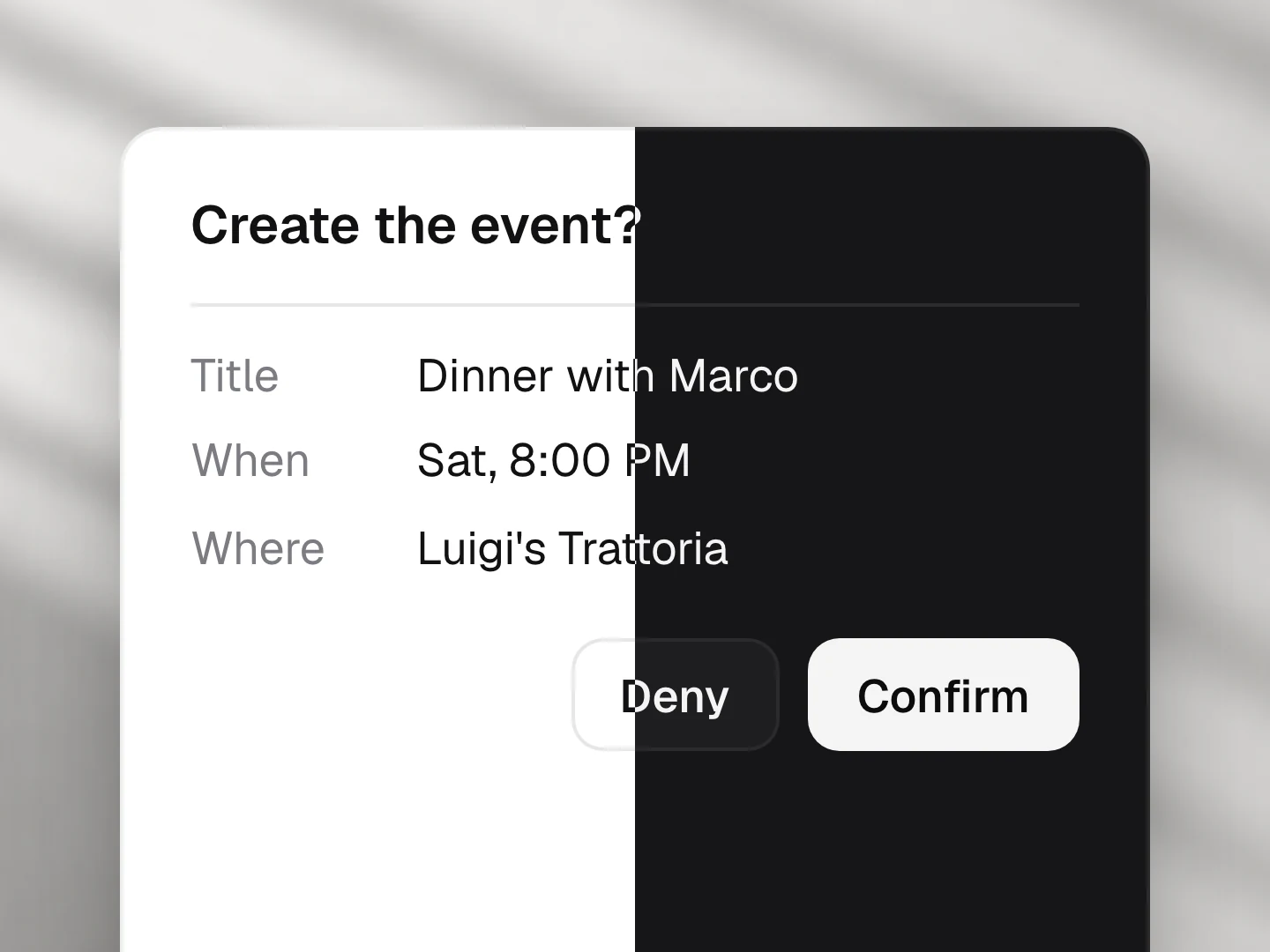
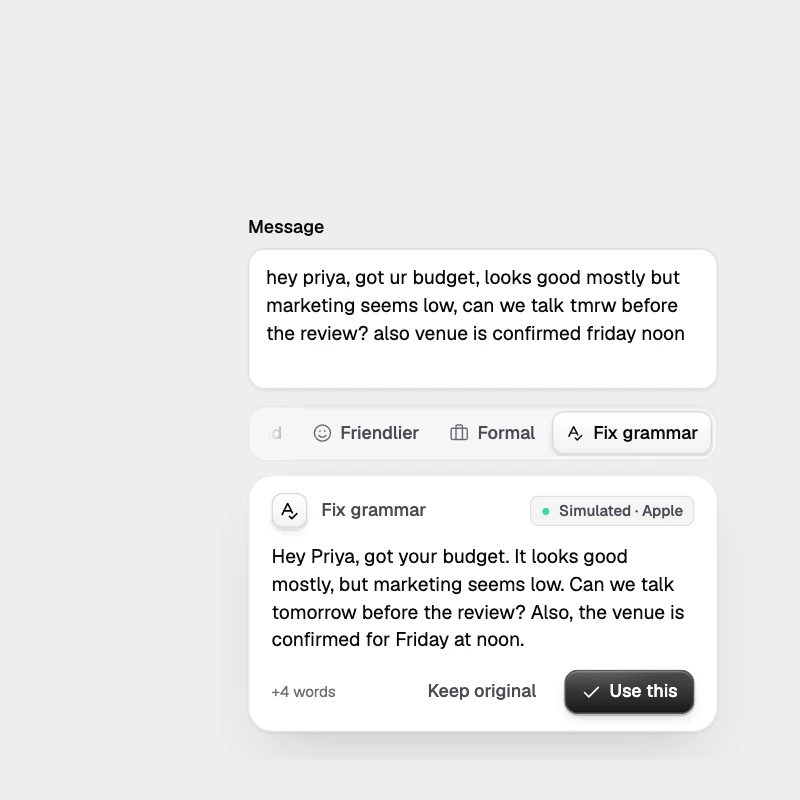
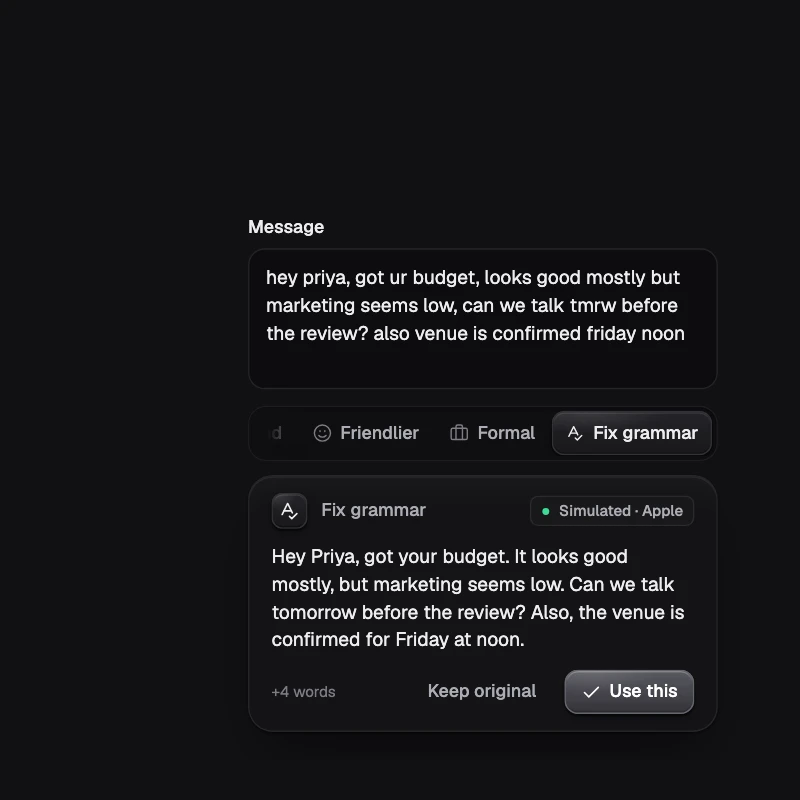
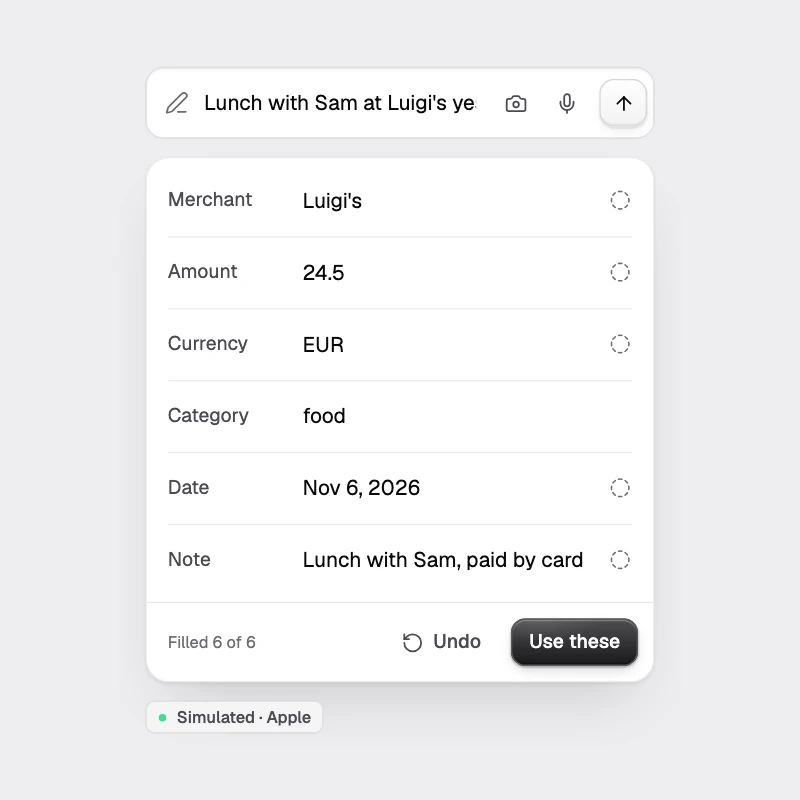
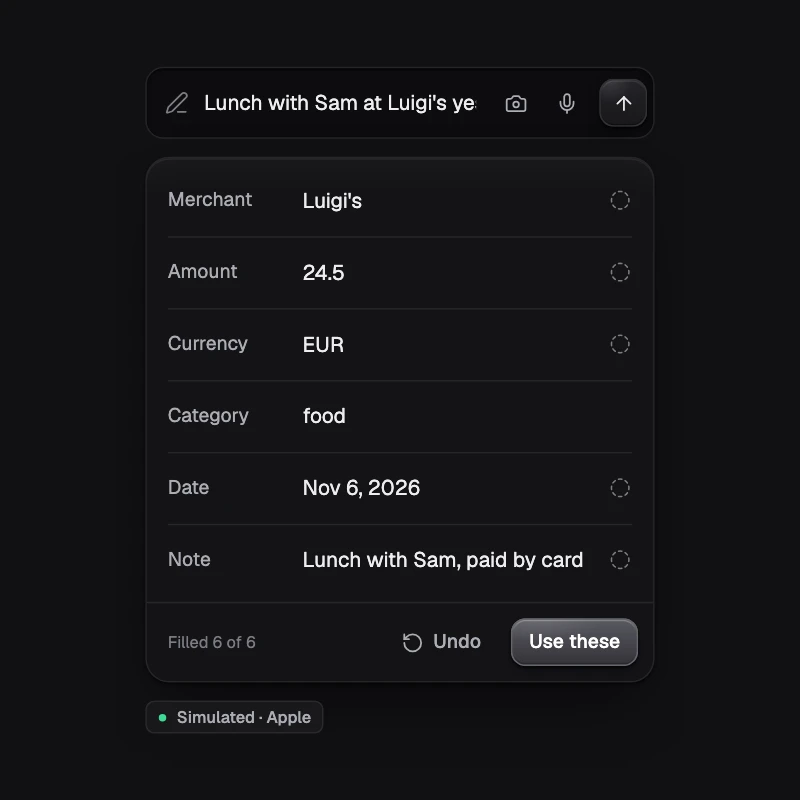
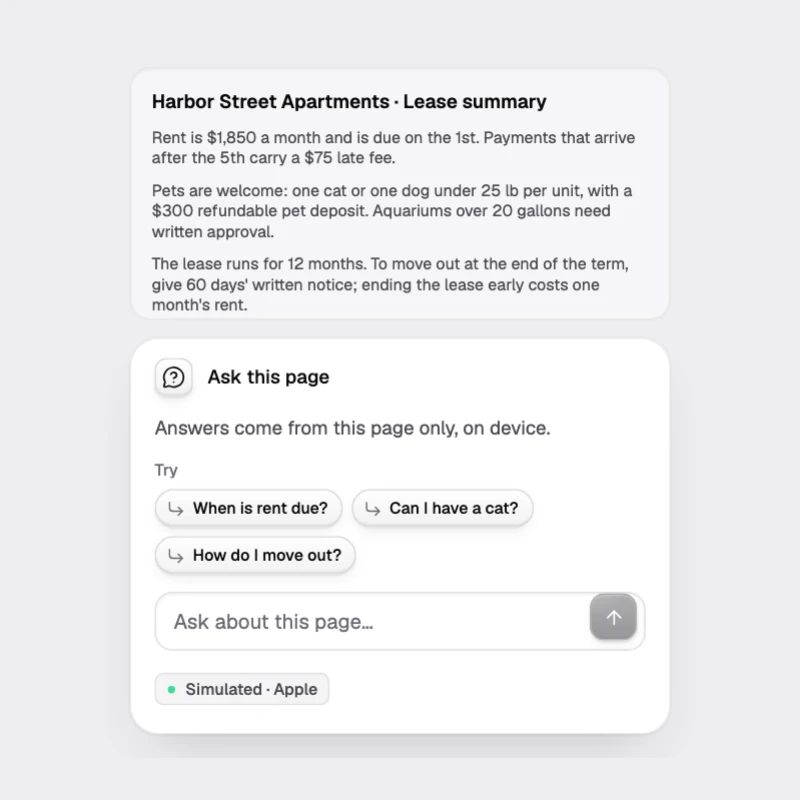
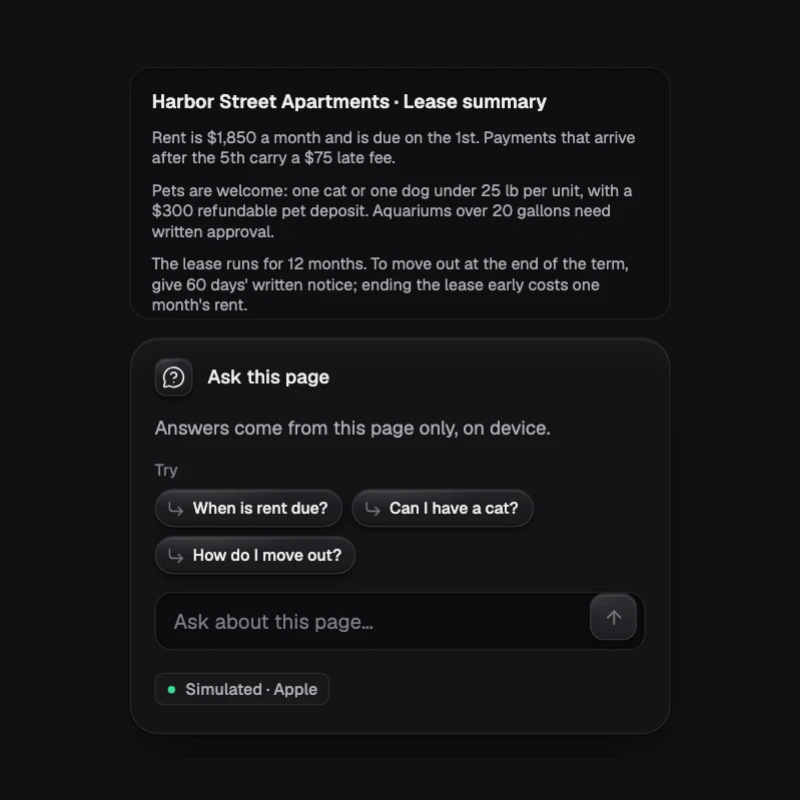
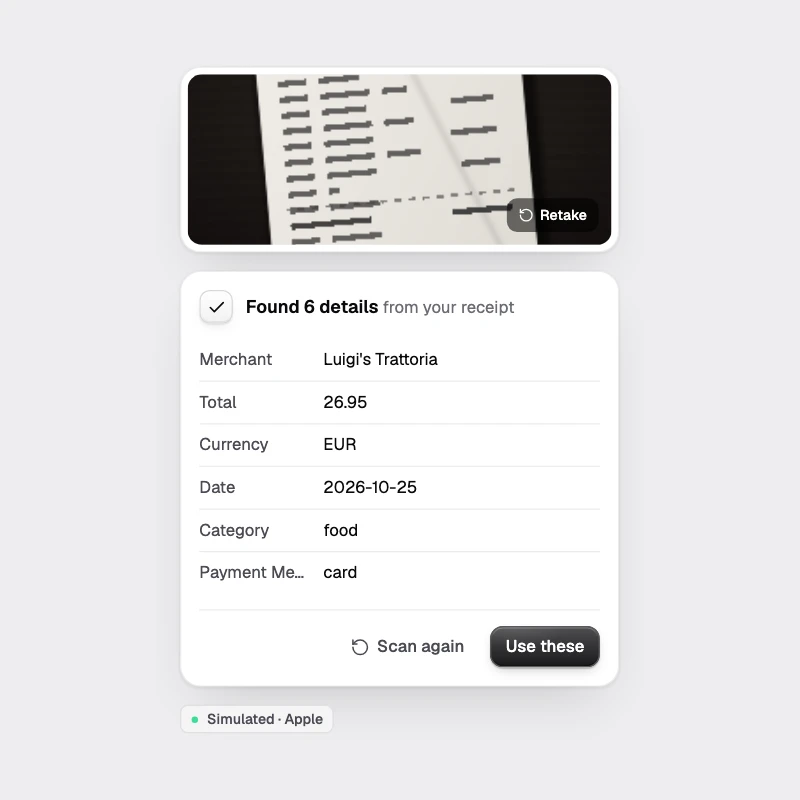
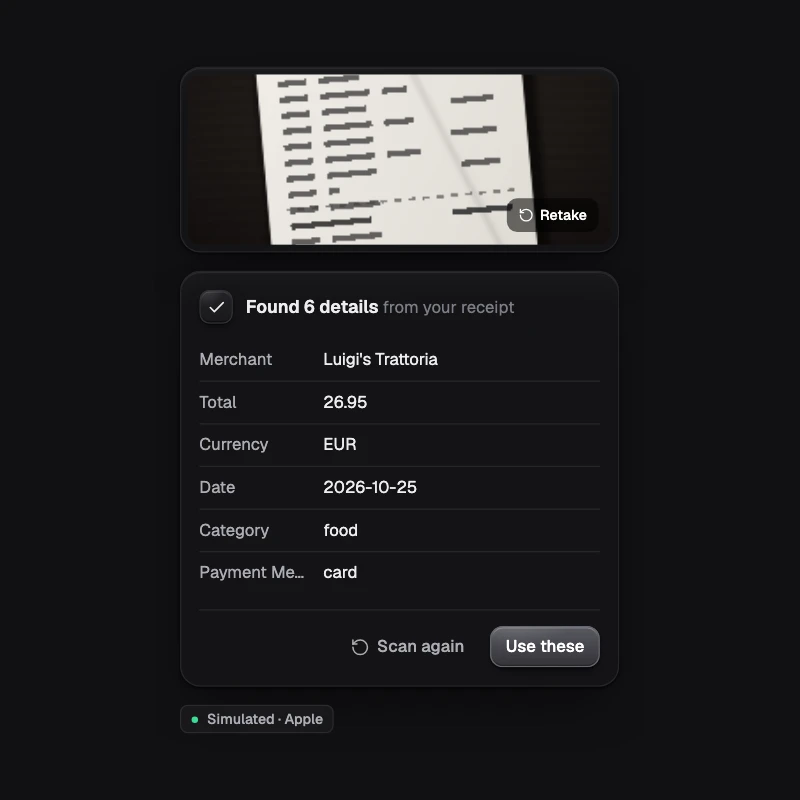
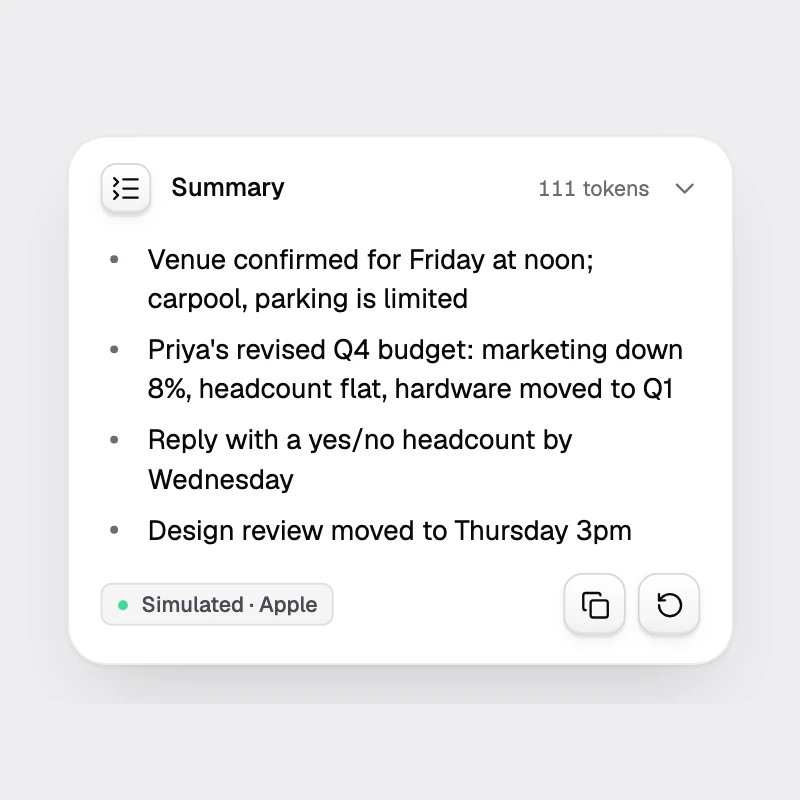
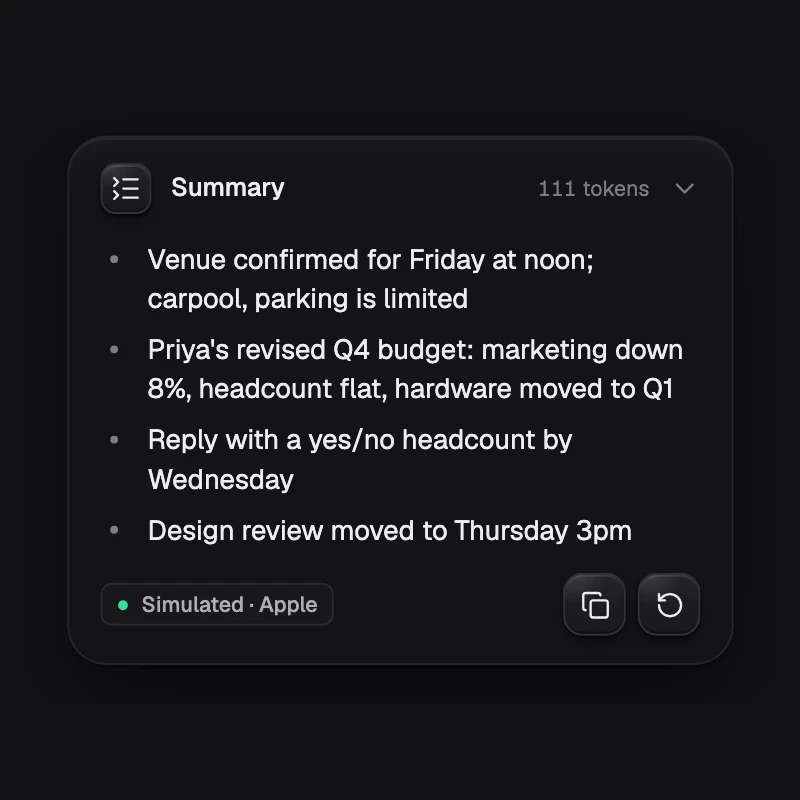
A component moves through the same states everywhere: idle, thinking, streaming, a tool asking to run, done, an error, a refusal. Each has its own look, so the user always knows what the model is doing.
When there is no model
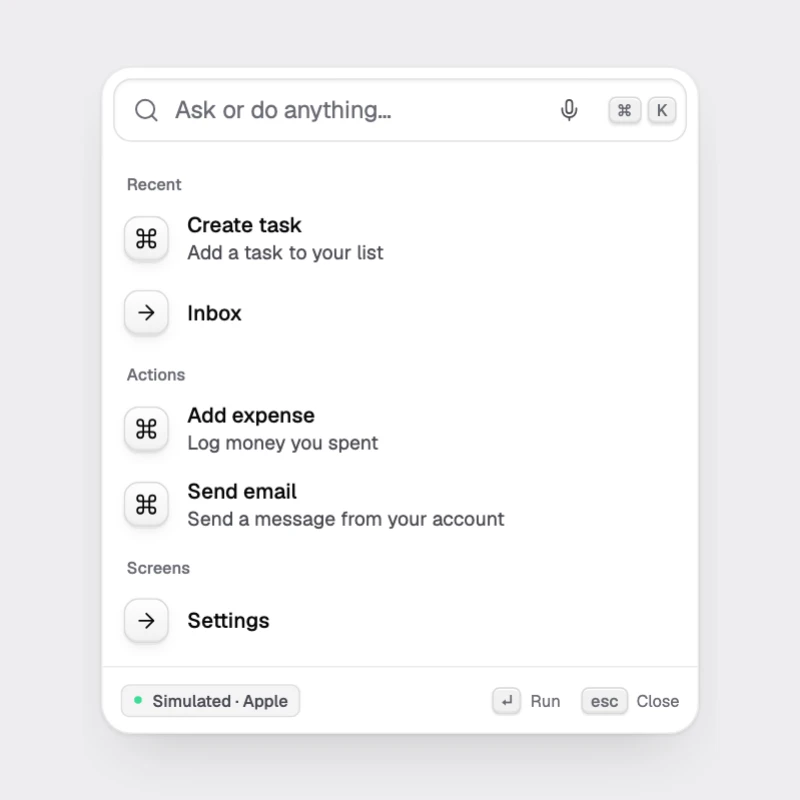
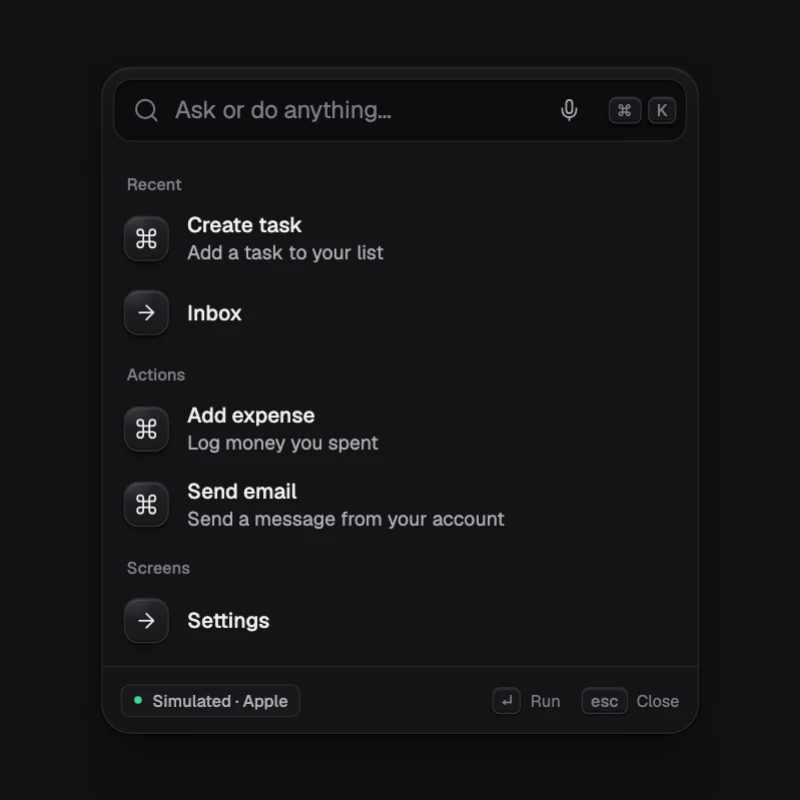
On a phone without a built-in model, the component shows a calm empty state with a way to enable one. Components with a plain path keep working without a model: CommandBar falls back to keyword search, SemanticSearch to keyword matching.