Scan to data
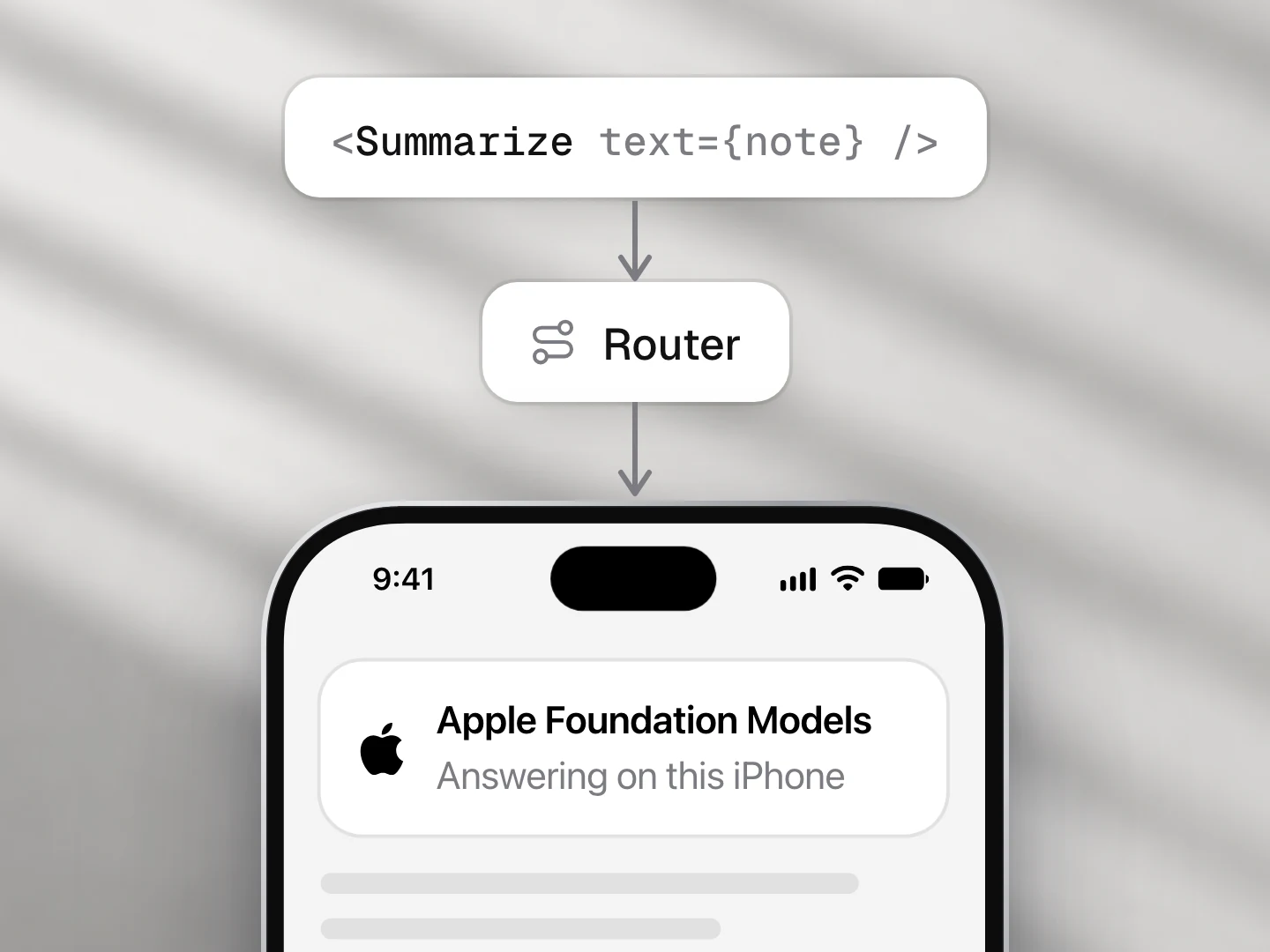
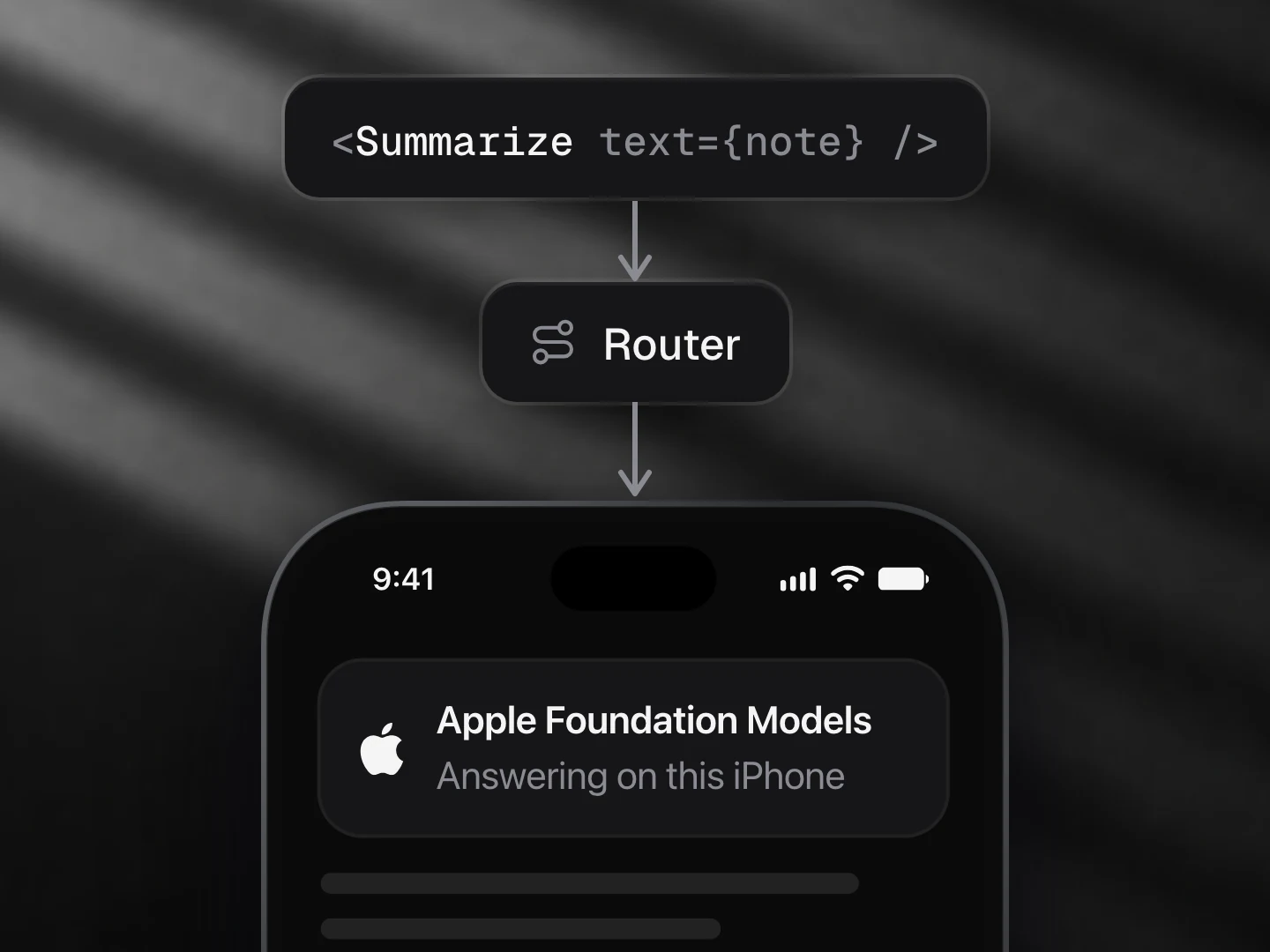
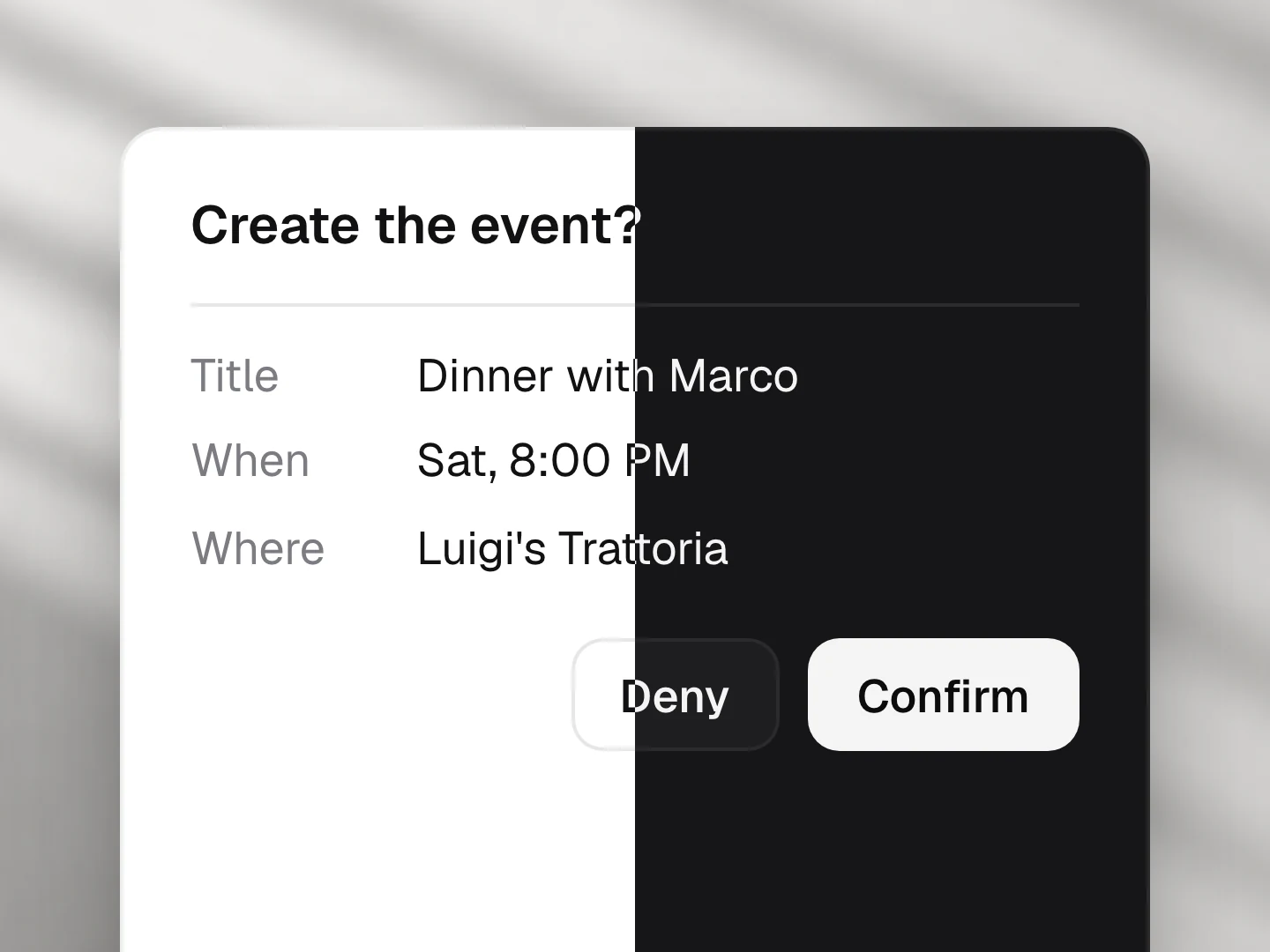
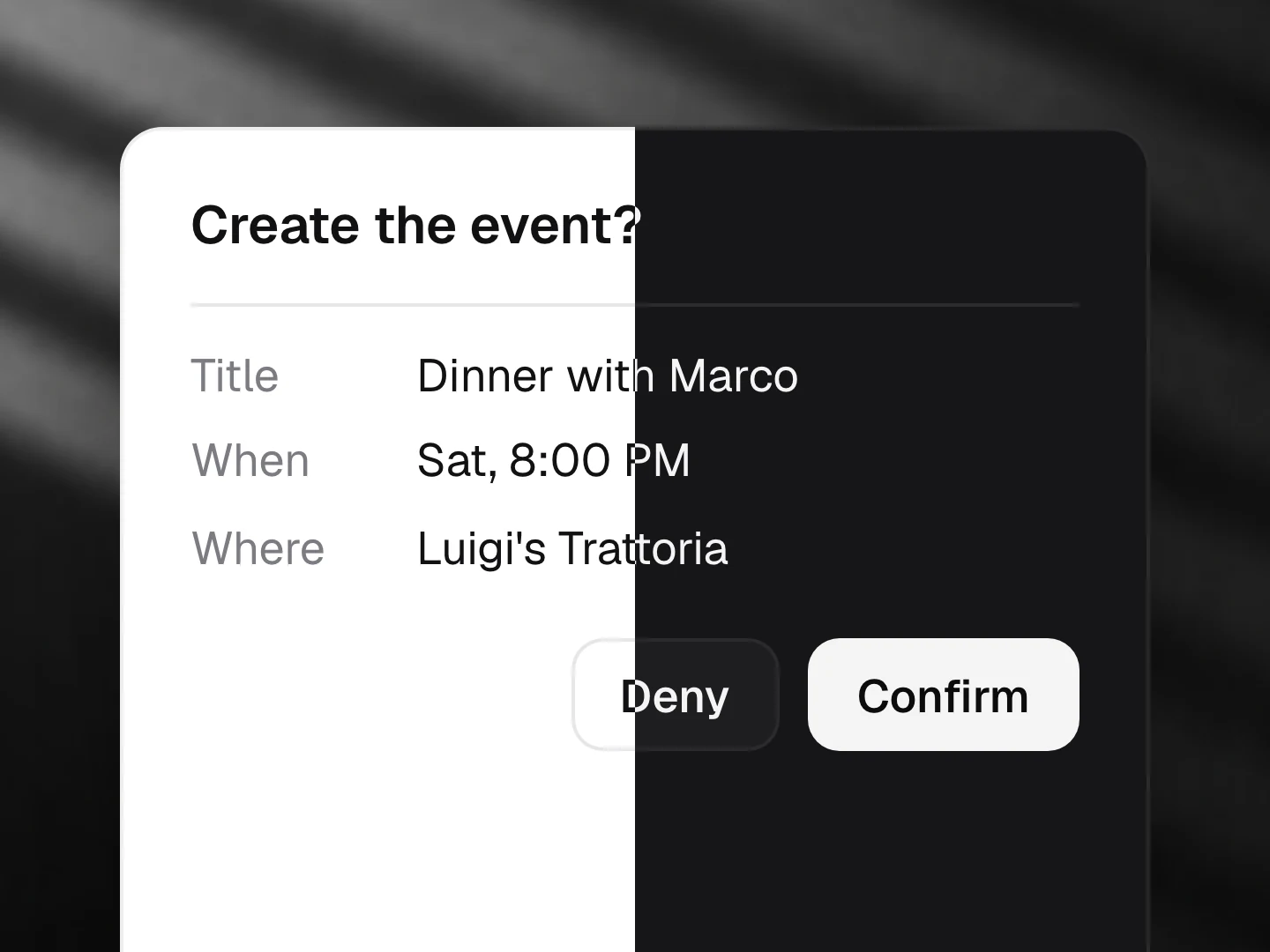
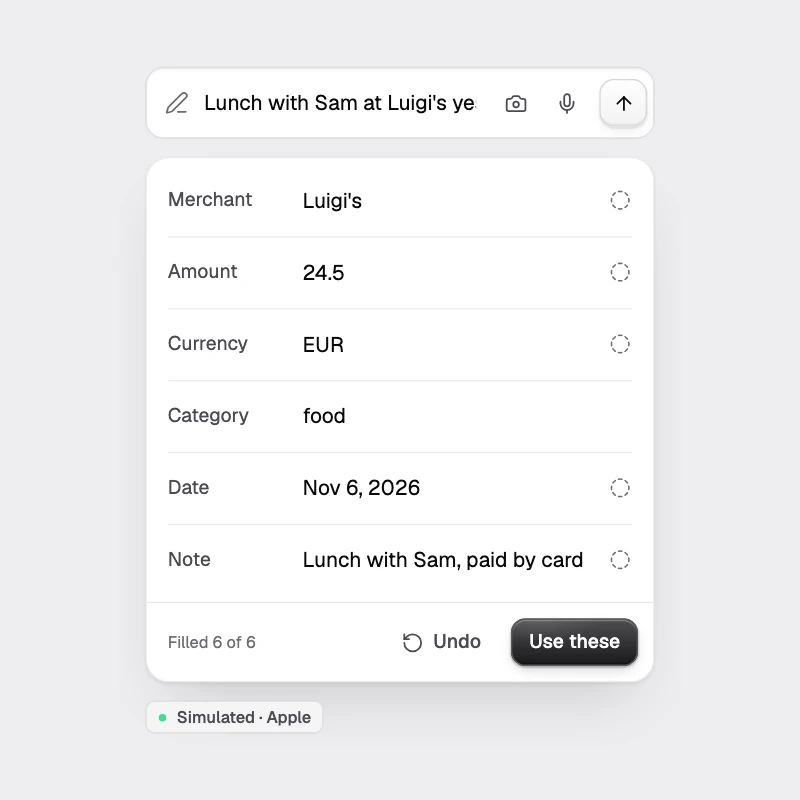
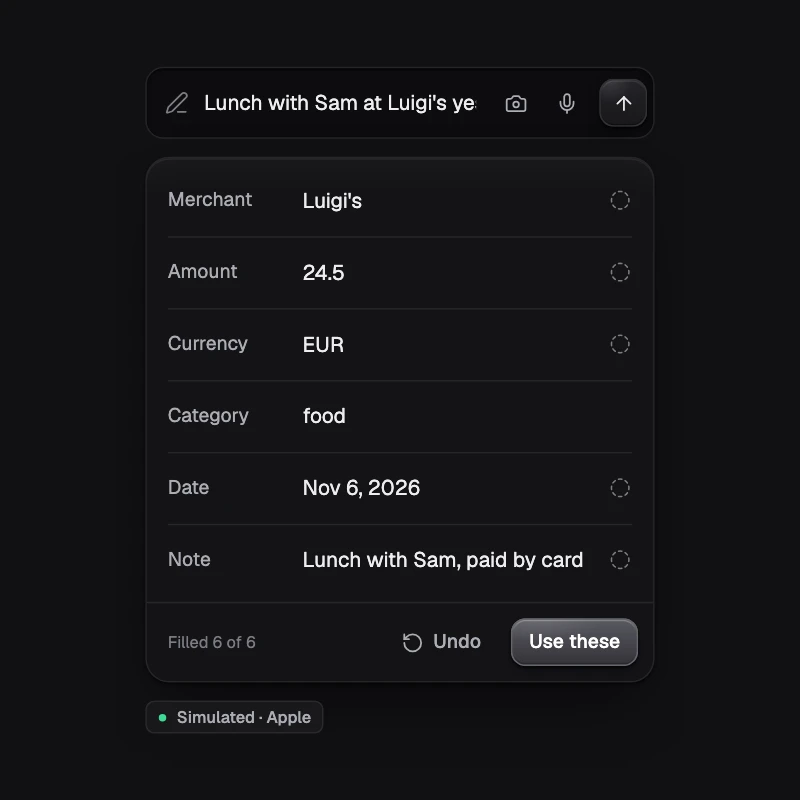
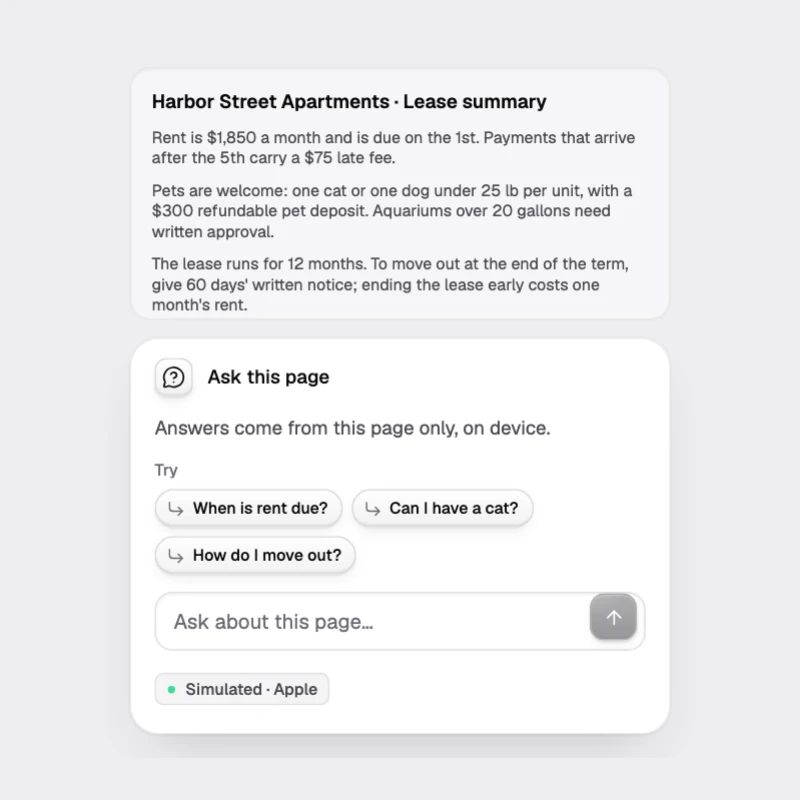
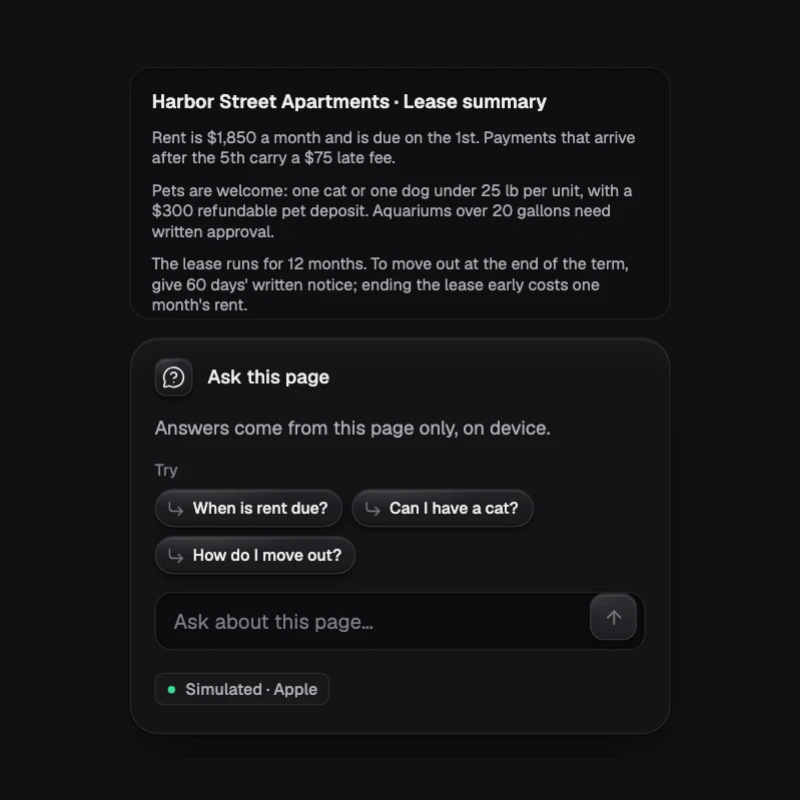
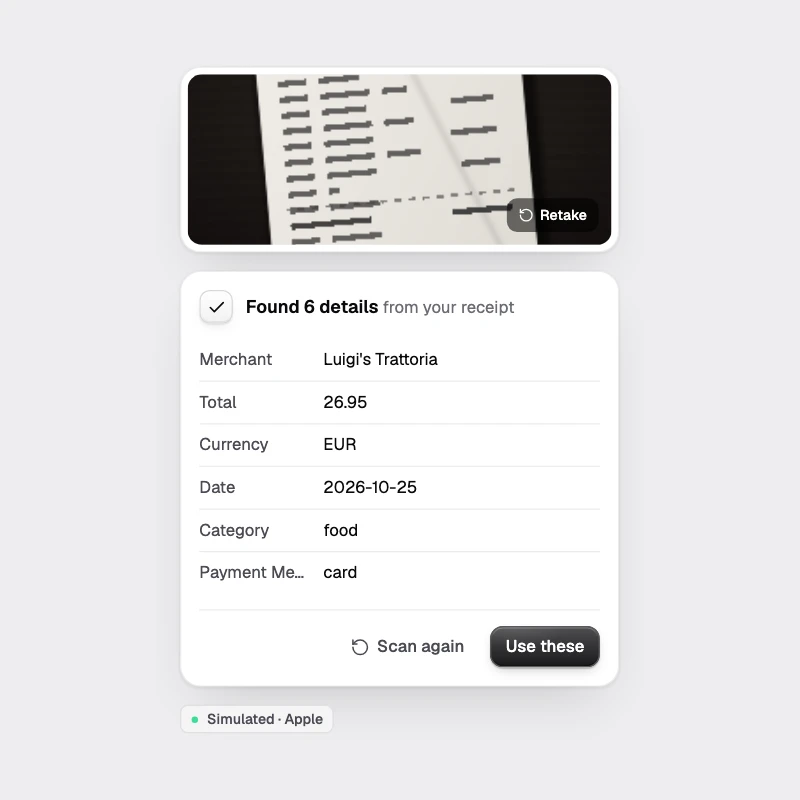
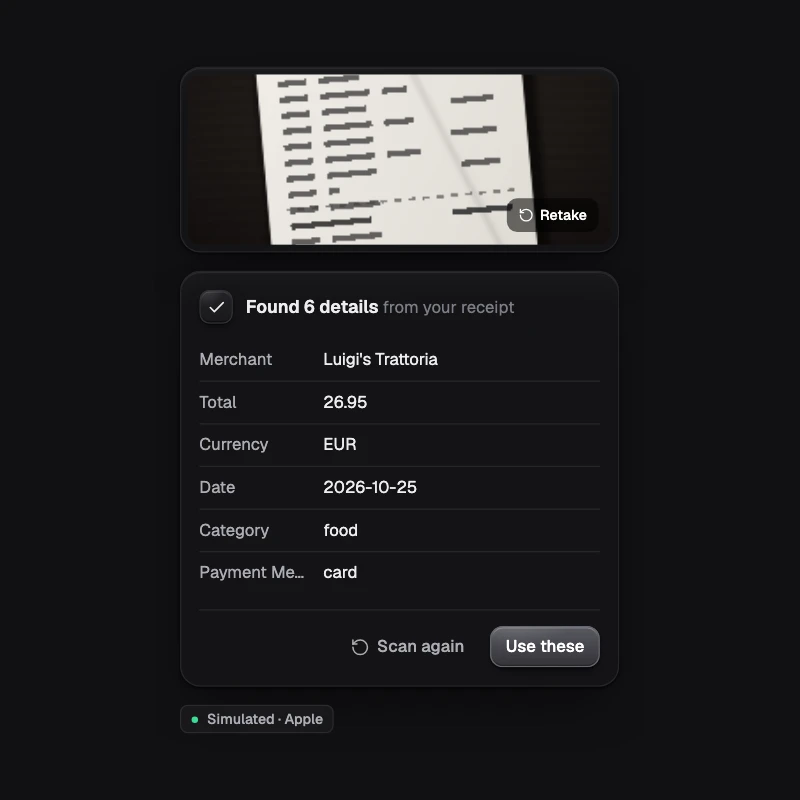
Camera or photo becomes structured data (receipt, business card, event, or your own schema) via on-device OCR and the local model.
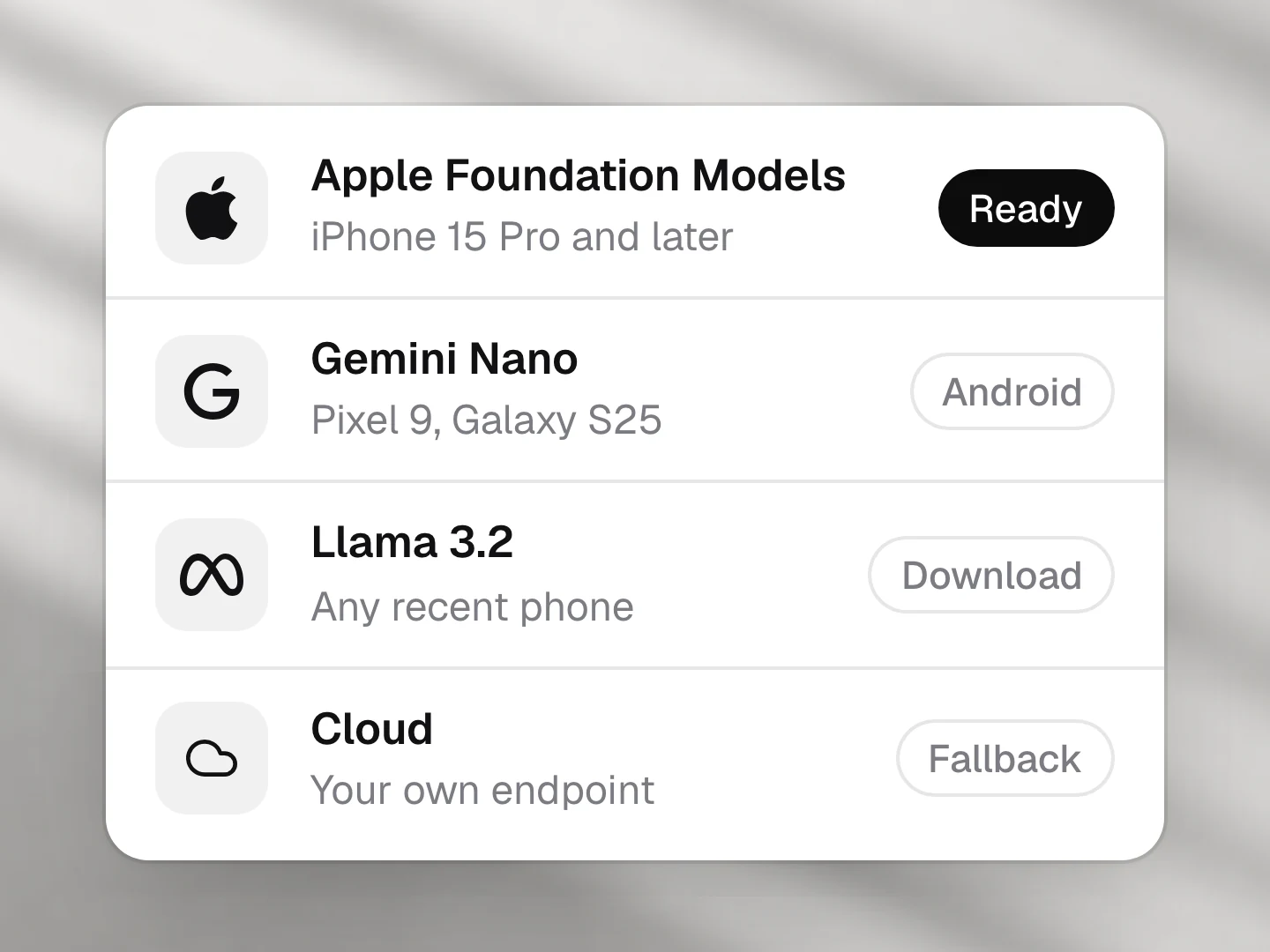
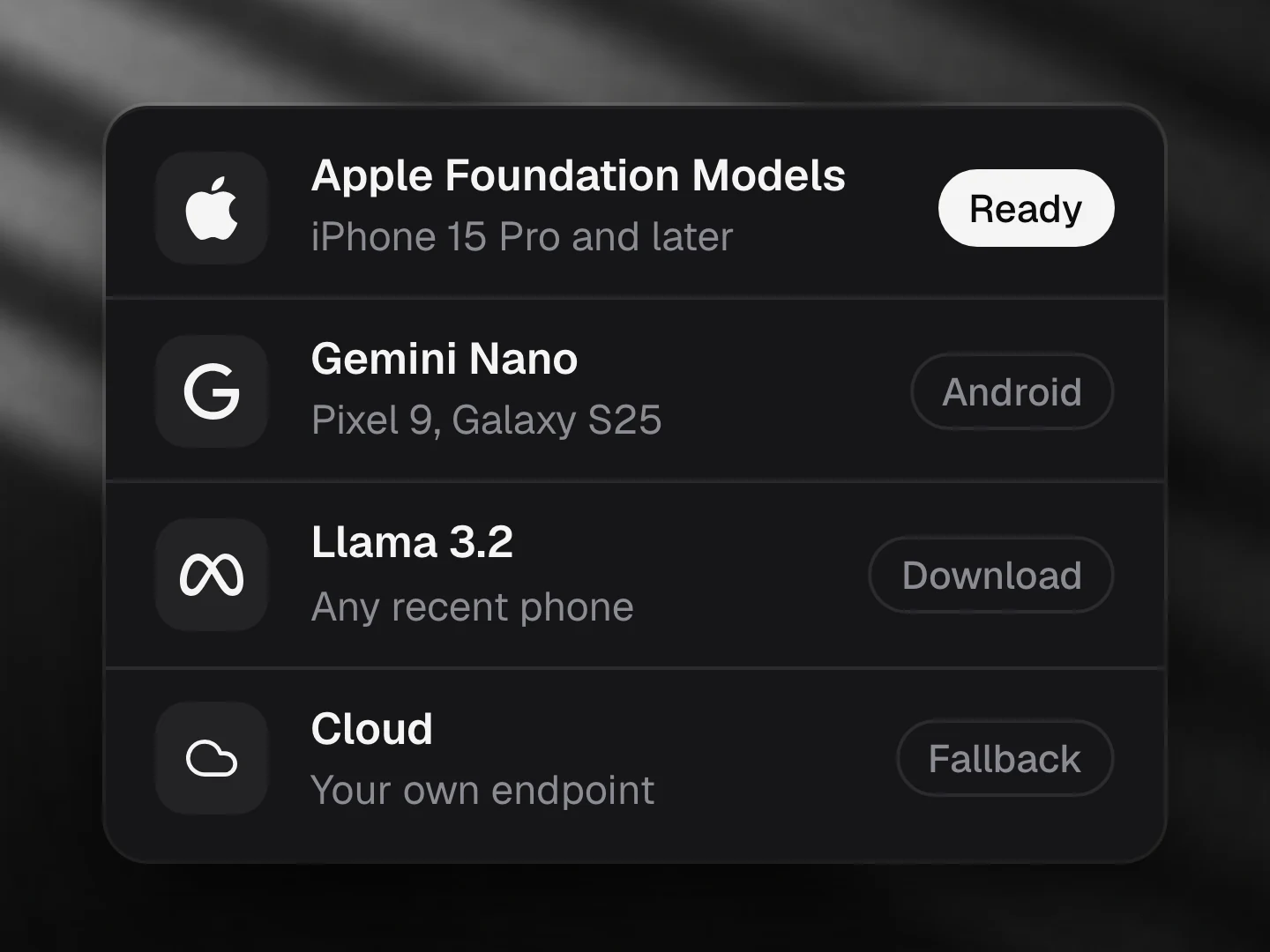
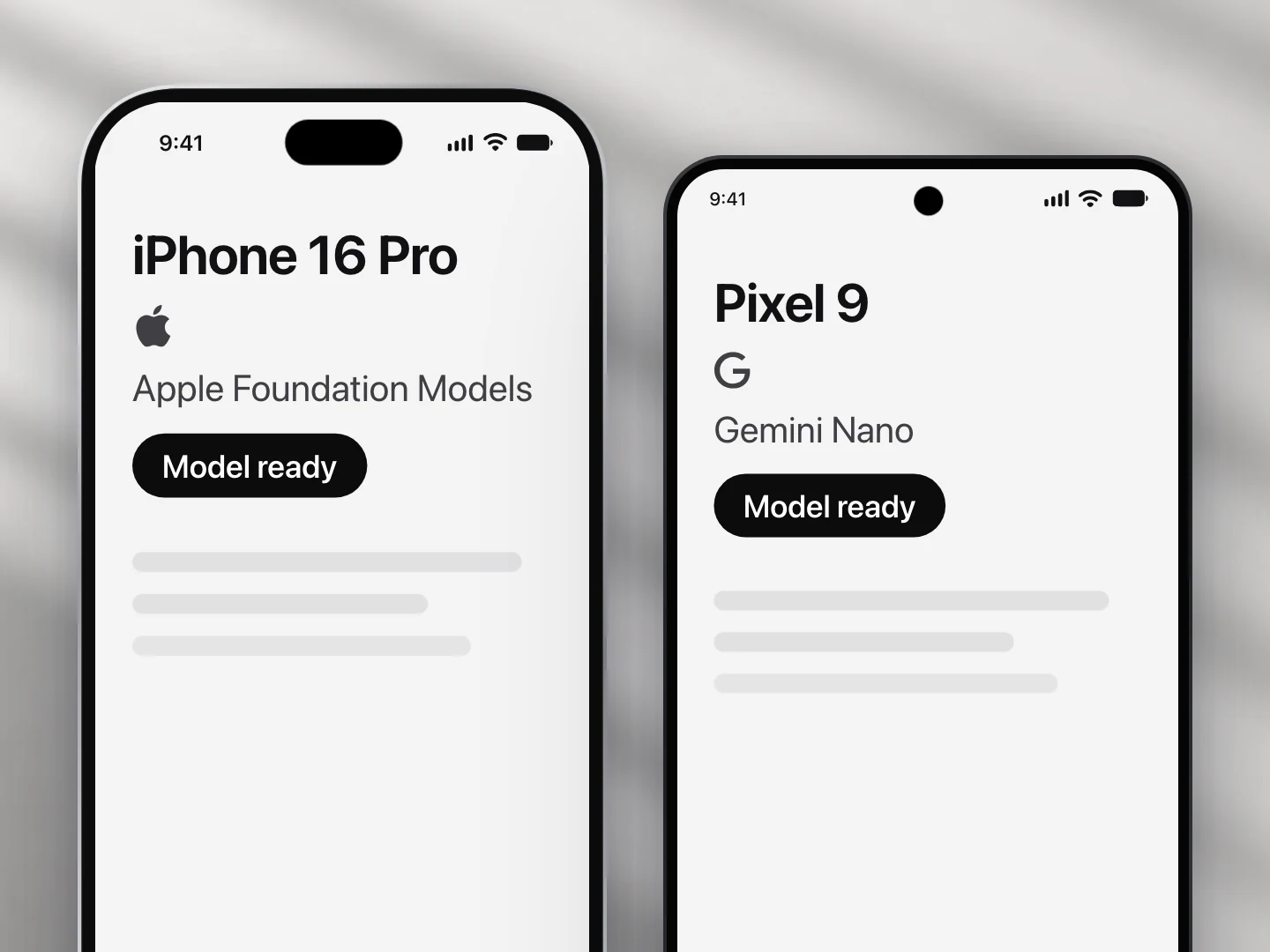
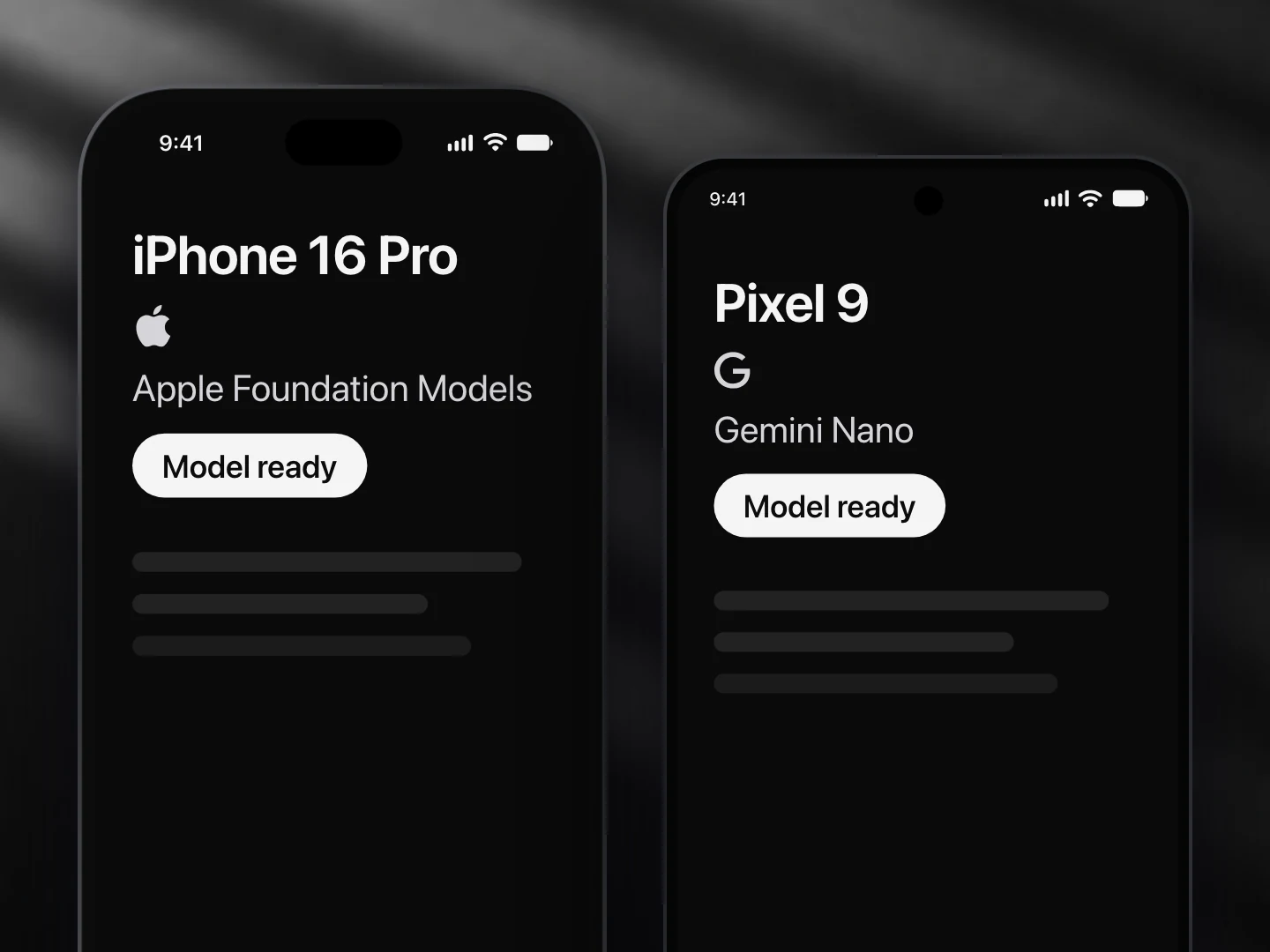
- Apple Foundation Models: supported
- Gemini Nano: supported
- Llama (not yet supported): not supported
- A cloud model: supported
- The text in the photo comes from an OCR you pass in as
ocr(Apple Vision or ML Kit Text Recognition). The model only turns that text into fields.
Install
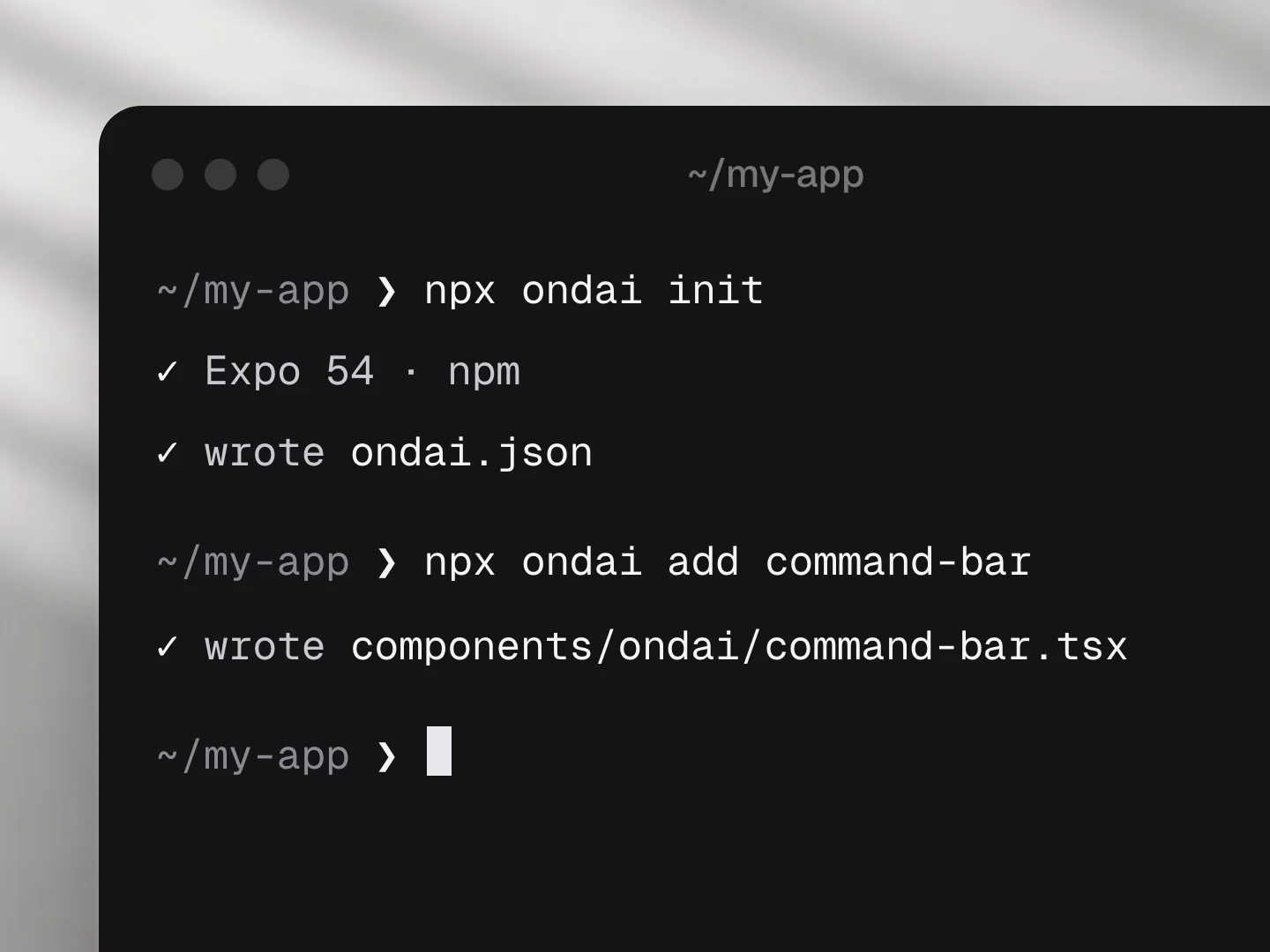
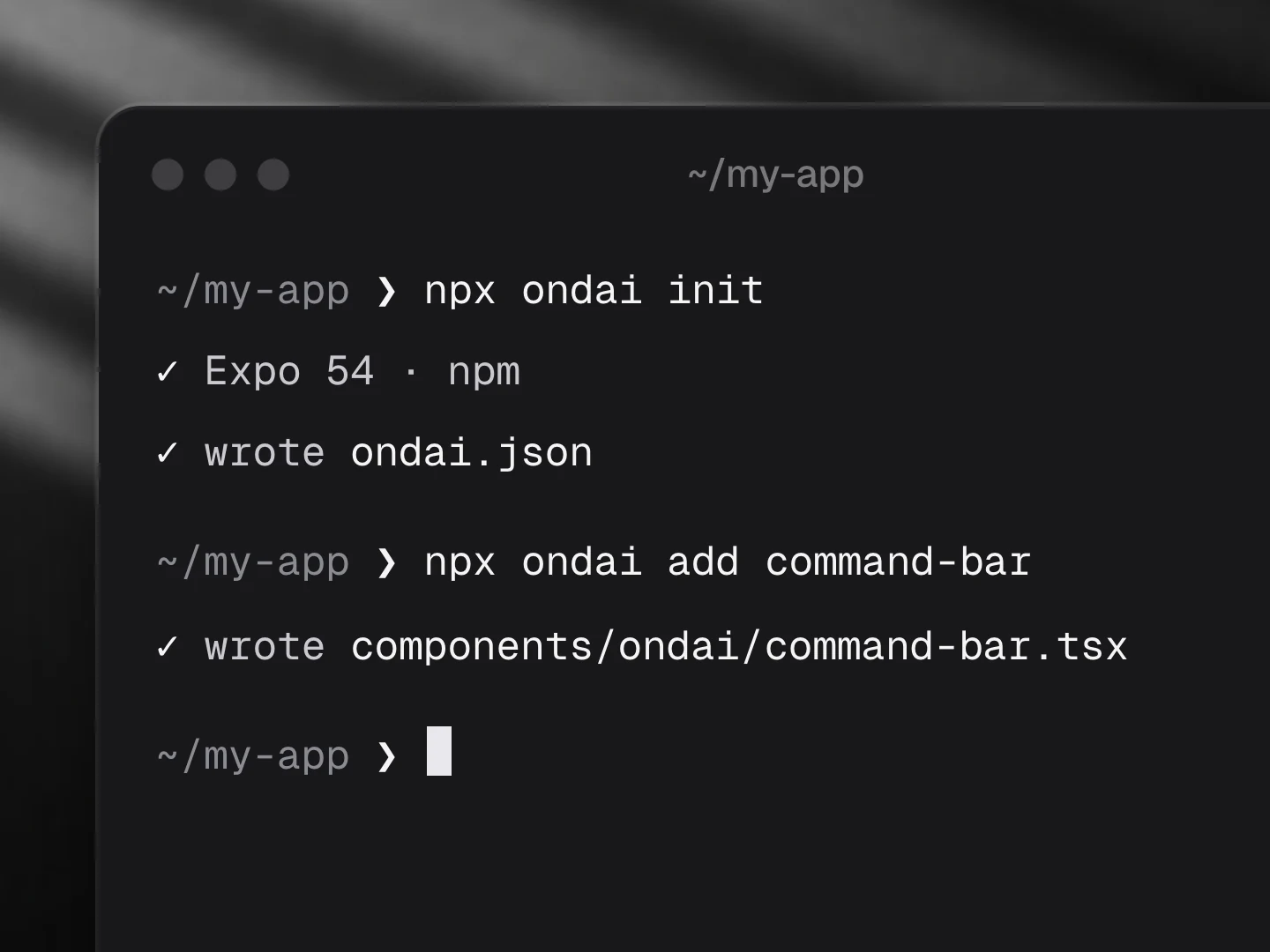
npx ondai add scan-to-dataUsage
import { ScanToData } from '@/components/ondai/scan-to-data'
import TextRecognition from '@react-native-ml-kit/text-recognition'

<ScanToData
  preset="receipt"
  ocr={async (img) => (await TextRecognition.recognize(img.uri)).text}
  onData={(receipt) => expenses.add(receipt)}
/>- OCR runs on device through the
ocrfunction you pass (ML Kit, Apple Vision). The model only sees text, which also keeps the request inside the 4K budget. - Presets:
receipt,businessCard,event; orpreset="custom"with your own zod schema.
Customize
Every AI component takes the same look and customization props, so it fits your app rather than ours.
<ScanToData
  variant="pop"
  tint="#FF5A5F"
  size="lg"
  radius={12}
  icons={{ scan: Search, camera: null }}
  labels={{ subject: '…', scan: '…' }}
/>| Prop | What it does |
|---|---|
variant | The look of the whole component: clean, minimal, glass, pop, candy, metal, shine |
size | sm, md, lg; type, rows, icons and keys scale together |
tint | Any colour; the variant paints its keys, tiles and glow in it |
radius | Corner radius of the container |
icons | Replace any icon (a lucide component, an element, or null to hide it): scan, camera, library, reading, finding, done, error, retake |
labels | Every visible and spoken string; defaults are exported as scanToDataLabels: subject, scan, scanHint, takePhoto, choosePhoto, noOcr, reading, read, gotText, lines, finding, findingMany, andMore, found, foundOne, fromYour, check, scanAgain, use, retake, error, scanning, scanAnother |
| Slots | Draw a part yourself: renderEmpty, renderRow, renderResult, renderUse |
styles | Style any named part |
Variants
| Prop | Options |
|---|---|
variant | clean, minimal, glass, pop, candy, metal, shine |
presentation | camera, picker, card |
size | sm, md, lg |
preset | receipt, businessCard, event, custom |
Token budget
Input budget: 1500 tokens. OCR text (not the image) goes to the model; fields refined deterministically.
Fallback
When no provider is ready the component renders the unavailable state (AvailabilityGate copy) and, where a deterministic path exists, keeps working without the model.
Eval score
Fixtures: evals/scan-to-data/fixtures.json.
Files
Registry dependencies: button, on-device-badge, shimmer-text, surface
npm dependencies: @ondai/core, @ondai/tokens, expo-haptics, expo-image-picker, lucide-react-native, react-native-reanimated, react-native-svg, zod