Introduction
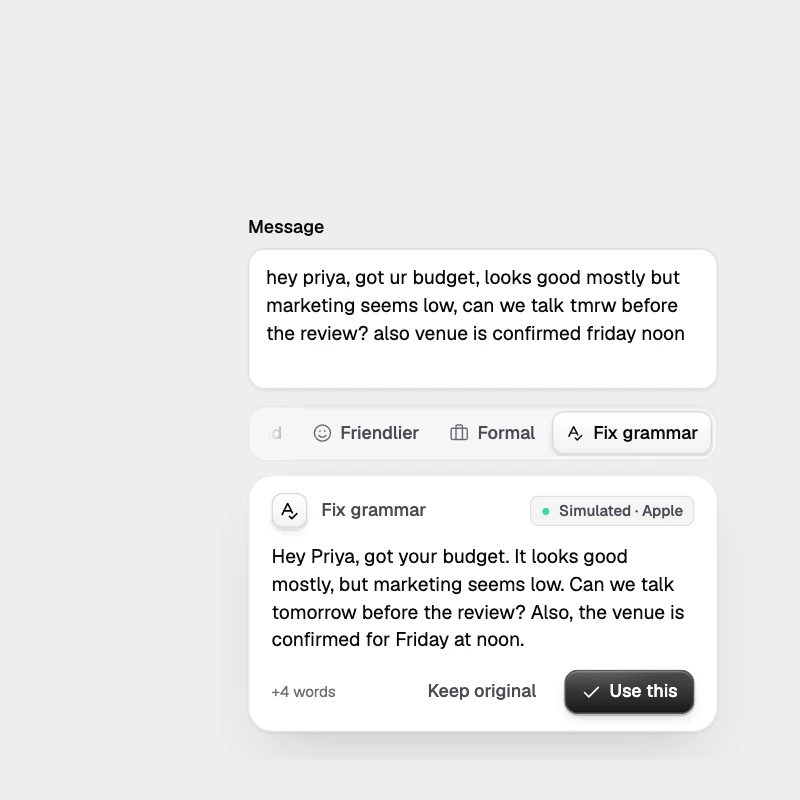
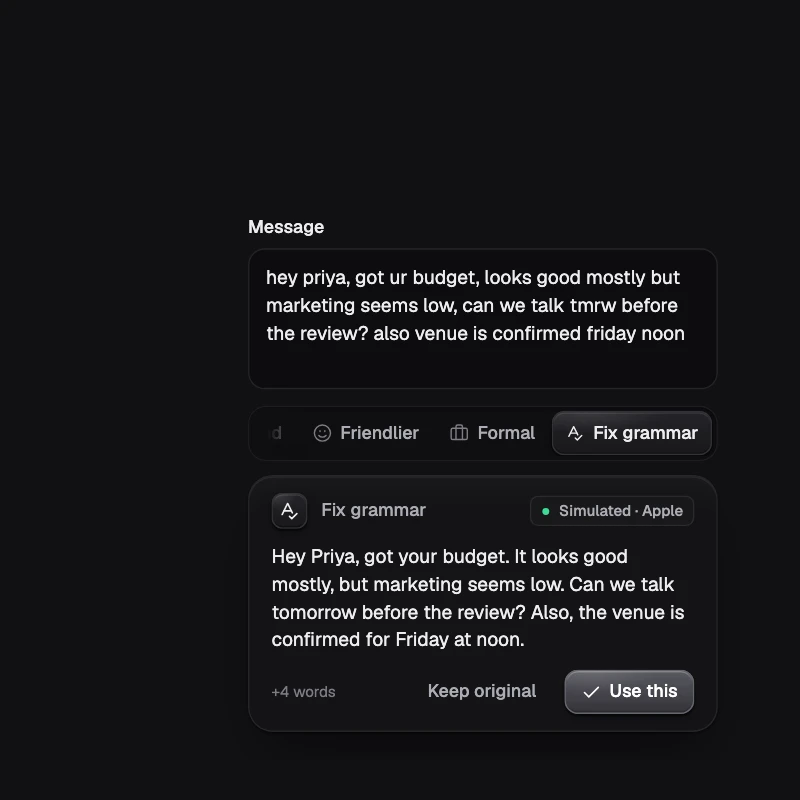
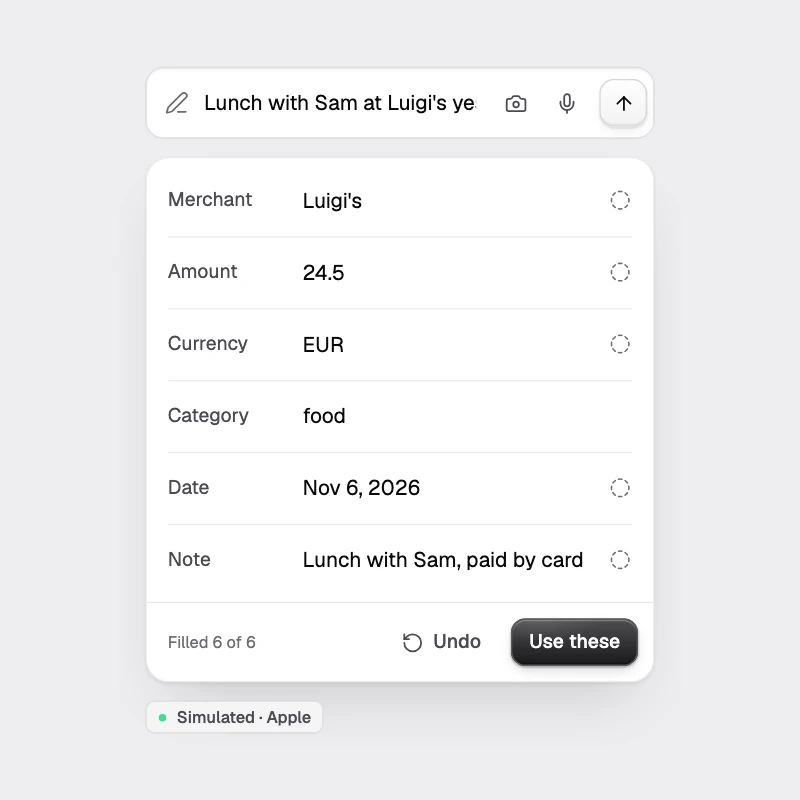
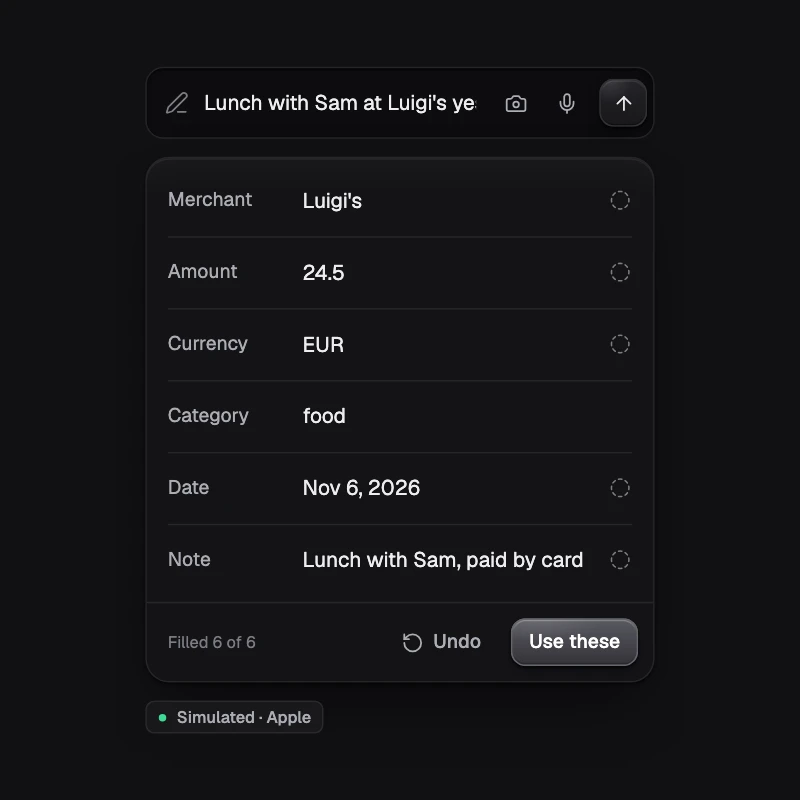
shadcn/ui for on-device AI in React Native. Copy-paste components, each a complete AI feature running on the model already in the phone.
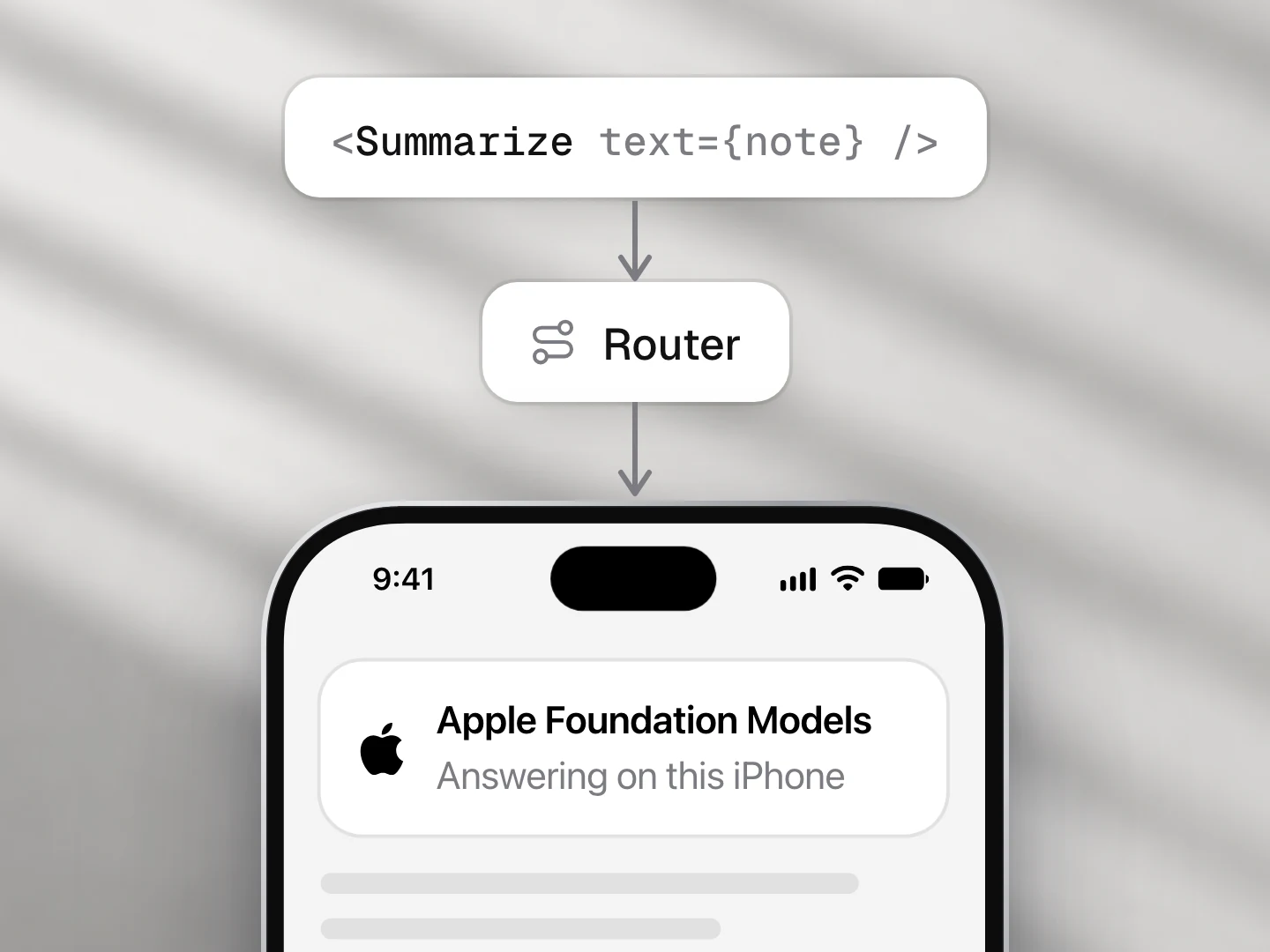
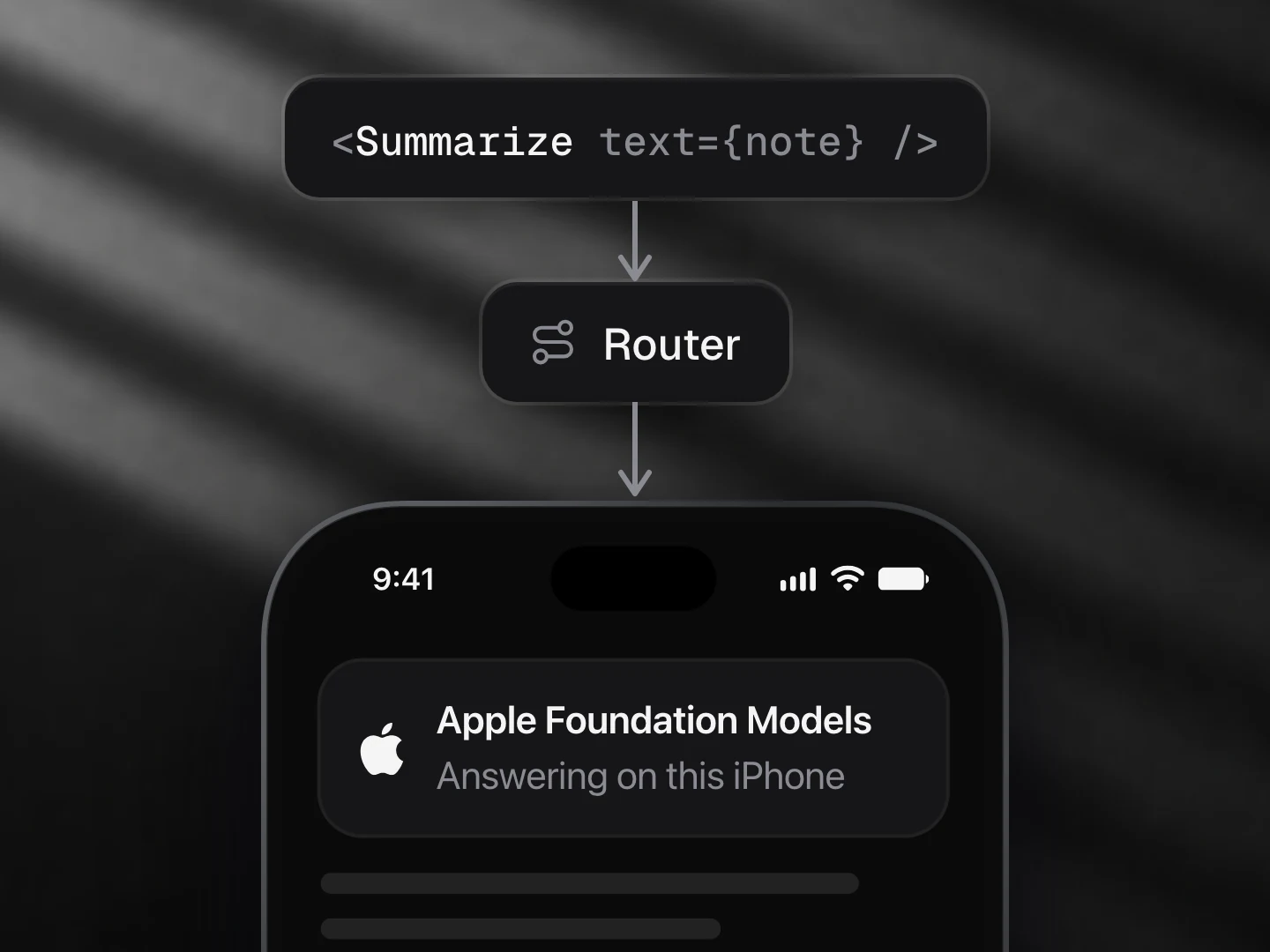
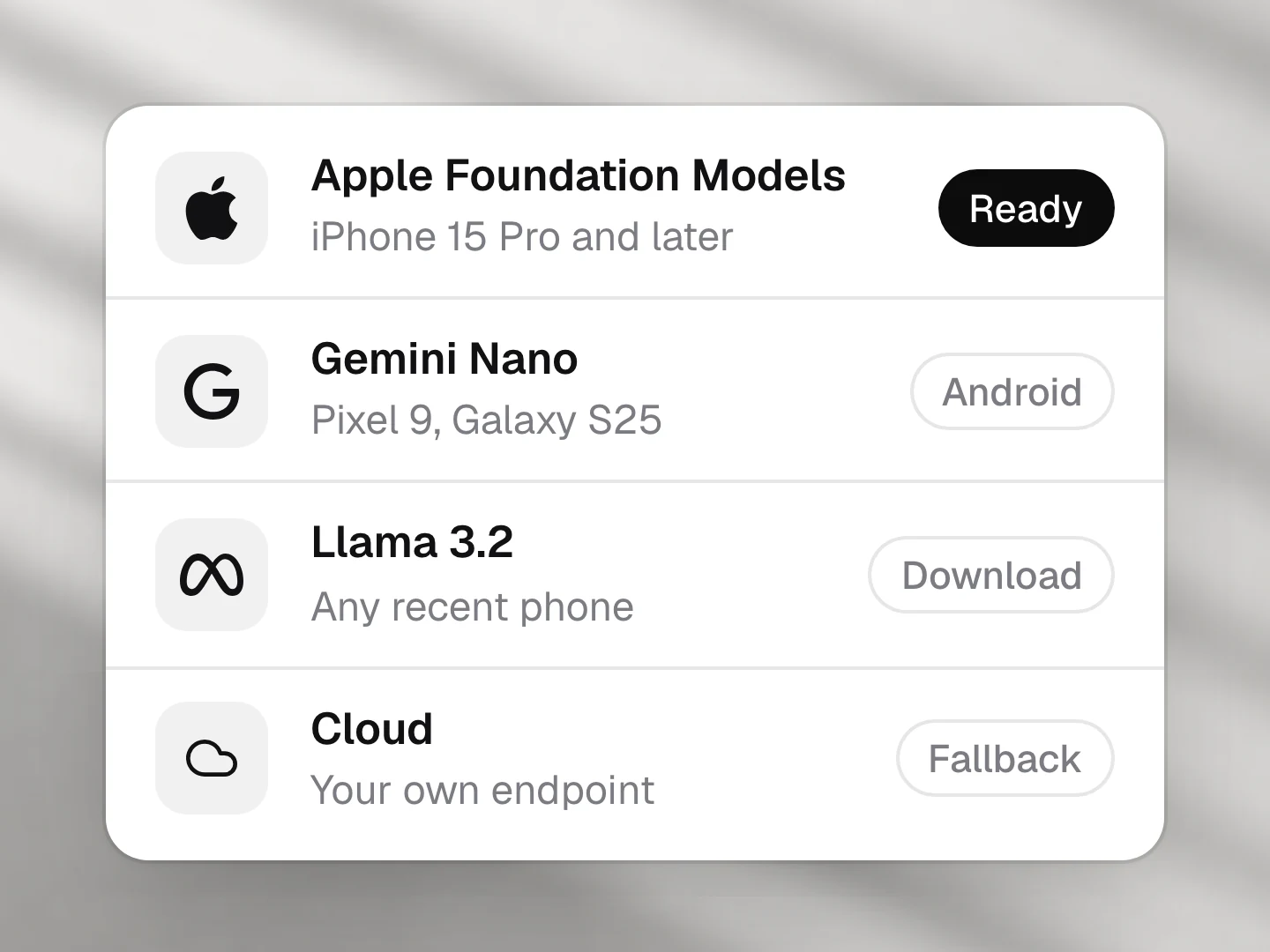
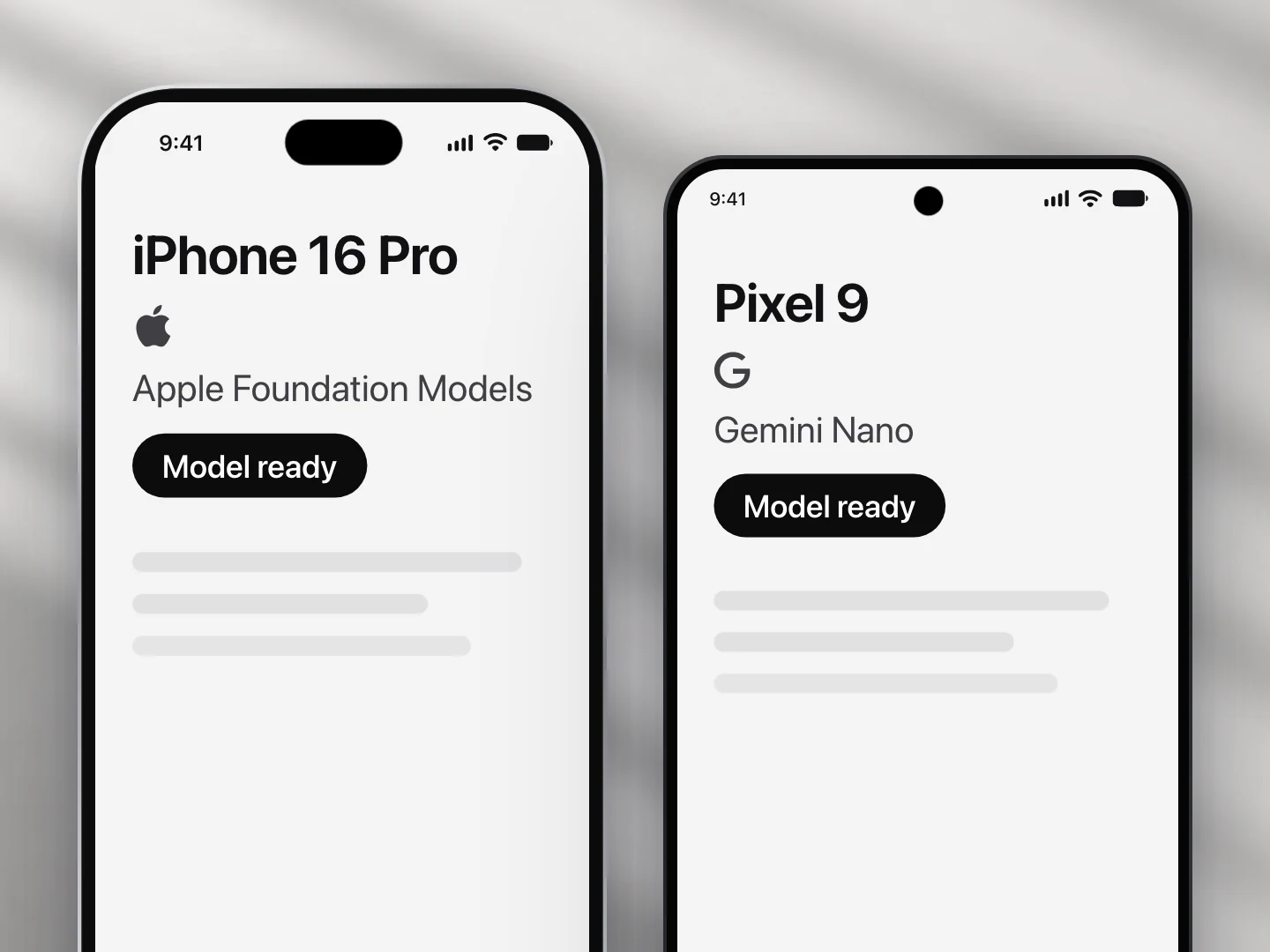
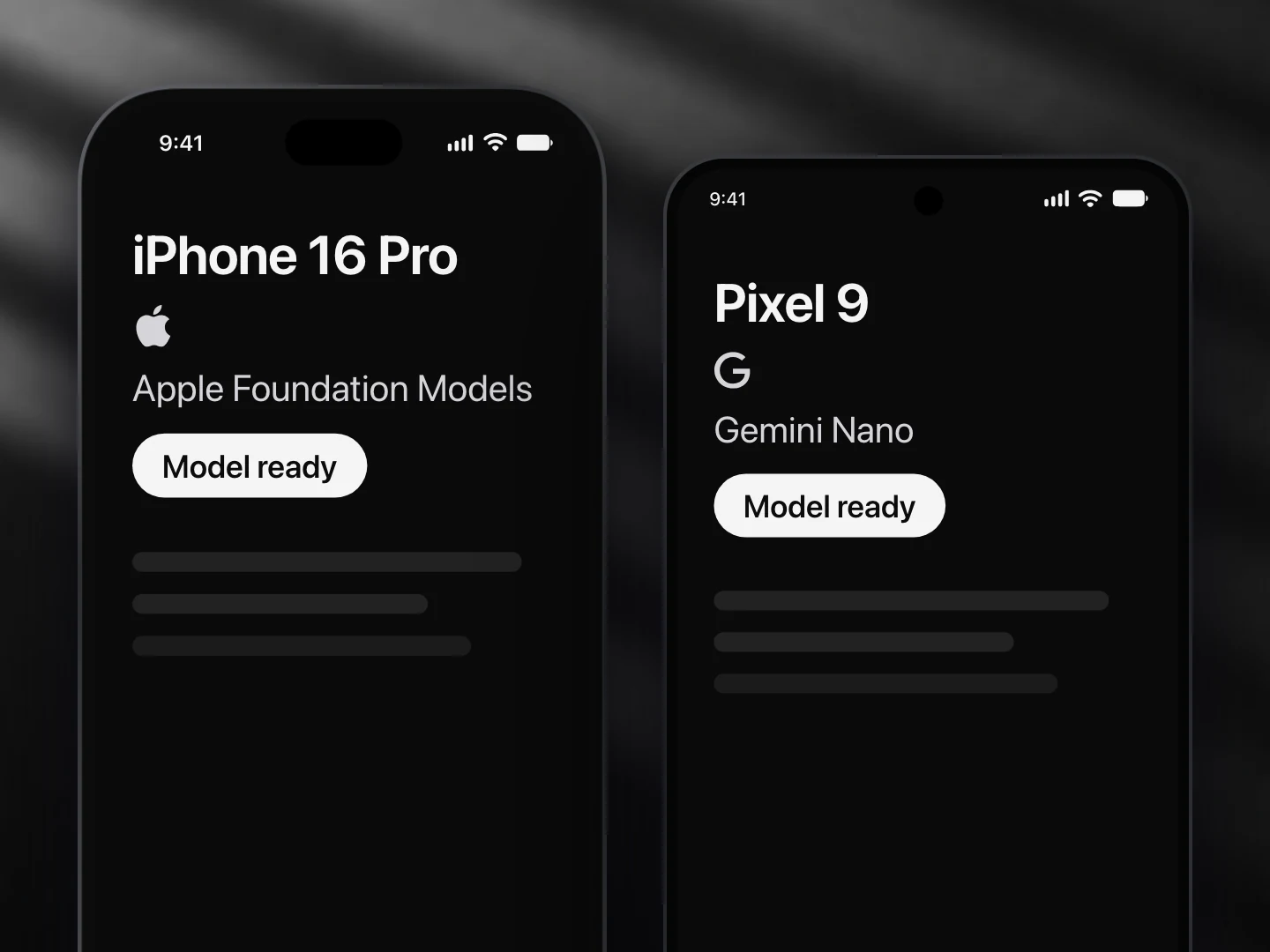
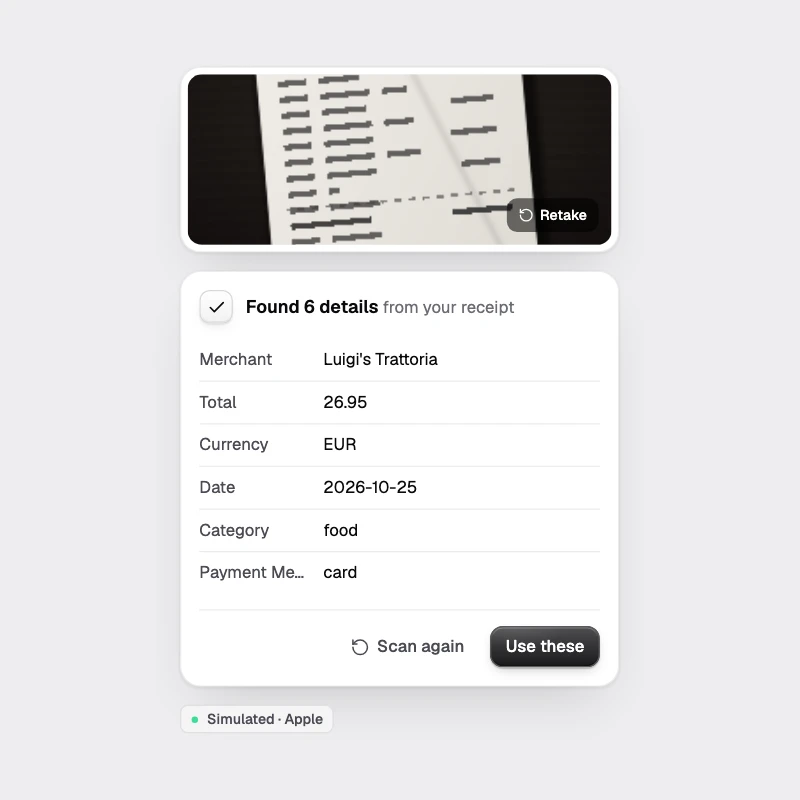
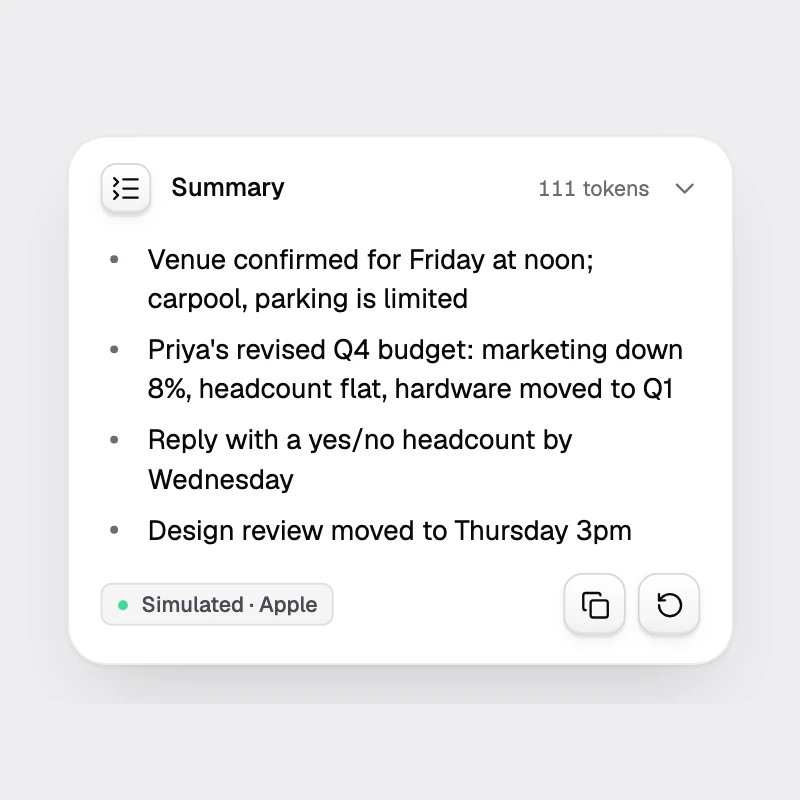
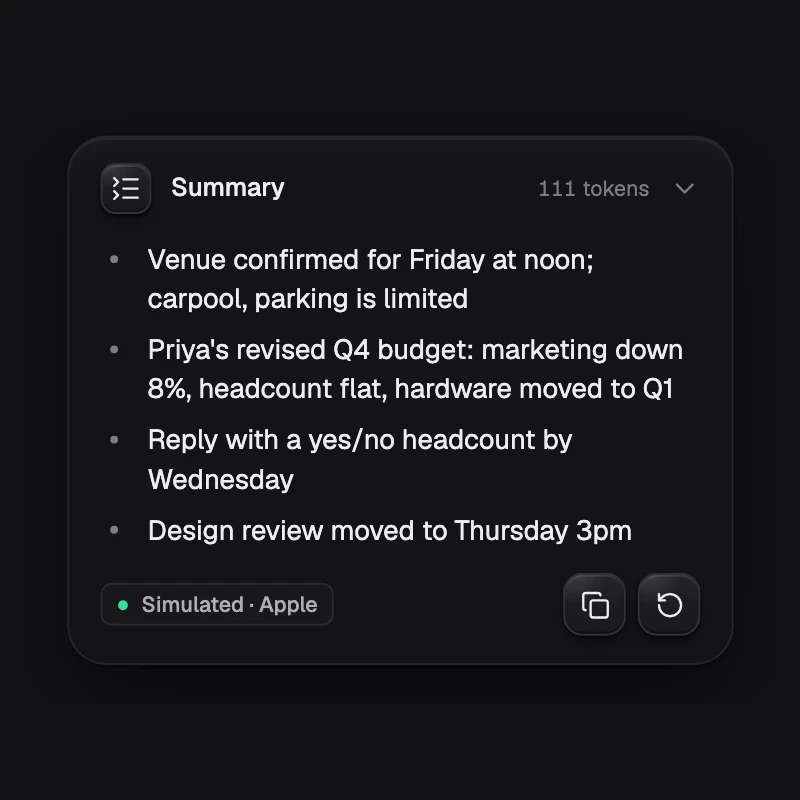
Phones now ship with a language model: Apple Foundation Models on iOS 26, Gemini Nano on recent Android flagships. They are small (about 3B parameters, a 4,096-token context). Bad at long reasoning, very good at short, focused tasks: extraction, classification, rewriting, summaries, picking a tool.
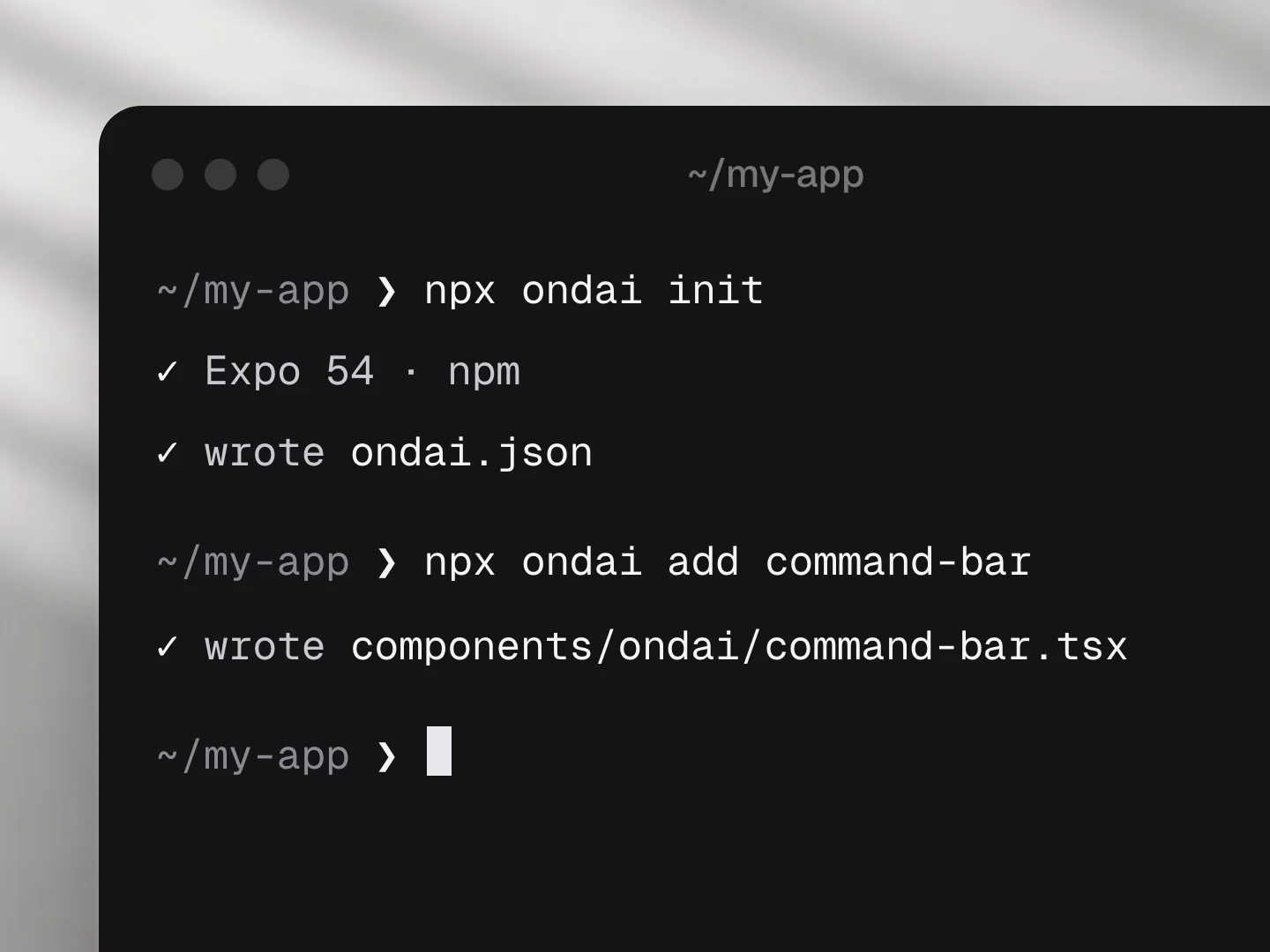
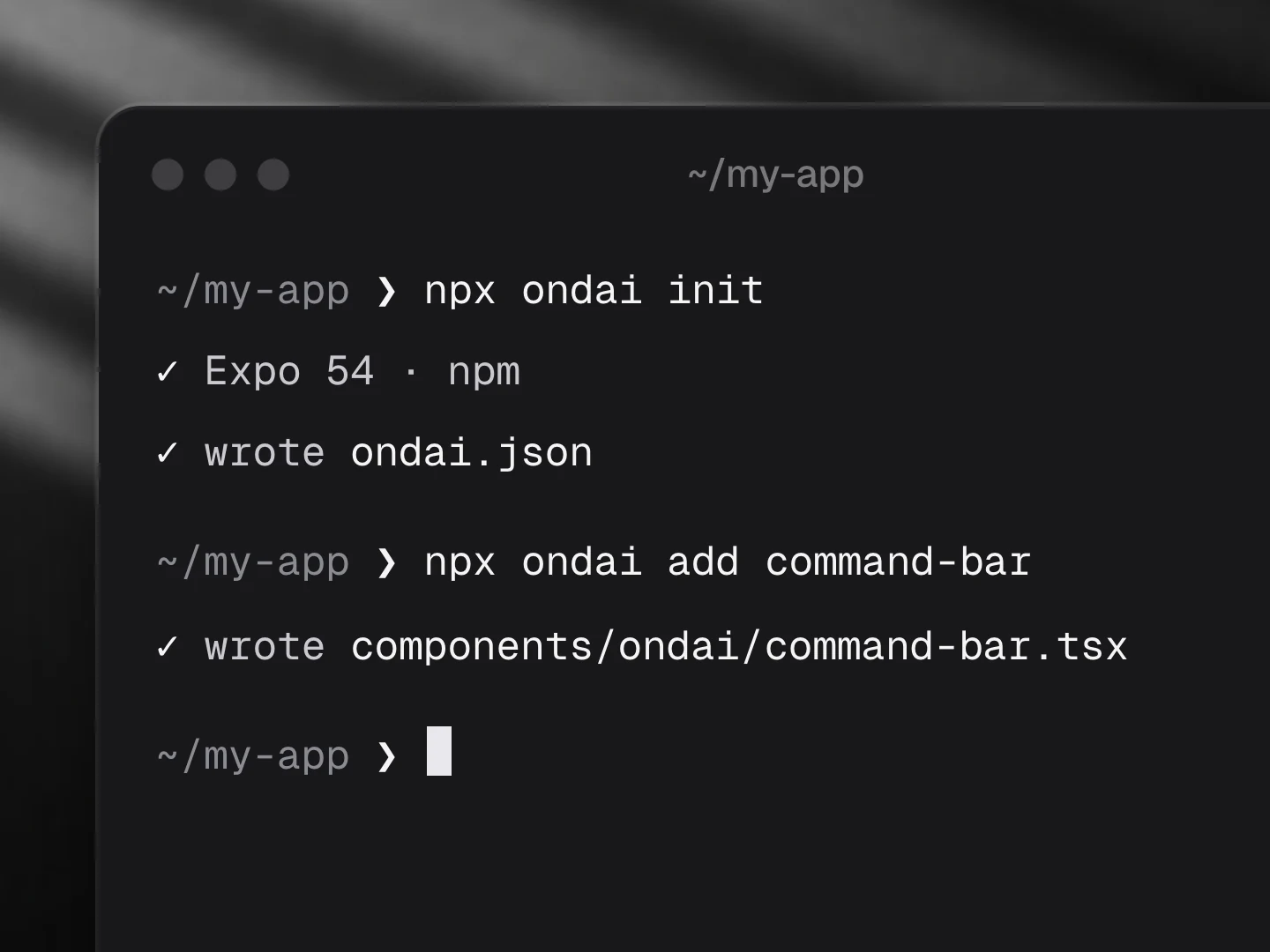
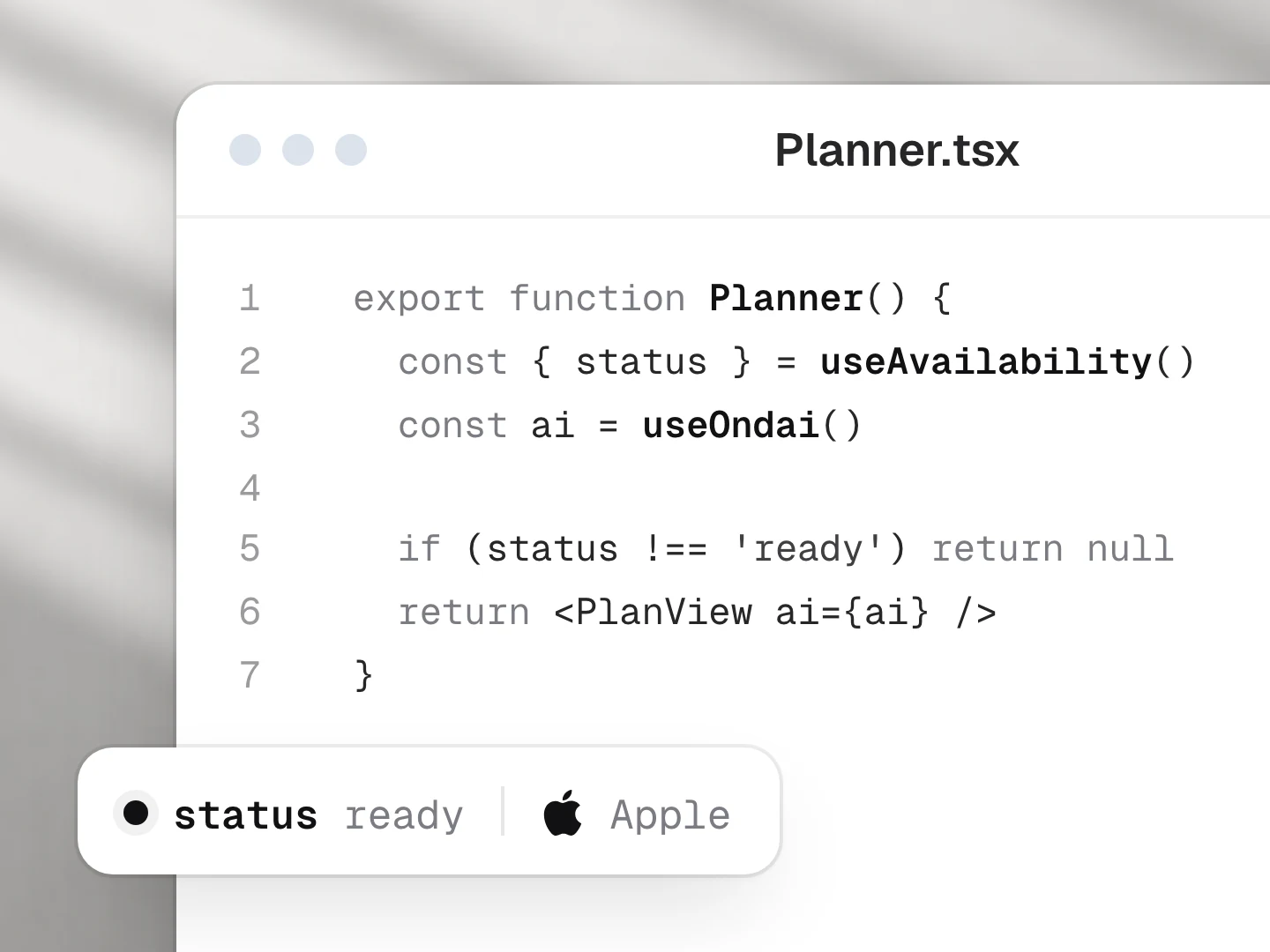
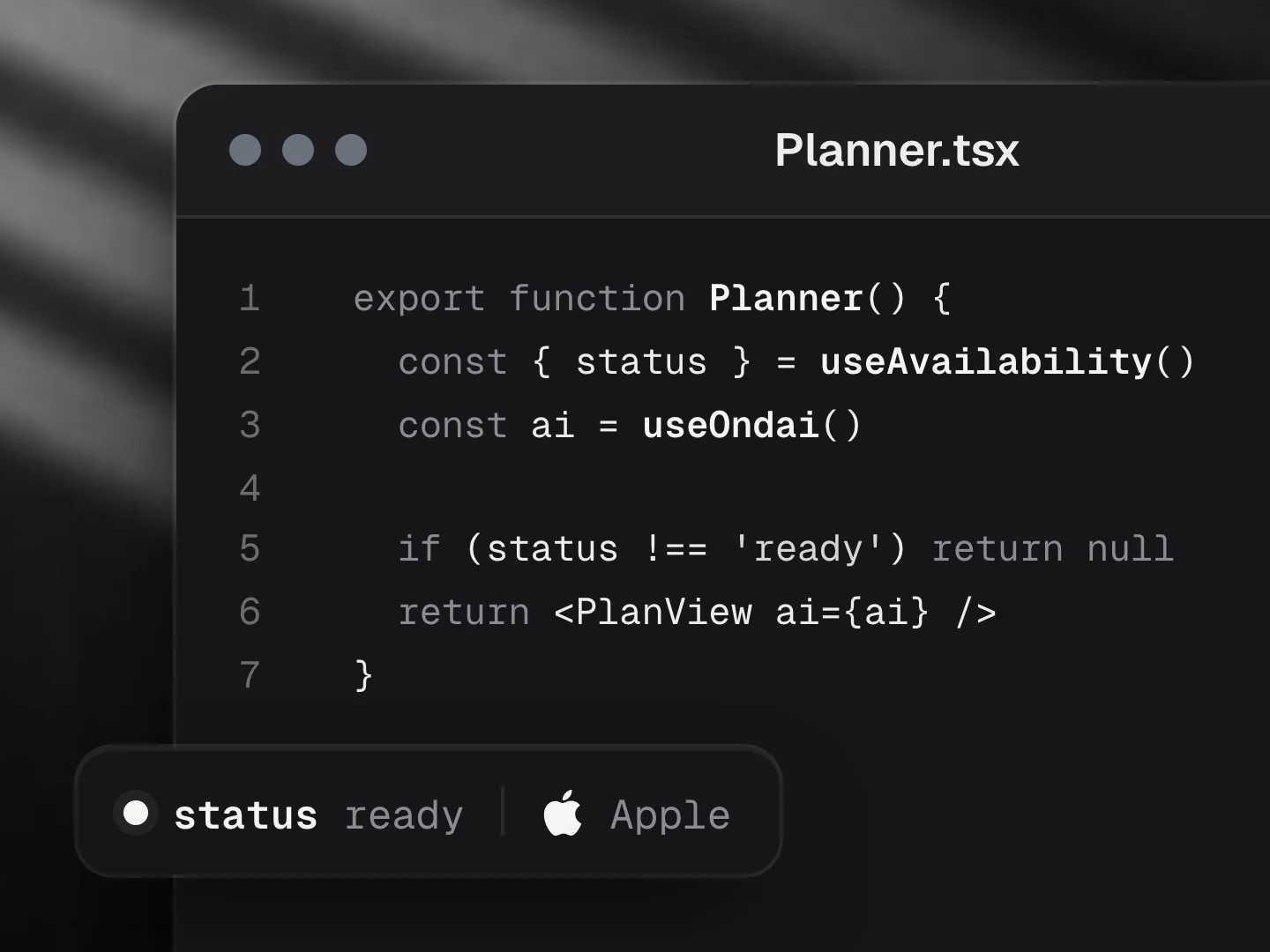
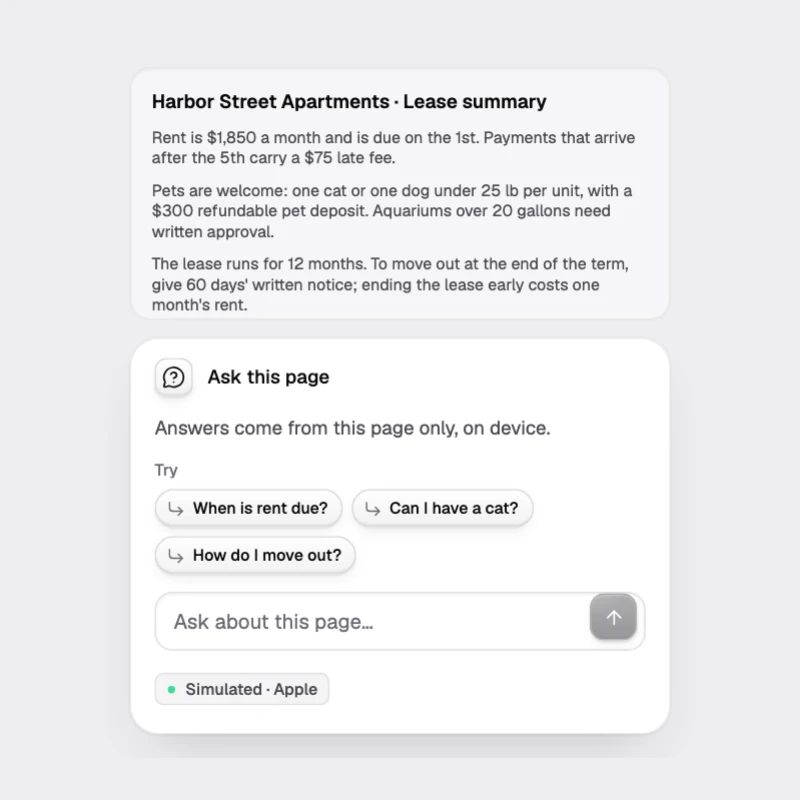
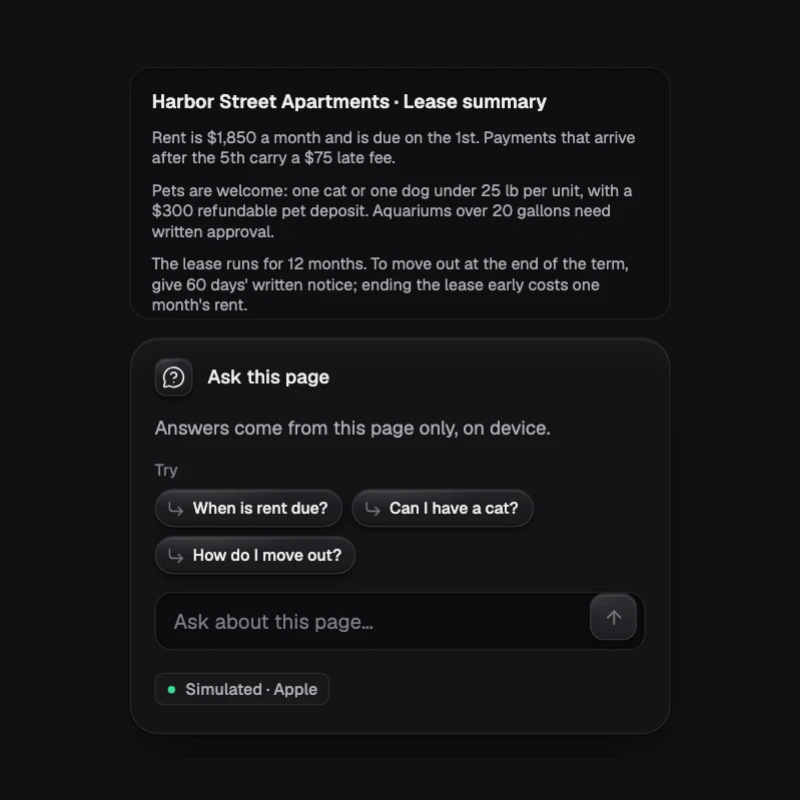
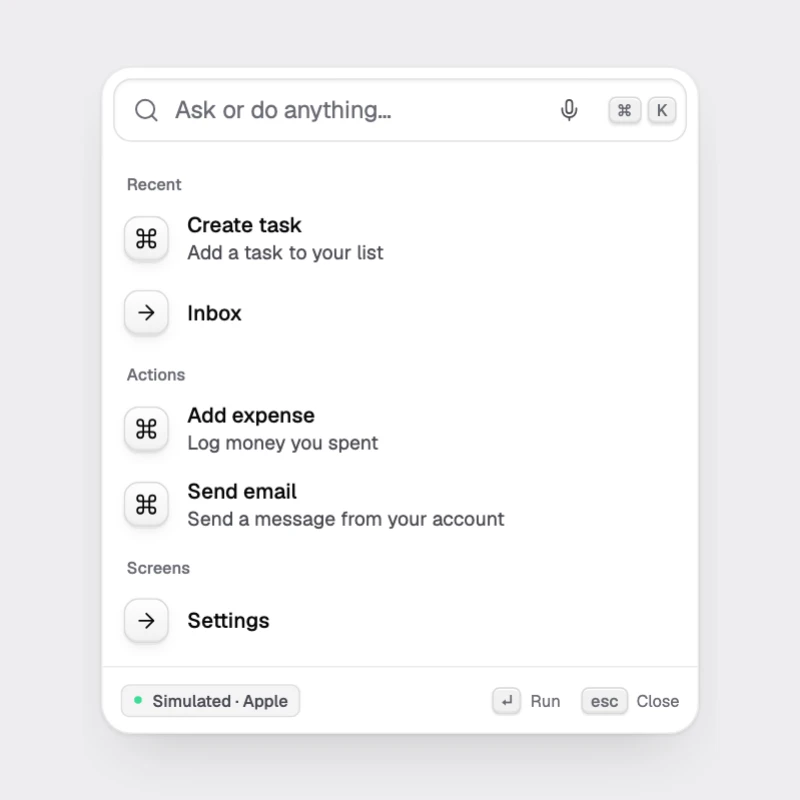
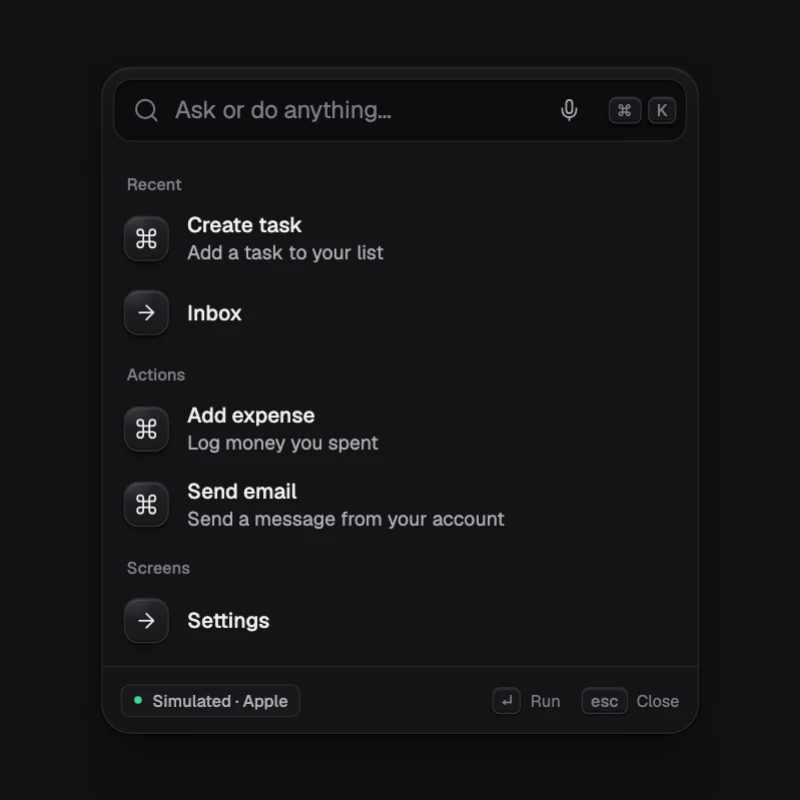
Ondai is the experience layer on top. Run npx ondai add command-bar and your app has a natural-language command bar that is free (no API bill), private (nothing leaves the phone), offline and fast.
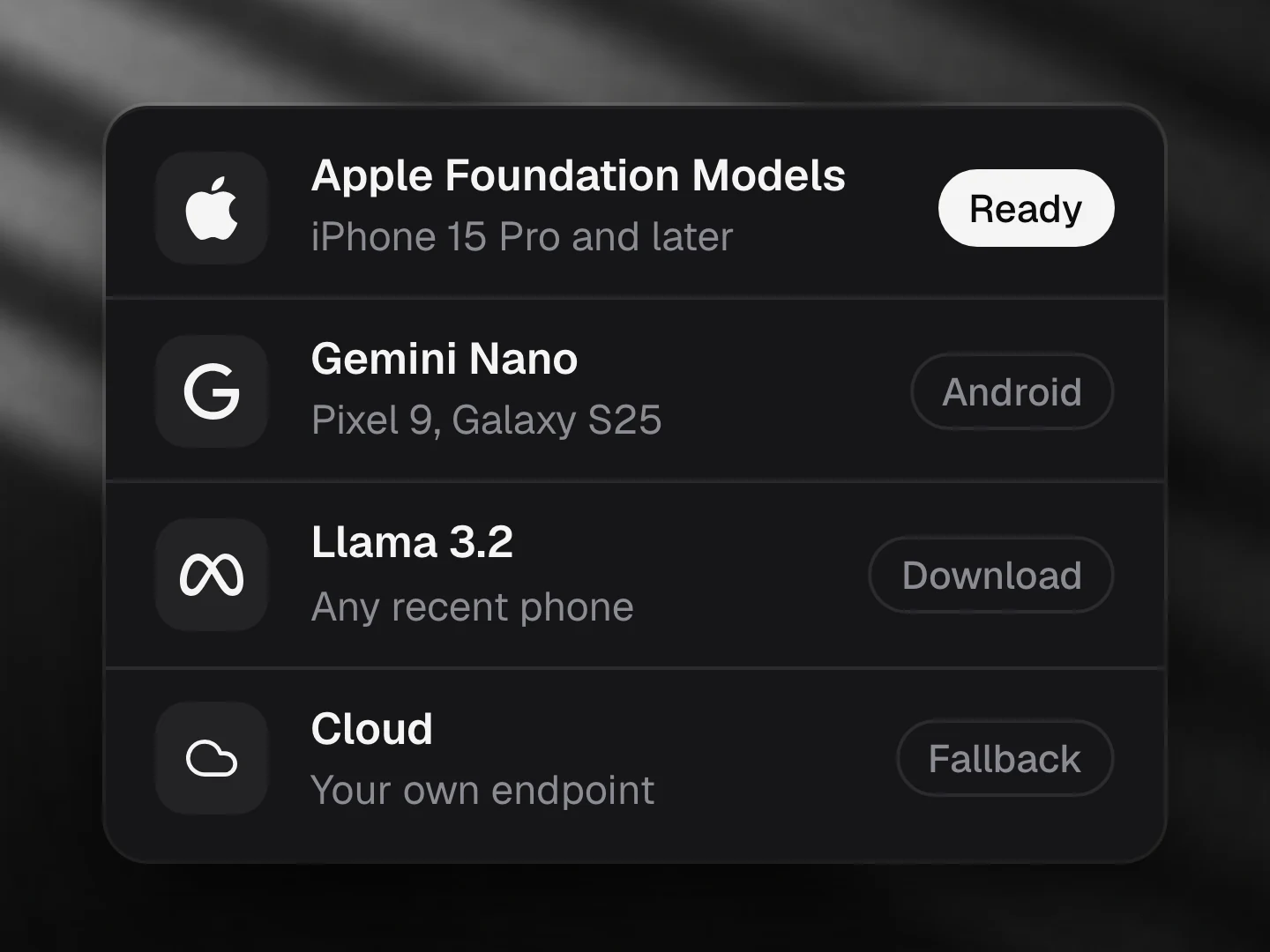
- Apple Foundation Models: supported
- Gemini Nano: supported
- Llama (not yet supported): not supported
- A cloud model: supported
- On Gemini Nano it picks the action from structured output instead of tool calls.
What you get
- Components you own. The CLI copies TypeScript source into
components/ondai/, like shadcn/ui. Change anything. - A small runtime.
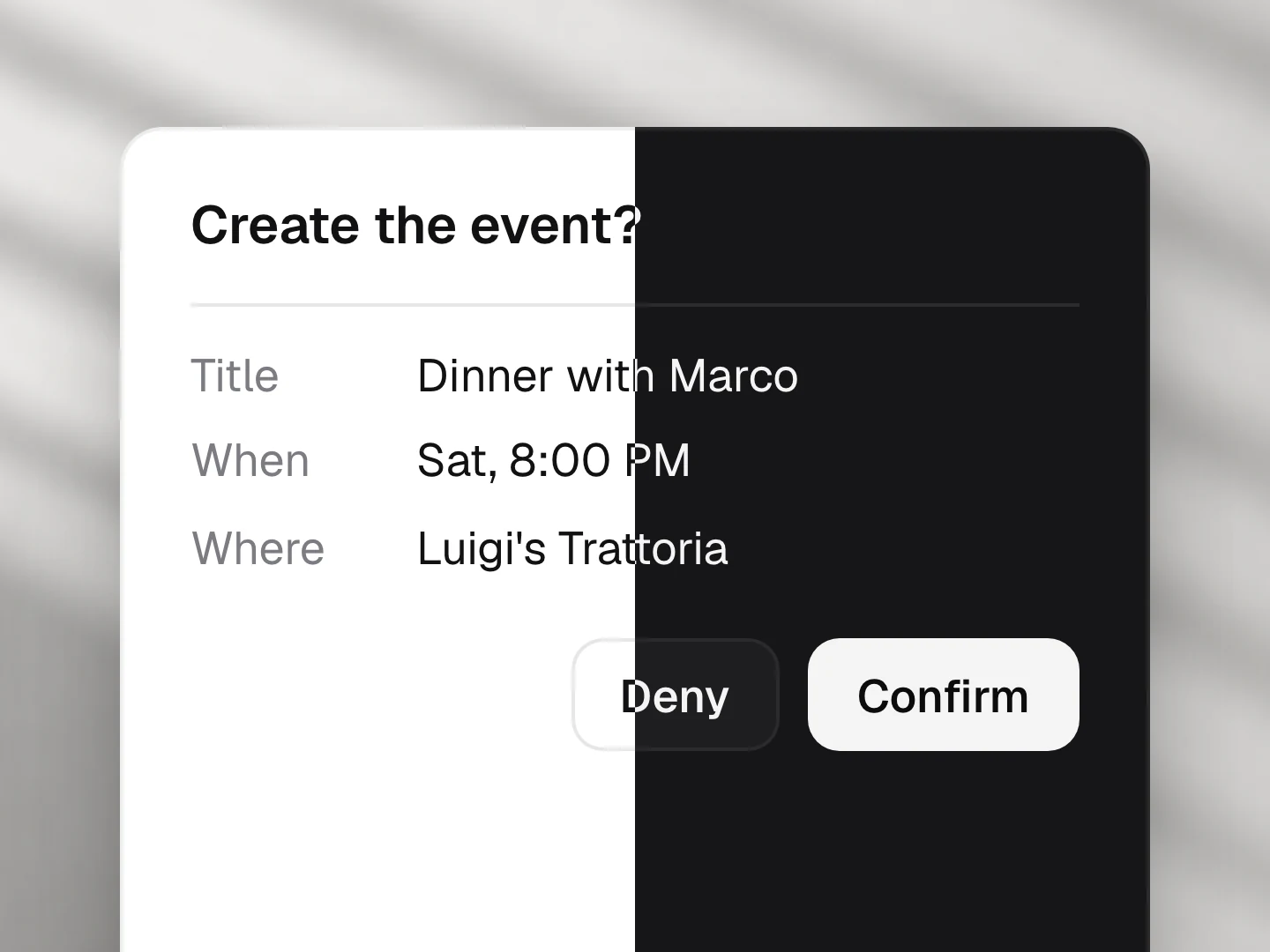
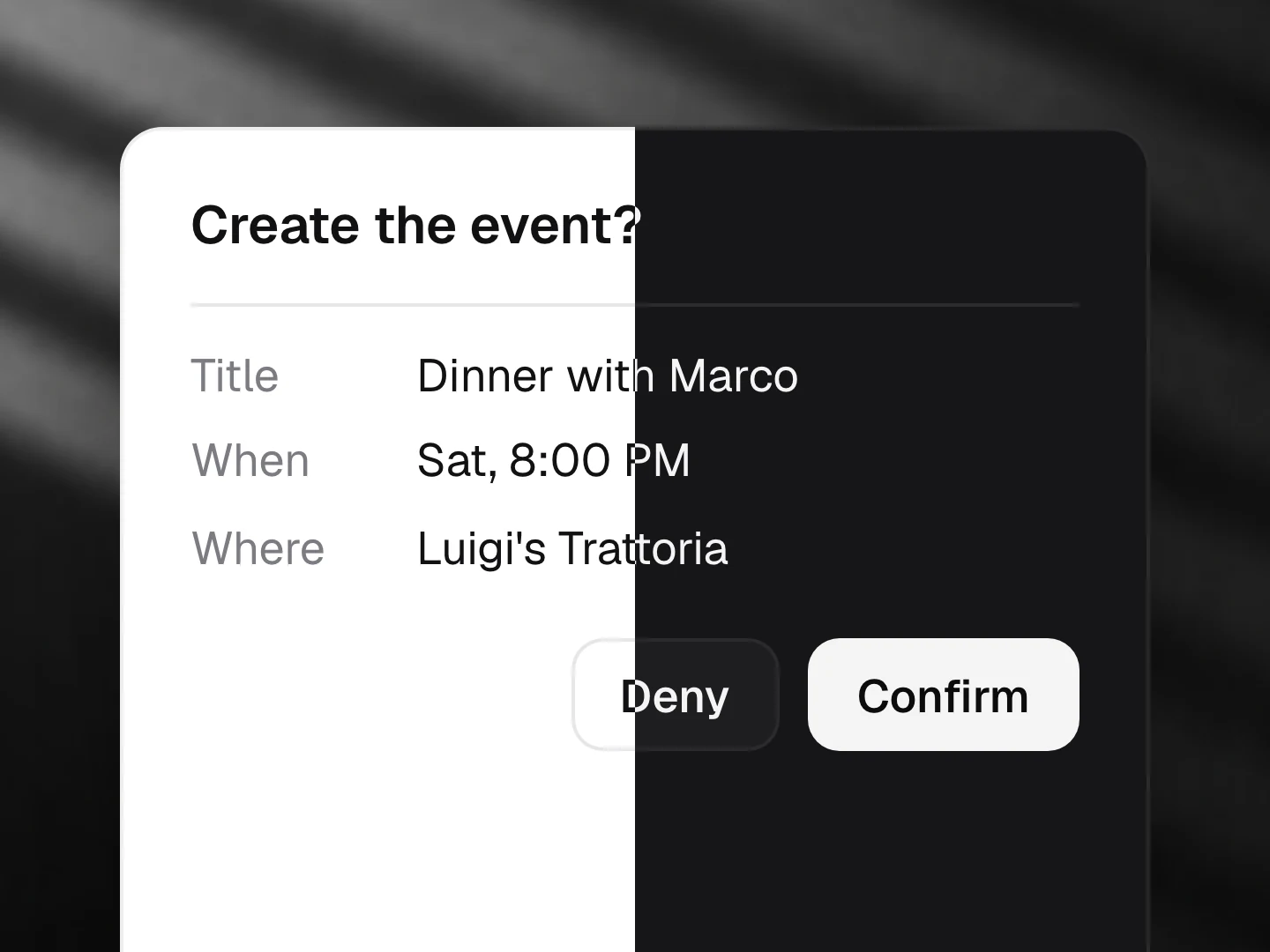
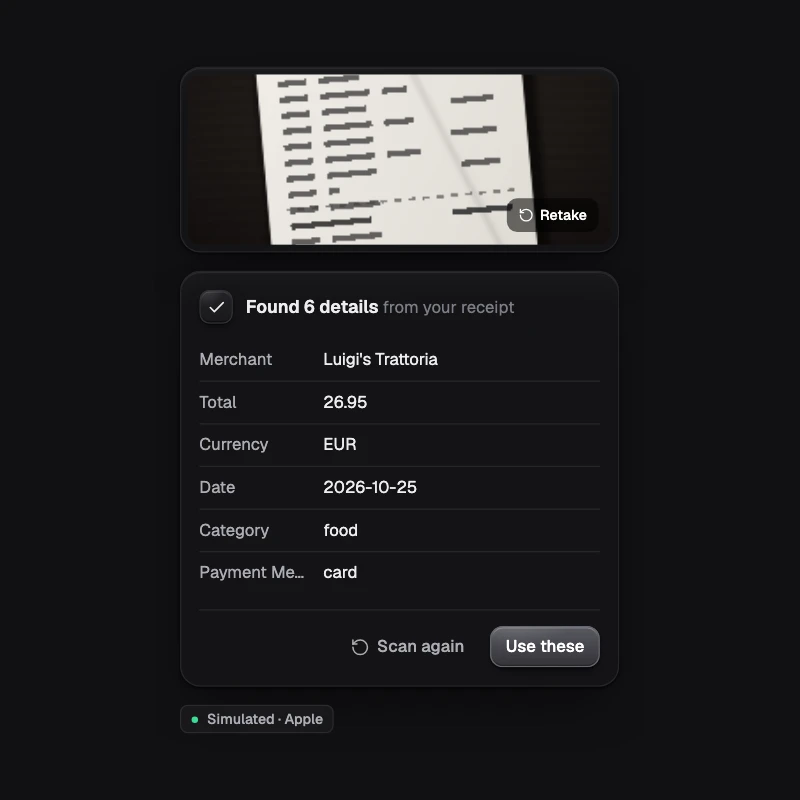
@ondai/coreroutes each request to the best provider on the device by capability (text, structured output, tools, embeddings, transcription, speech). It handles availability, cold starts, token budgets, refusals and errors, and ships a scripted mock for tests and the web. - One design language. Quiet, monochrome UI that only glows while the AI works. Void (dark), Paper (light) and Glass themes, four accents, and one set of states everywhere: idle, focus, thinking, streaming, tool, confirm, done, error, refusal, unavailable, preparing.
- Honest by default. Every component shows where it runs (
ON DEVICE · APPLE) and degrades gracefully without a model.
Built on
Ondai does not build model runtimes. It sits on Callstack's react-native-ai providers via the Vercel AI SDK, and will add Expo's expo-ai when it ships. Better engines, better Ondai.