Text to event
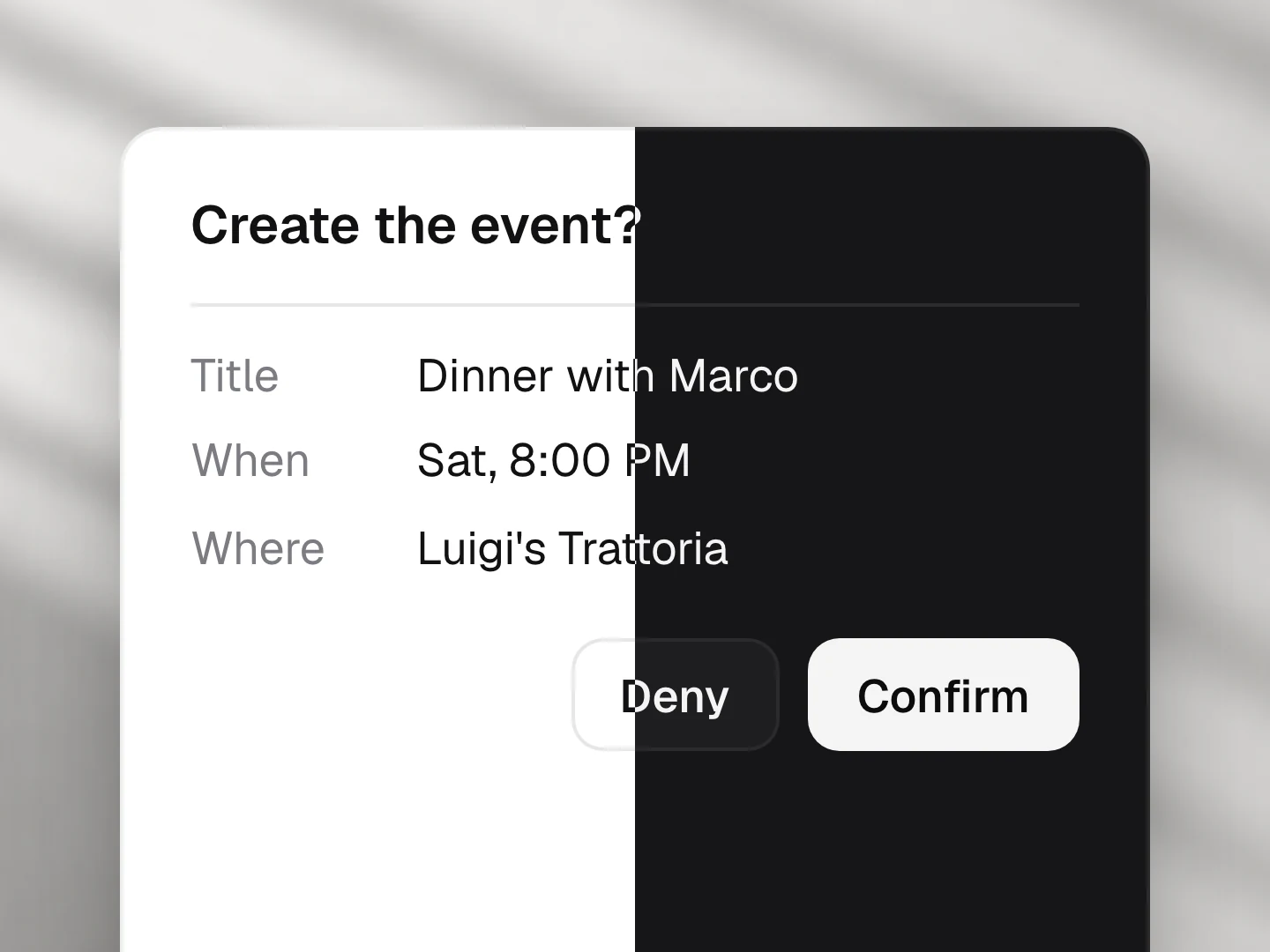
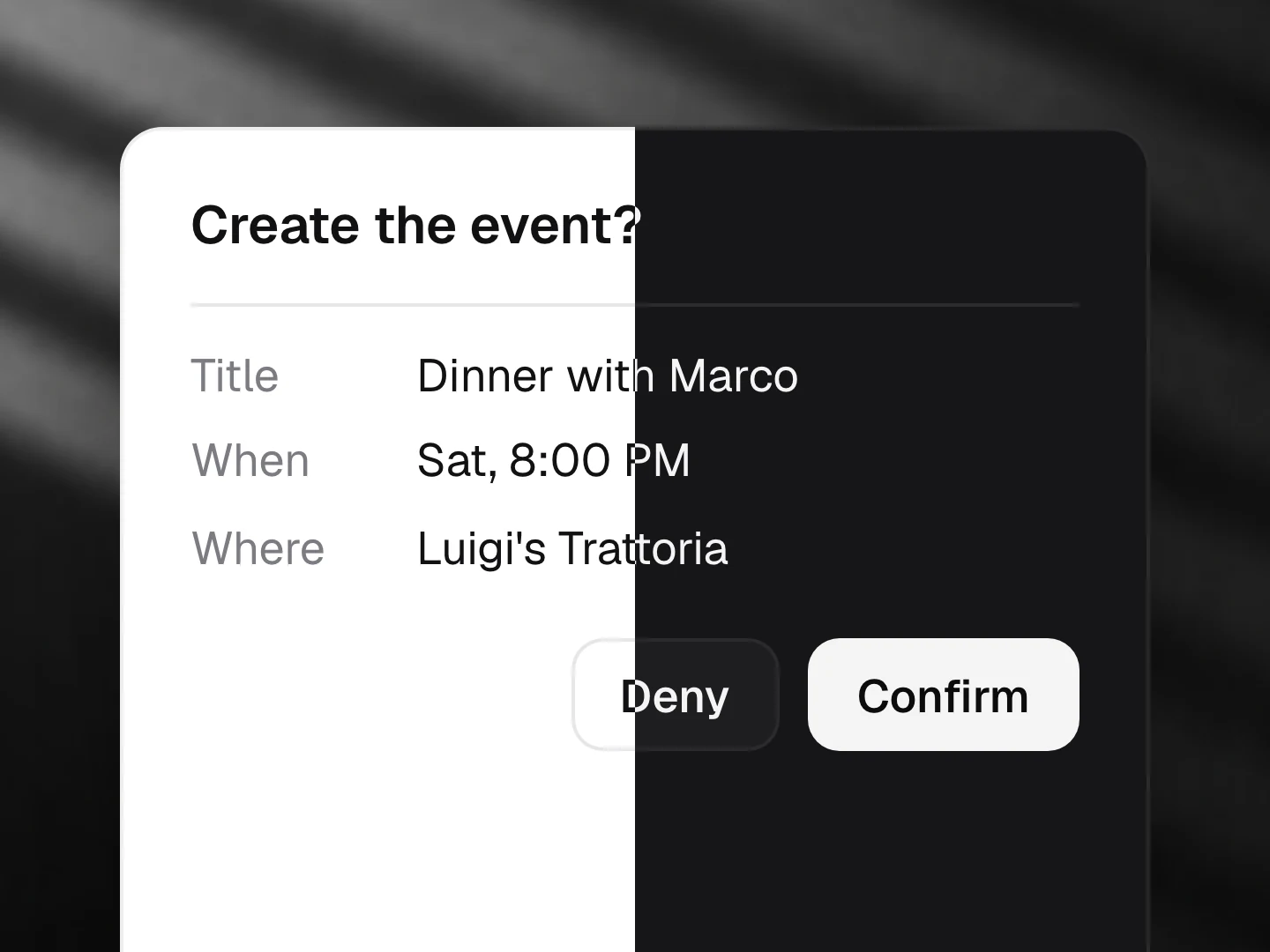
A pasted or selected message becomes a calendar event: title, date, time, place and people fill in one by one with per-field confidence, stay editable, then go to the calendar.
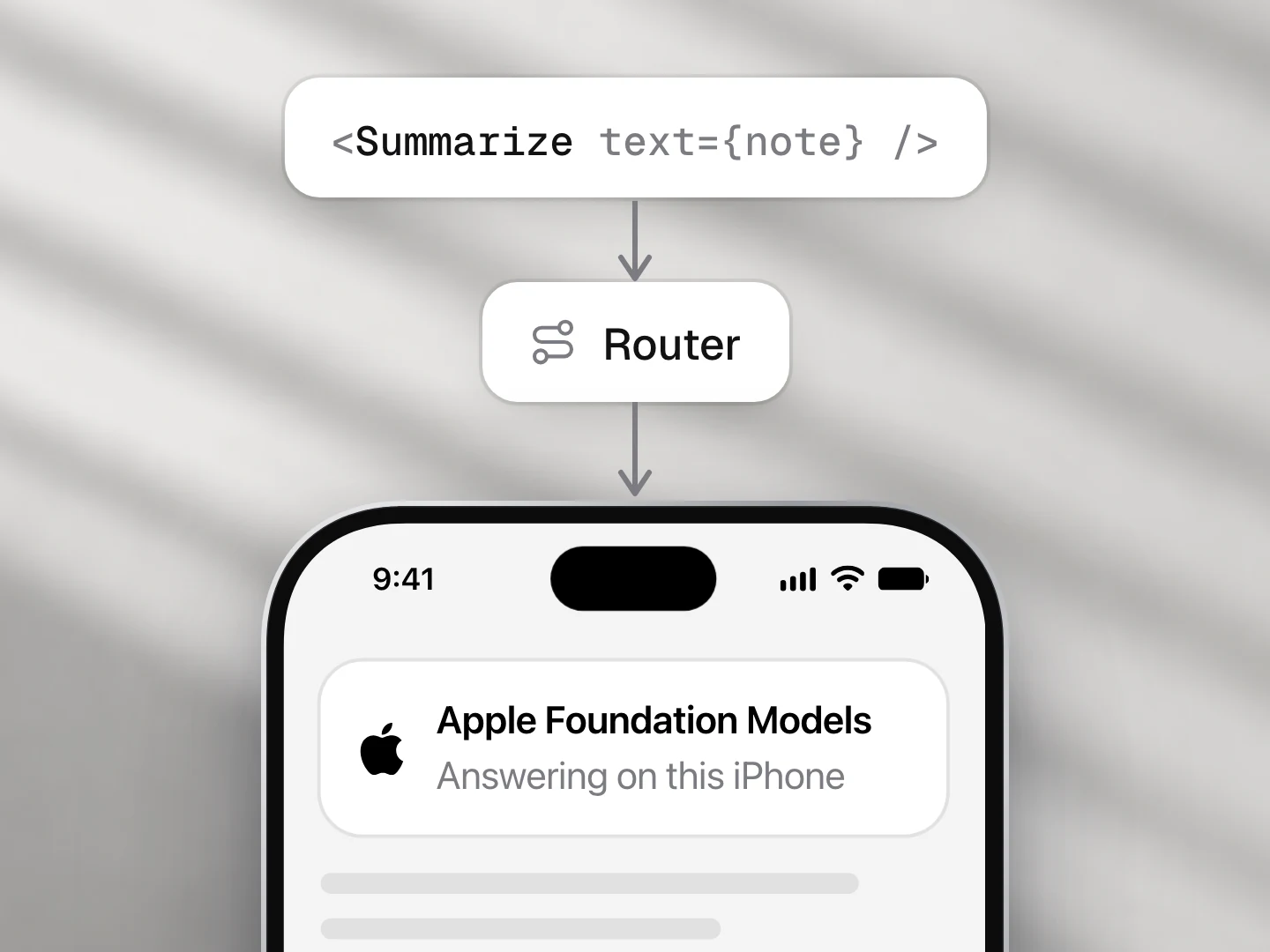
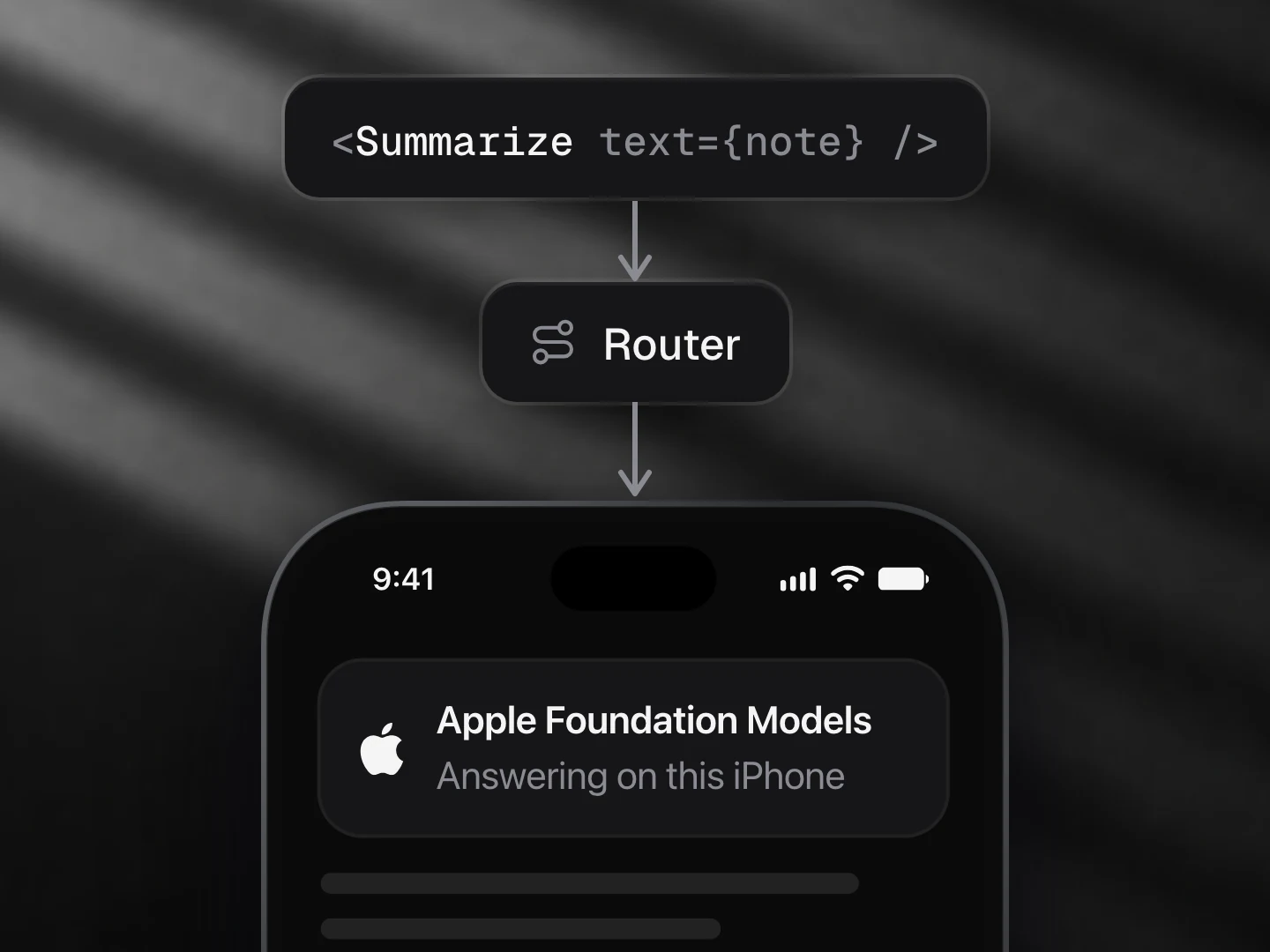
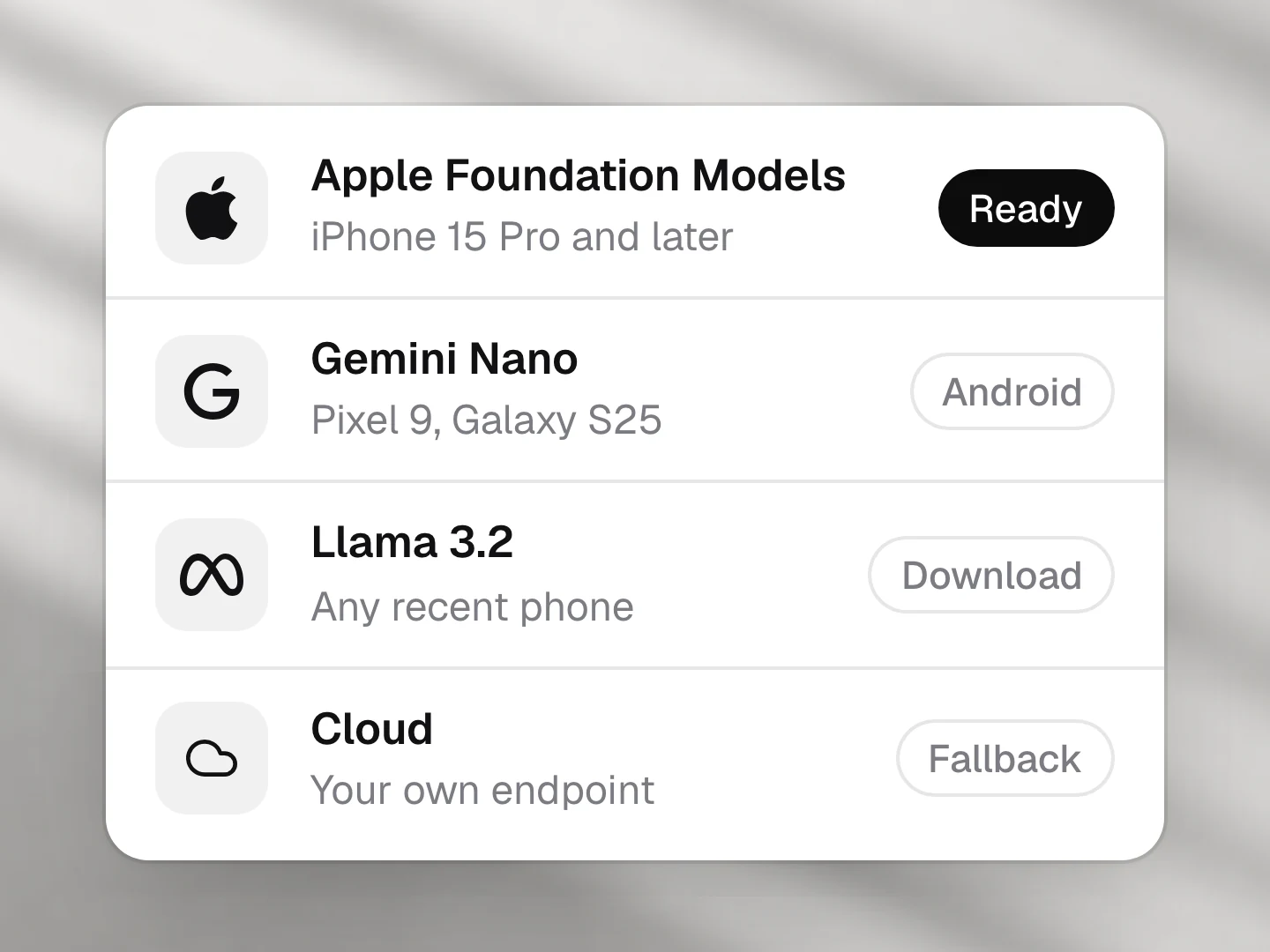
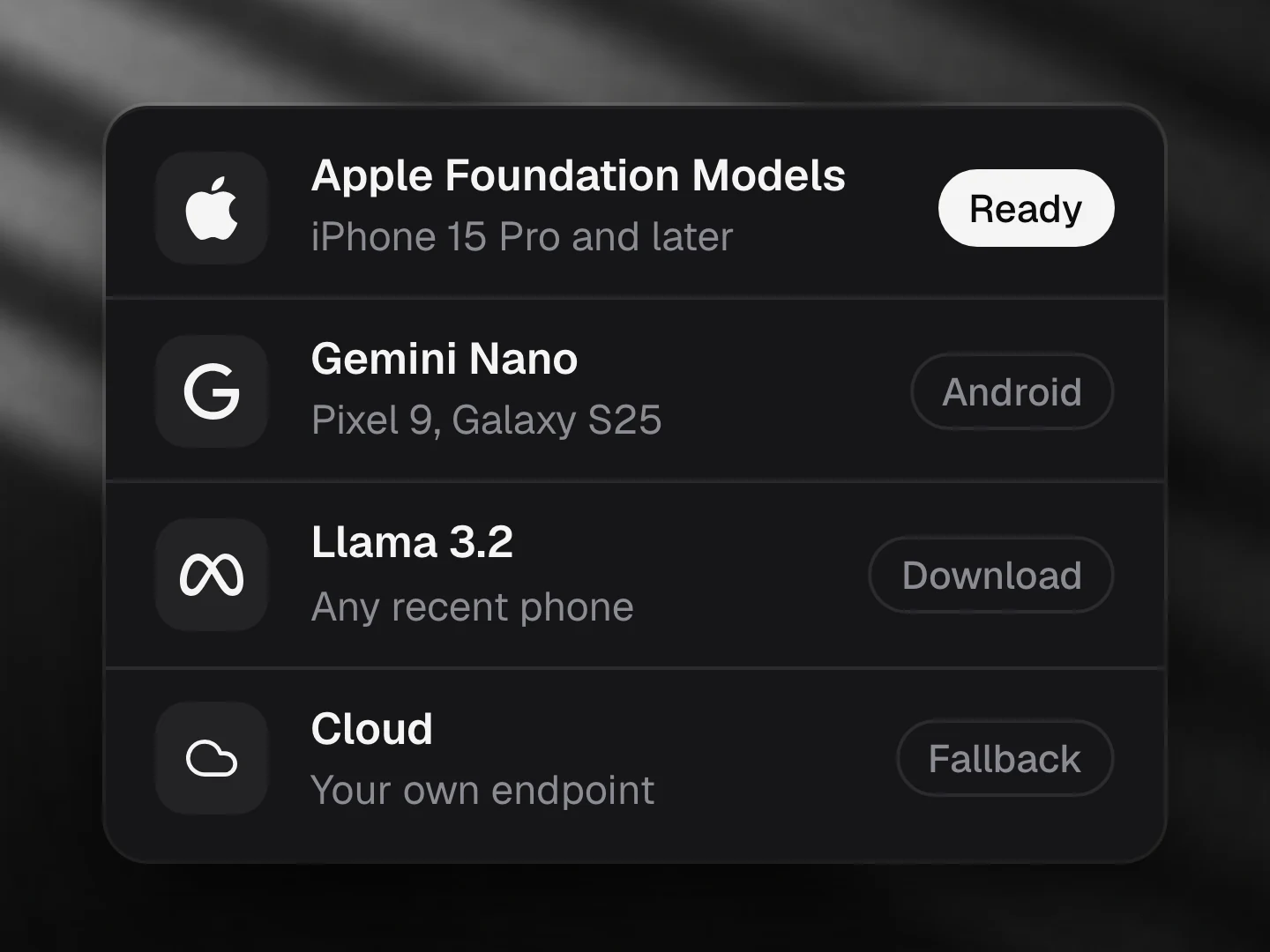
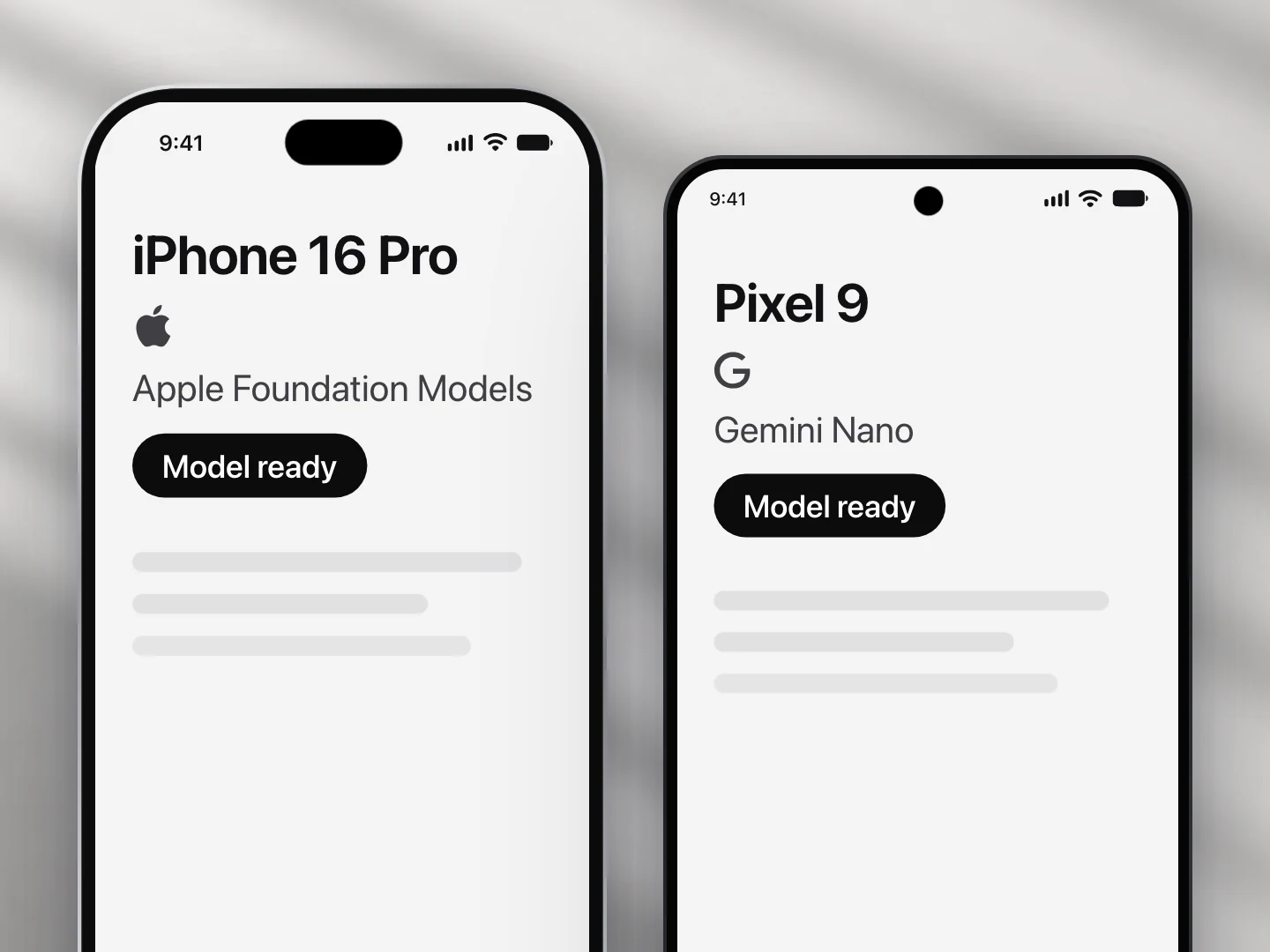
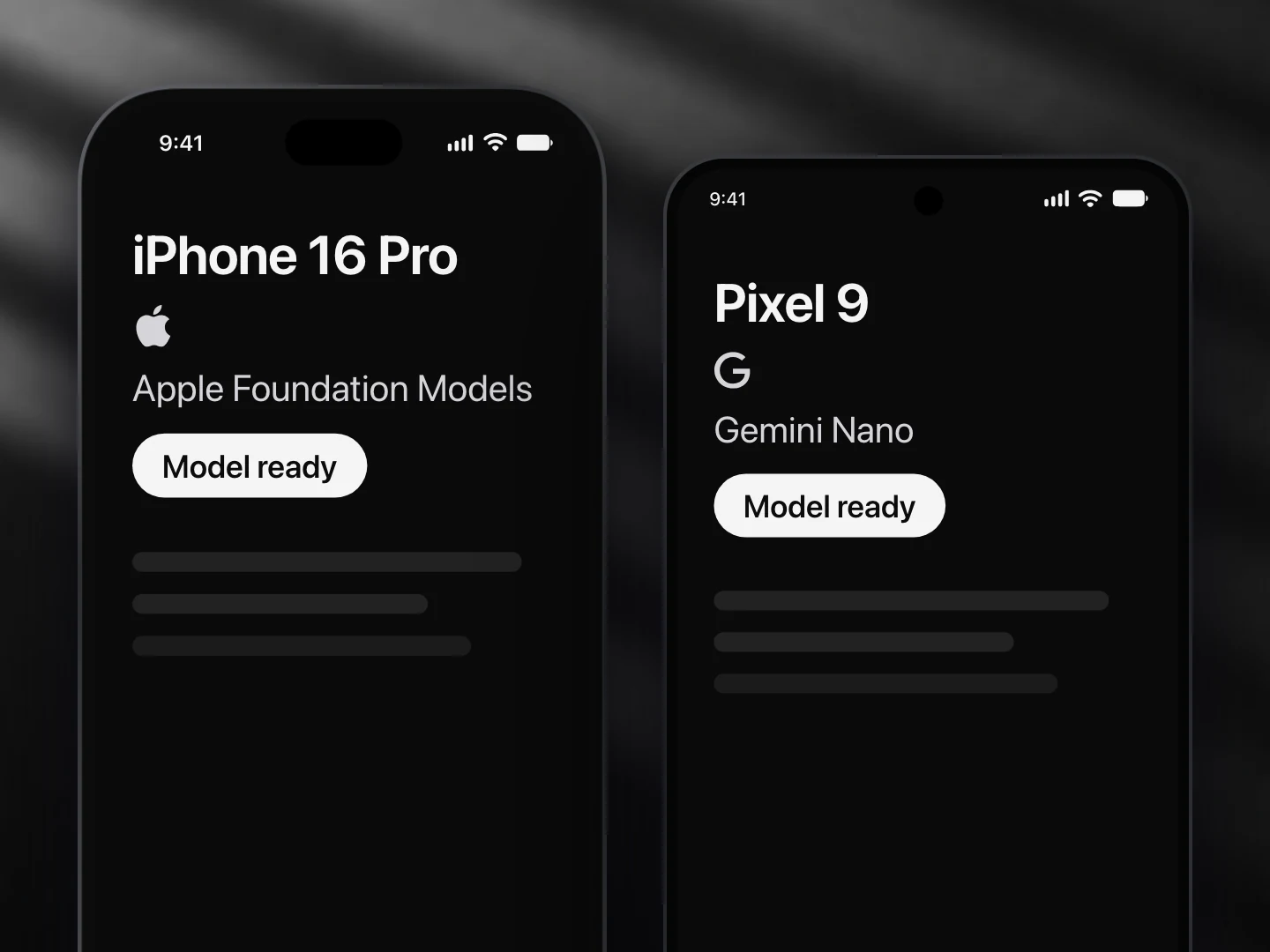
- Apple Foundation Models: supported
- Gemini Nano: supported
- Llama (not yet supported): not supported
- A cloud model: supported
Install
npx ondai add text-to-eventUsage
import { TextToEvent } from '@/components/ondai/text-to-event'
import * as Calendar from 'expo-calendar'

<TextToEvent
  onAdd={async (e) => {
    const end = new Date(e.start.getTime() + 60 * 60 * 1000)
    await Calendar.createEventAsync(calendarId, { title: e.title, startDate: e.start, endDate: end, allDay: e.allDay, location: e.place })
  }}
/>
For a chat or mail view, pass the selected text and use the message presentation:
<TextToEvent presentation="message" message={selectedText} autoRun onAdd={addToCalendar} />- The model only copies words out of the message ("next Friday", "8pm", "Nonna’s"). Dates and times are resolved on device against
now, so "next Friday" never depends on the model knowing today's date. - Each field gets its own confidence. A place or a name the message never says is marked "check". Tap any row to change it.
- An unclear date is highlighted with the days it could mean, and Add to calendar waits for a choice: "next Friday" said early in the week (this Friday or the one after), "Thursday or Friday", and numeric dates like 05/06 (pass
dayFirstto read them day first). - The event handed to
onAddhastitle,date(YYYY-MM-DD),time(HH:mm, none means all day),place,people, a localstartDate andallDay. - Headless:
useTextToEvent()gives yourun,draft,fields(confidence and candidates),set,chooseandevent.refineEvent()is the pure resolver.
Customize
Every AI component takes the same look and customization props, so it fits your app rather than ours.
<TextToEvent
  variant="pop"
  tint="#FF5A5F"
  size="lg"
  radius={12}
  clock="24h"
  icons={{ event: CalendarHeart, edit: null }}
  labels={{ find: '…', addToCalendar: '…' }}
  formatDate={(d) => d.toLocaleDateString('it-IT', { weekday: 'short', day: 'numeric', month: 'short' })}
/>| Prop | What it does |
|---|---|
variant | The look of the whole component: clean, minimal, glass, pop, candy, metal, shine, bevel |
size | sm, md, lg; type, rows, icons and keys scale together |
tint | Any colour; the variant paints its keys, tiles and the chosen date in it |
radius | Corner radius of the box, the bubble and the card |
clock | 12h (default) or 24h; or pass formatTime and formatDate |
revealInterval | Ms between fields filling in (default 240). 0, or reduced motion, fills them at once |
editable | Let rows be tapped and edited (default true) |
now, dayFirst | The reference day for relative dates, and how to read 05/06 |
icons | Replace any icon (a lucide component, an element, or null to hide it): event, title, date, time, place, people, edit, added, again, retry, error, refusal |
labels | Every visible and spoken string; defaults are exported as textToEventLabels: heading, hint, placeholder, inputLabel, find, thinking, filling, found, checkDate, which, title, date, time, place, people, allDay, add, check, editHint, addToCalendar, added, again, noEvent, noEventHint, error, refusal, retry, preparing |
| Slots | Draw a part yourself: renderRow, renderAdd |
styles | Style any named part: container, bubble, card, row, rowLabel, rowValue, actions |
States
| State | What you see |
|---|---|
idle | The message box (or bubble) and Find event |
thinking | The message is quoted and the card waits with quiet bars while the model reads |
filling | Fields arrive one at a time, with a light tick each |
done | Every field, editable, and Add to calendar |
ambiguous | The date row is highlighted with the days it could mean |
no-event | The message names no event |
error | What went wrong, and Try again |
refusal | The model declined; no retry |
unavailable, preparing | The availability copy, or the model download bar |
Variants
| Prop | Options |
|---|---|
variant | clean, minimal, glass, pop, candy, metal, shine, bevel |
presentation | card, message |
size | sm, md, lg |
Token budget
Input budget: 800 tokens. One structured call on the message; the model copies words, then dates, times and names are resolved and checked against the message on device.
Fallback
When no provider is ready the component shows the unavailable state (AvailabilityGate copy) or the download progress, and the find key waits. Dates and times are always resolved deterministically, so the same message gives the same day on every provider.
Files
Registry dependencies: button, chip, field, model-download, on-device-badge, shimmer-text, skeleton, surface
npm dependencies: @ondai/core, @ondai/tokens, expo-haptics, lucide-react-native, react-native-reanimated, zod