
Inline suggest
A text field that offers the rest of the sentence as ghost text while the person types, from the on-device model. Tab or the Add key takes it.
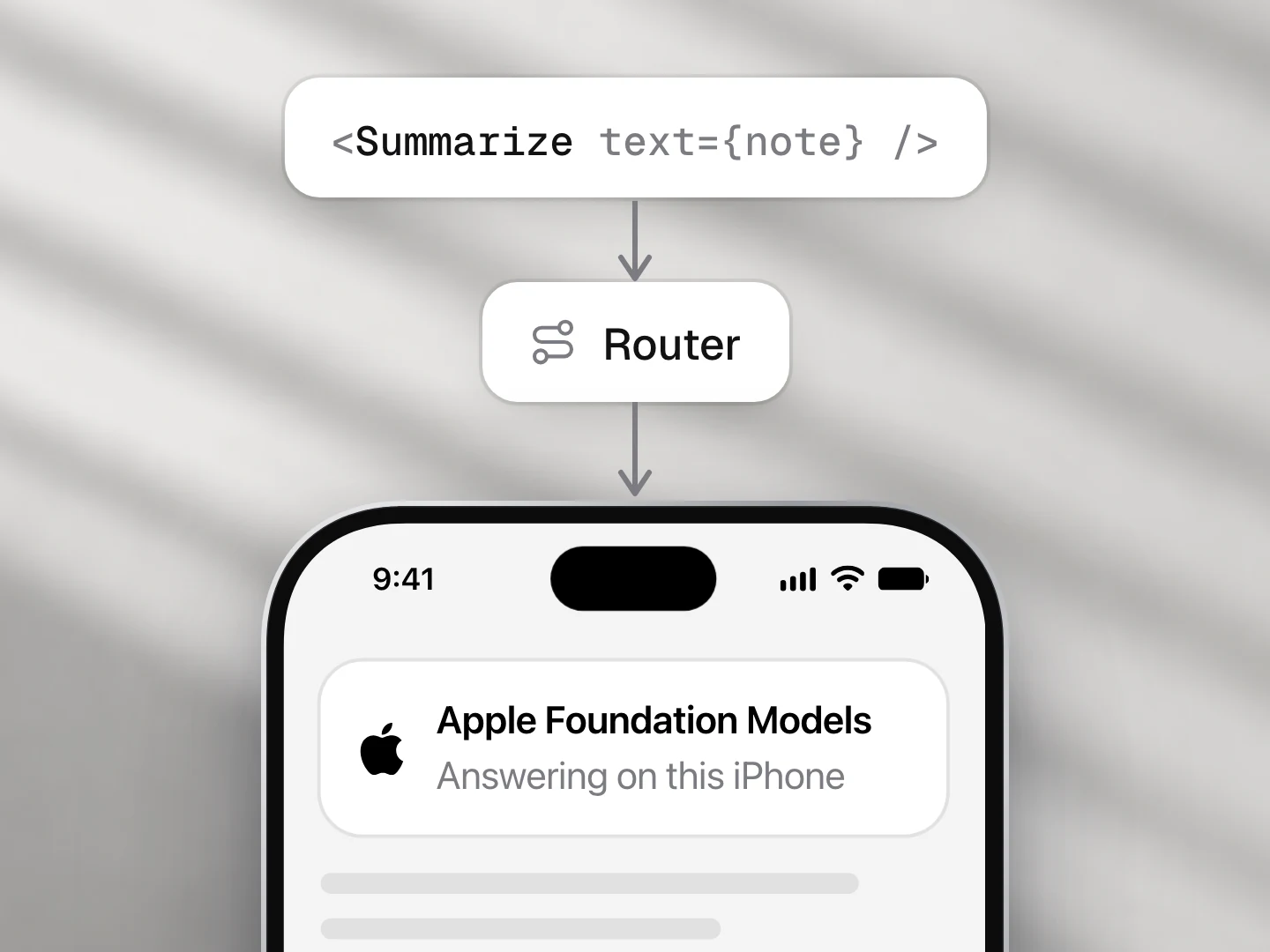
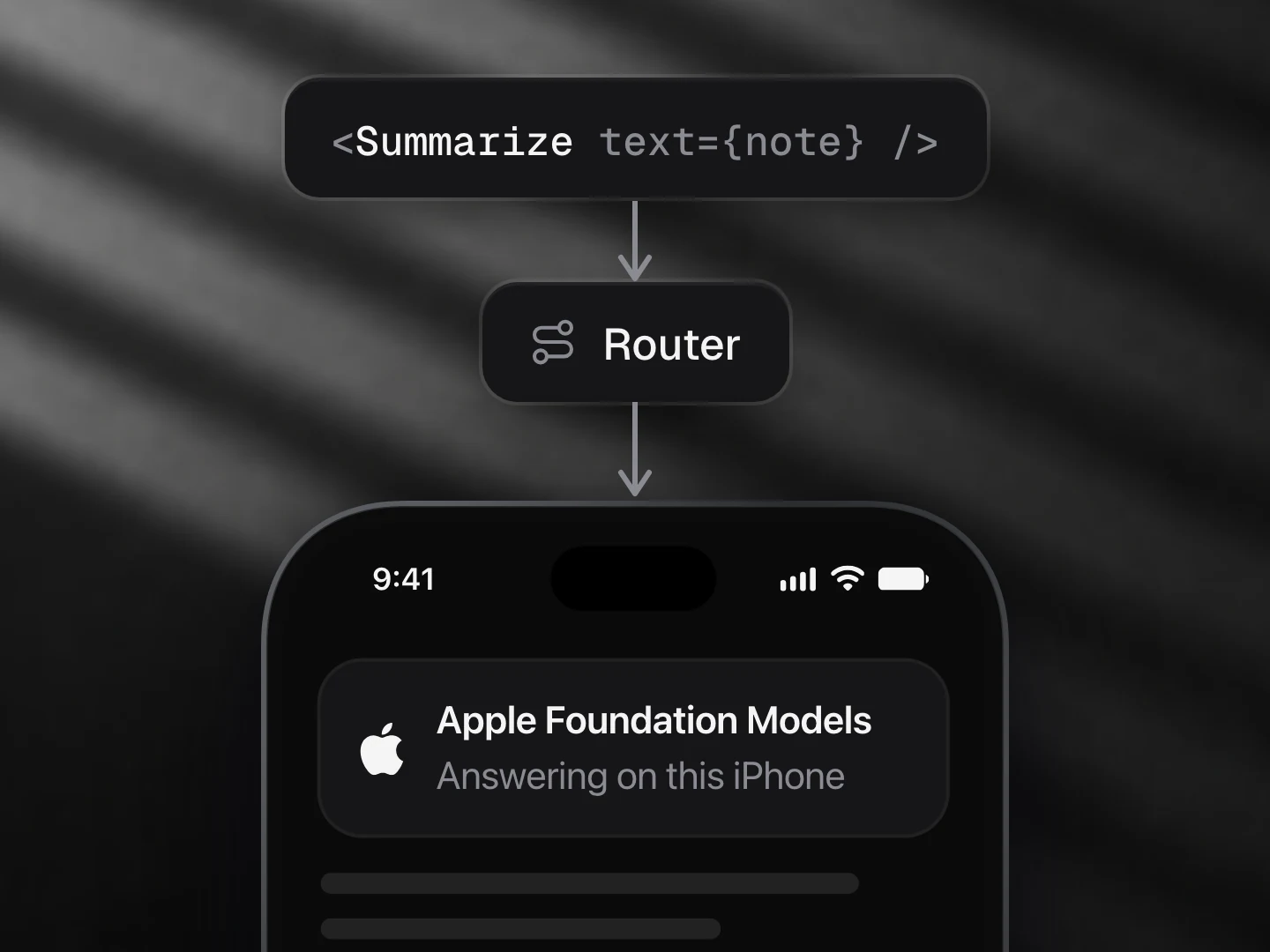
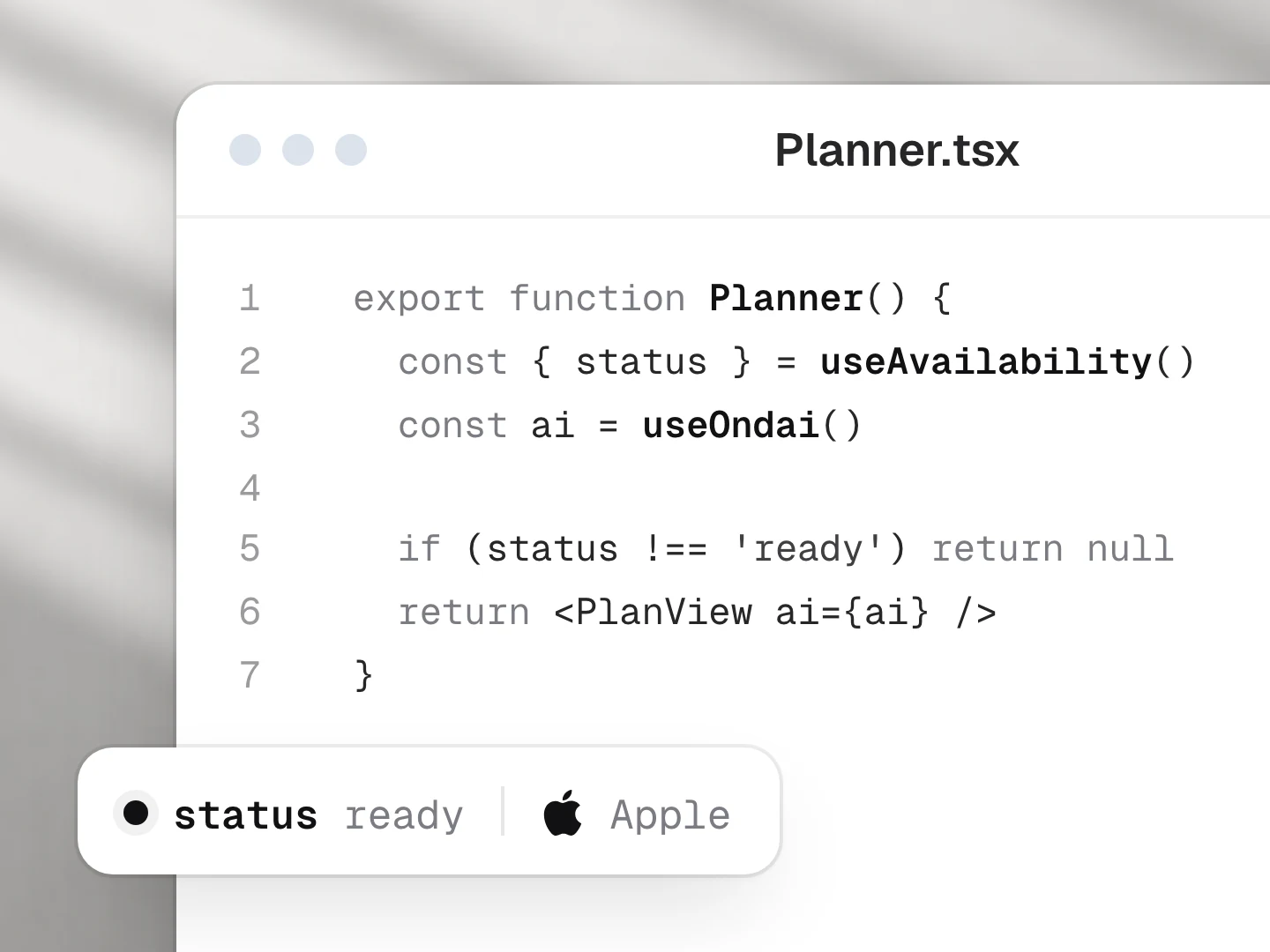
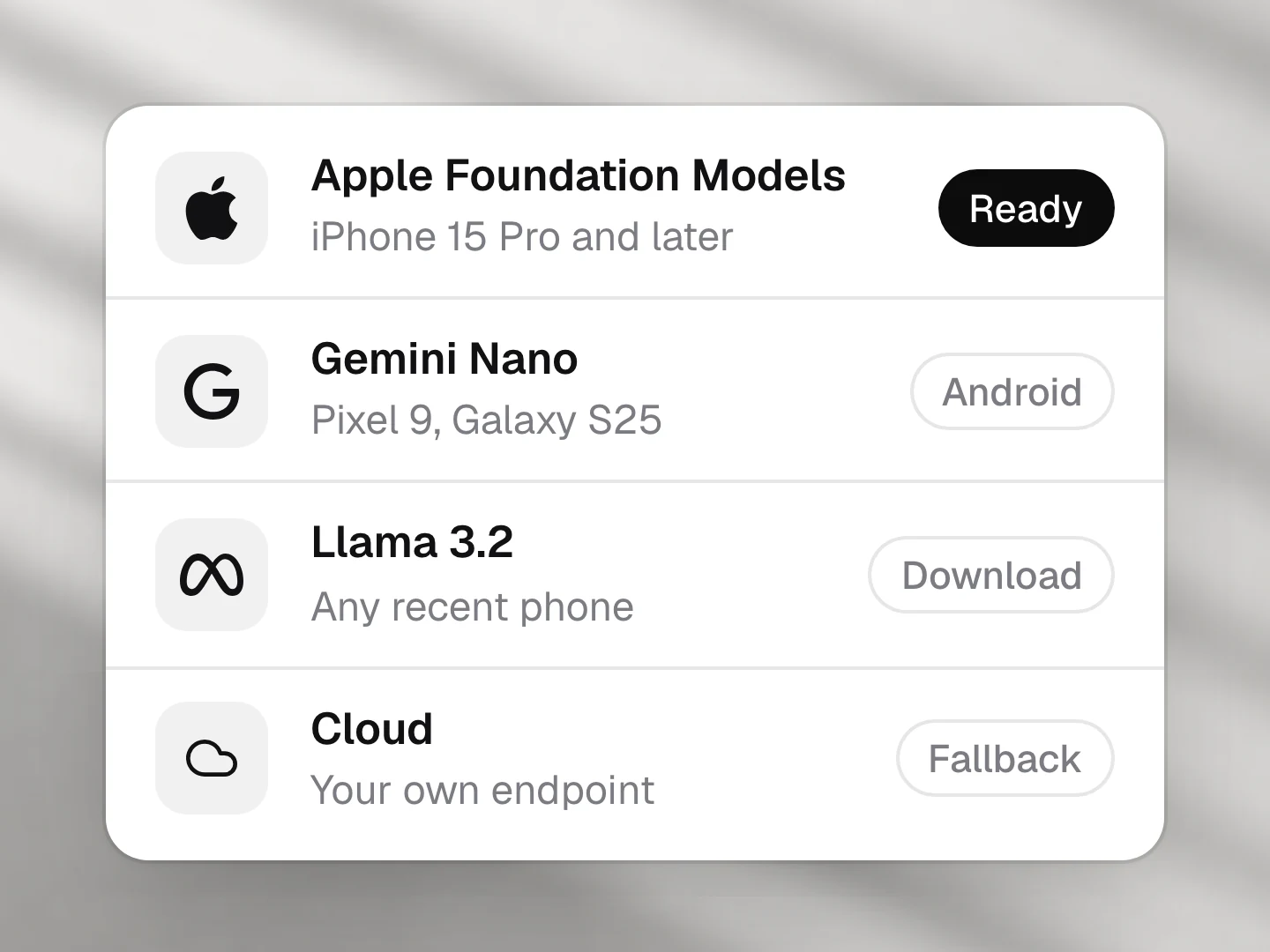
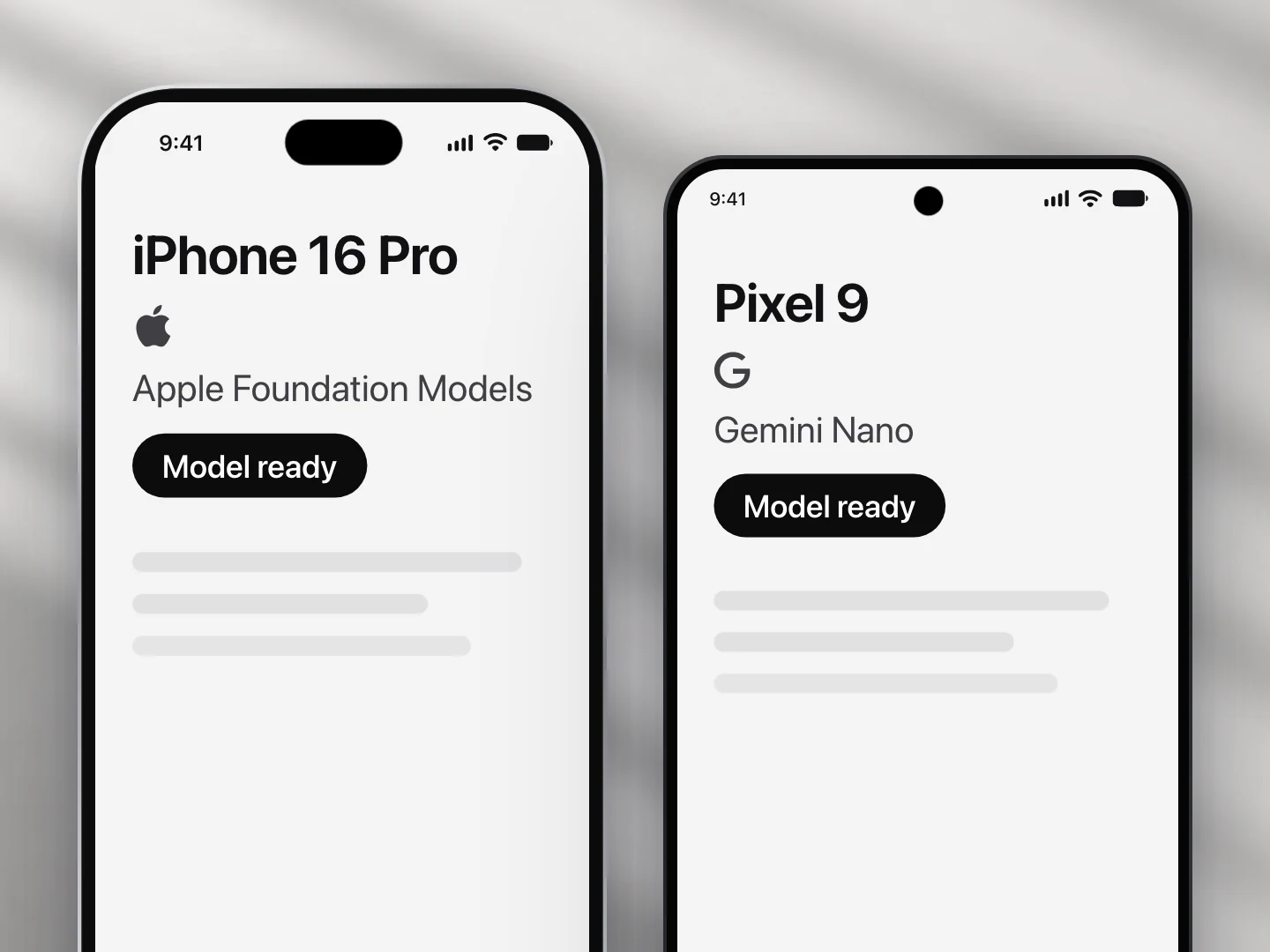
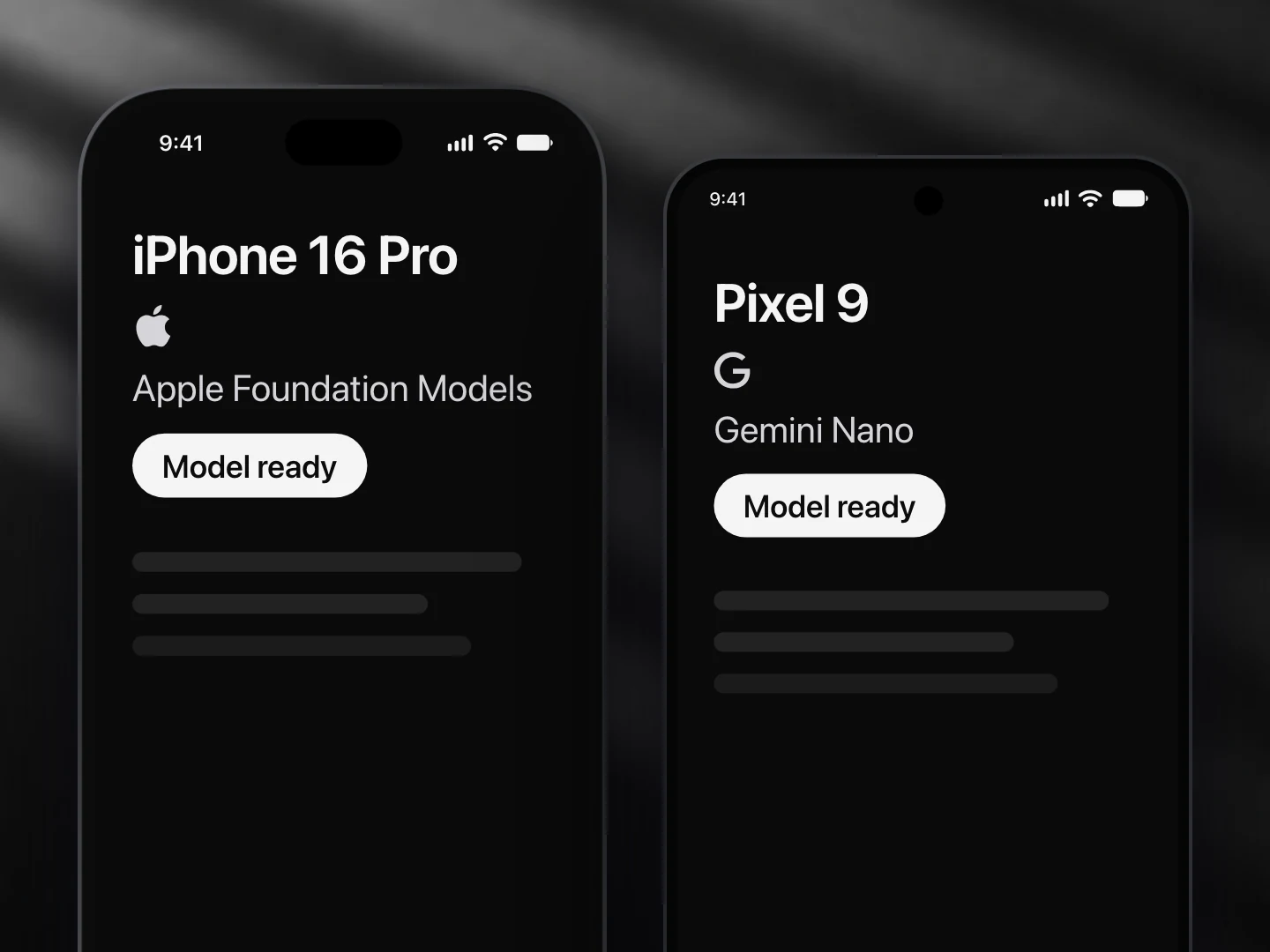
- Apple Foundation Models: supported
- Gemini Nano: supported
- Llama (not yet supported): not supported
- A cloud model: supported
Install
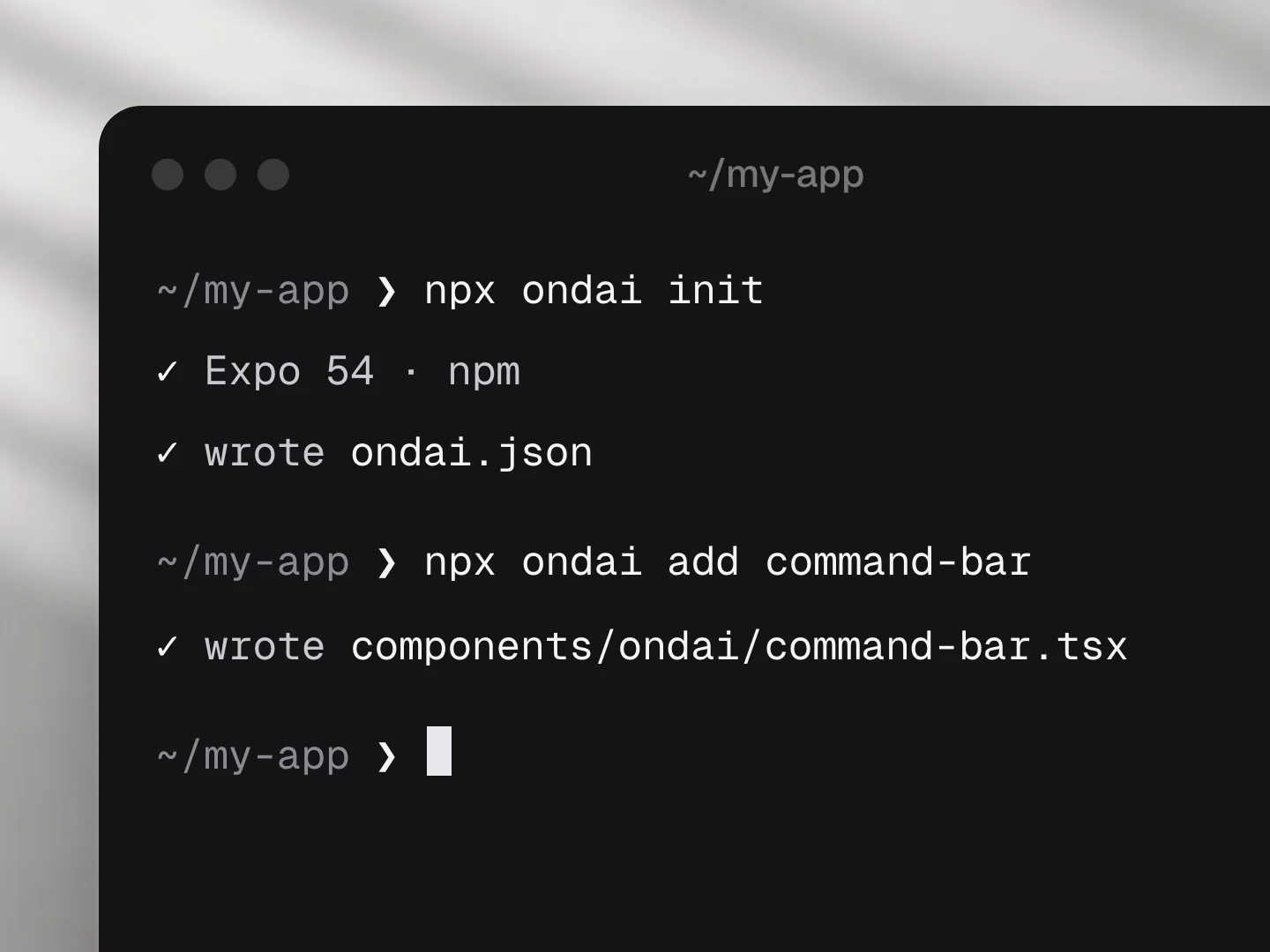
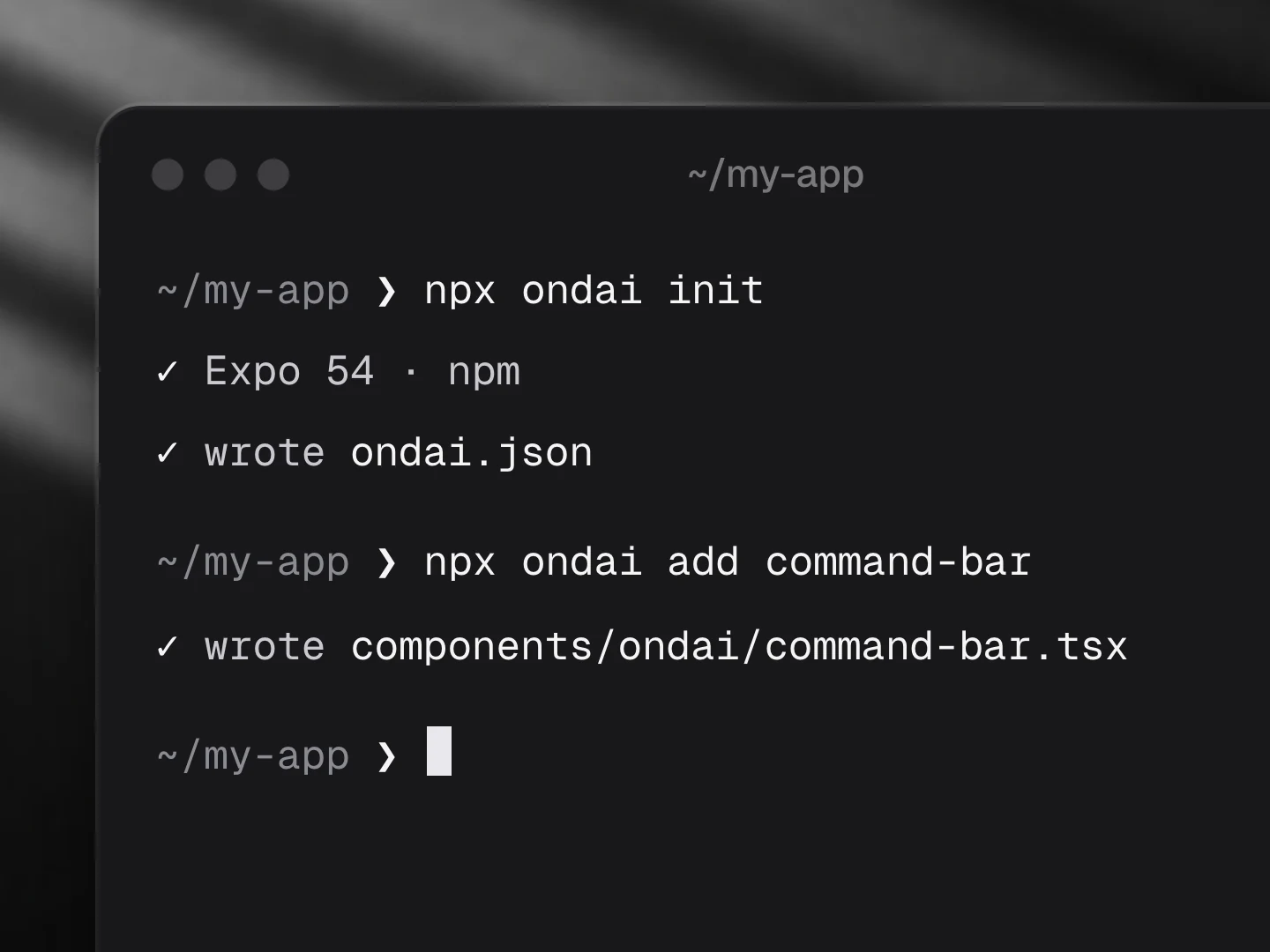
npx ondai add inline-suggestUsage
import { InlineSuggest } from '@/components/ondai/inline-suggest'

<InlineSuggest context="A message to Priya about Friday’s dinner" value={text} onChangeText={setText} />- The model runs only after a pause in typing, and a guess for older text is never shown.
Customize
Every AI component takes the same look and customization props, so it fits your app rather than ours.
<InlineSuggest
  variant="pop"
  tint="#FF5A5F"
  size="lg"
  radius={12}
  icons={{ accept: Search }}
  labels={{ placeholder: '…', accept: '…' }}
/>| Prop | What it does |
|---|---|
variant | The look of the whole component: clean, minimal, glass, pop, candy, metal, shine |
size | sm, md, lg; type, rows, icons and keys scale together |
tint | Any colour; the variant paints its keys, tiles and glow in it |
radius | Corner radius of the container |
icons | Replace any icon (a lucide component, an element, or null to hide it): accept |
labels | Every visible and spoken string; defaults are exported as inlineSuggestLabels: placeholder, accept, hintKeyboard, hintTouch, thinking, suggestion |
| Slots | Draw a part yourself: renderAccept, renderHint |
styles | Style any named part |
Variants
| Prop | Options |
|---|---|
variant | clean, minimal, glass, pop, candy, metal, shine |
size | sm, md, lg |
Fallback
When no provider is ready the component renders the unavailable state (AvailabilityGate copy) and, where a deterministic path exists, keeps working without the model.
Eval score
No model-driven fixtures for this component.
Files
Registry dependencies: button, key-hint, on-device-badge, shimmer-text, surface
npm dependencies: @ondai/core, @ondai/tokens, lucide-react-native, react-native-reanimated
Prompt composer
Where a person writes to the on-device model: a growing field, attachments, the model badge and a send key that becomes stop while it answers.
Agent run
An agent doing a job on the device, step by step: each tool call with its time, approval before anything risky runs, and the answer at the end.